32 OFFICESUITE UC
®
—ADMINISTRATOR USER GUIDE
OceSuite HD
Meeting
®
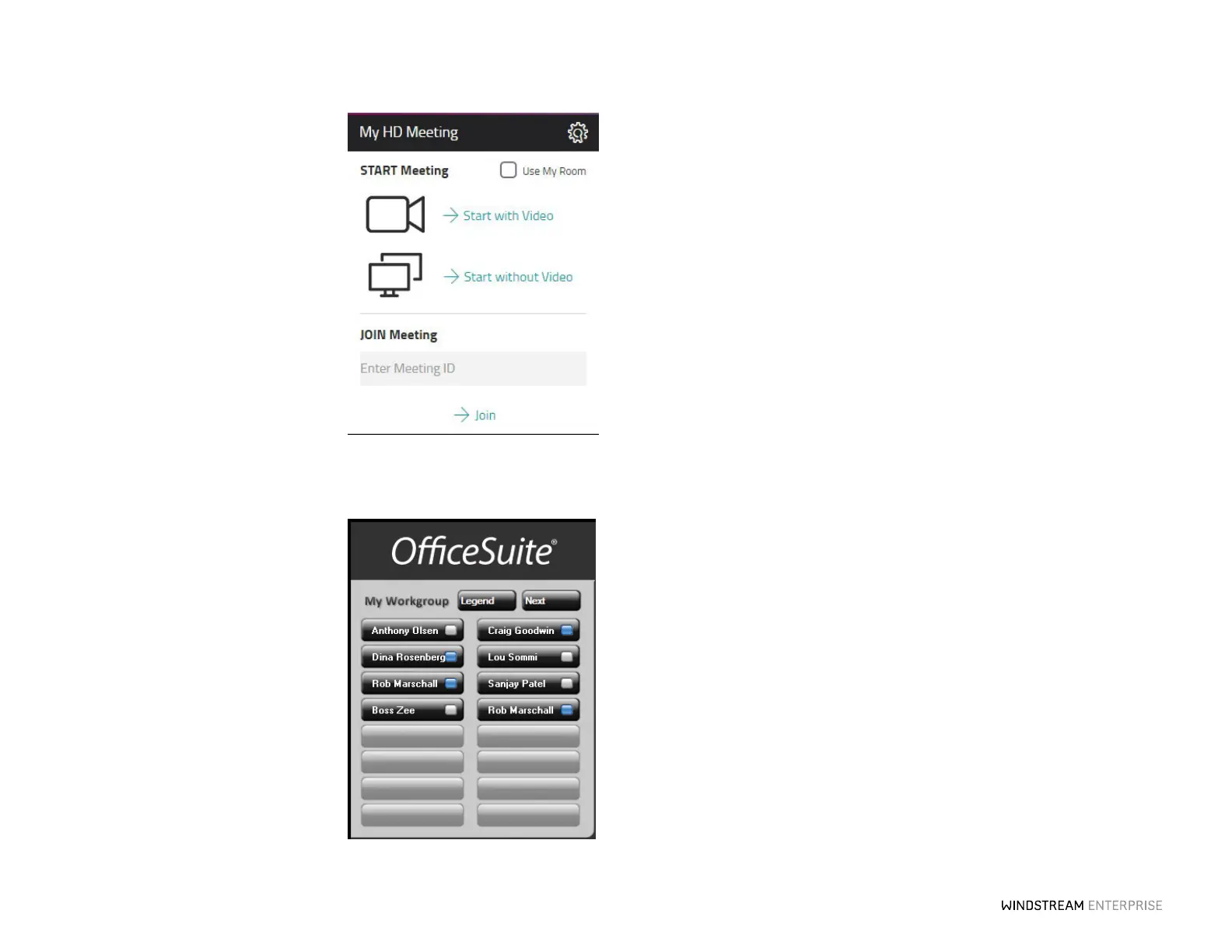
With OceSuite HD Meeting, you can
host online meetings, HD video
conferences and audio conferences for up
to 500 people from virtually any device.
Meeting organizers and participants can
use any phone, any PC or Apple Macintosh
computer, or even an iPhone
®
, iPad
®
or
Android™ device to host or join a meeting.
To add or buy more OceSuite HD
Meeting accounts, click on Manage from
the HD Meeting Licenses widget.
OceSuite UC
PC Console
Give your front desk the ultimate tool to
quickly and easily distribute calls to the right
person, voicemail box or department
promptly with the ability to monitor the
status and availability of up to 400
employees from one desk. Advanced
technology enables you to drag and drop
calls to transfer or conference, schedule calls
ahead of time and view co-worker’s Outlook
®
calendars for fast and accurate transferring.
*Additional fees may apply for optional features.
OceSuite UC for Chrome
OceSuite UC for Chrome allows you to click to dial from any webpage, enabling you to
start calls quickly and accurately from any computer running Google Chrome. When a
phone number is selected, a call will immediately be launched to your OceSuite UC
phone. OceSuite UC for Chrome also integrates the WE Connect Desktop app with
Gmail, Outlook 365 and Microso Dynamics 365, so you have access to all your
OceSuite UC features from a single screen. OceSuite UC for Chrome allows you to
receive incoming call pop ups that link directly to any web based application you choose,
using a customizable URL launcher. To get started, click on Manage on the OceSuite
UC Licenses widget and select OceSuite UC Connector.



 To Next Page