7 OFFICESUITE UC
®
—ADMINISTRATOR USER GUIDE
Using the System from the WE Connect Portal
The WE Connect Portal is a revolutionary customer portal that enables you to manage all the preferences and features of your
OceSuite UC system, including: fax, OceSuite HD Meeting and your toll-free service. You will be set up by our team as a WE
Connect user for the customer portal, as well as enabled with an extension for phone system access.
Once established, you will receive a welcome email instructing you to activate your account and set your password and profile.
Once logged in, you are presented with the WE Connect Dashboard from which you manage the entire system and all of your
services. Across the top of the Dashboard is a series of tabs with dierent functions and in the center of the Dashboard are widgets
from which you can make changes to the system and services. Each widget has a video icon and information icon describing its
function to help illustrate how to use the widget.
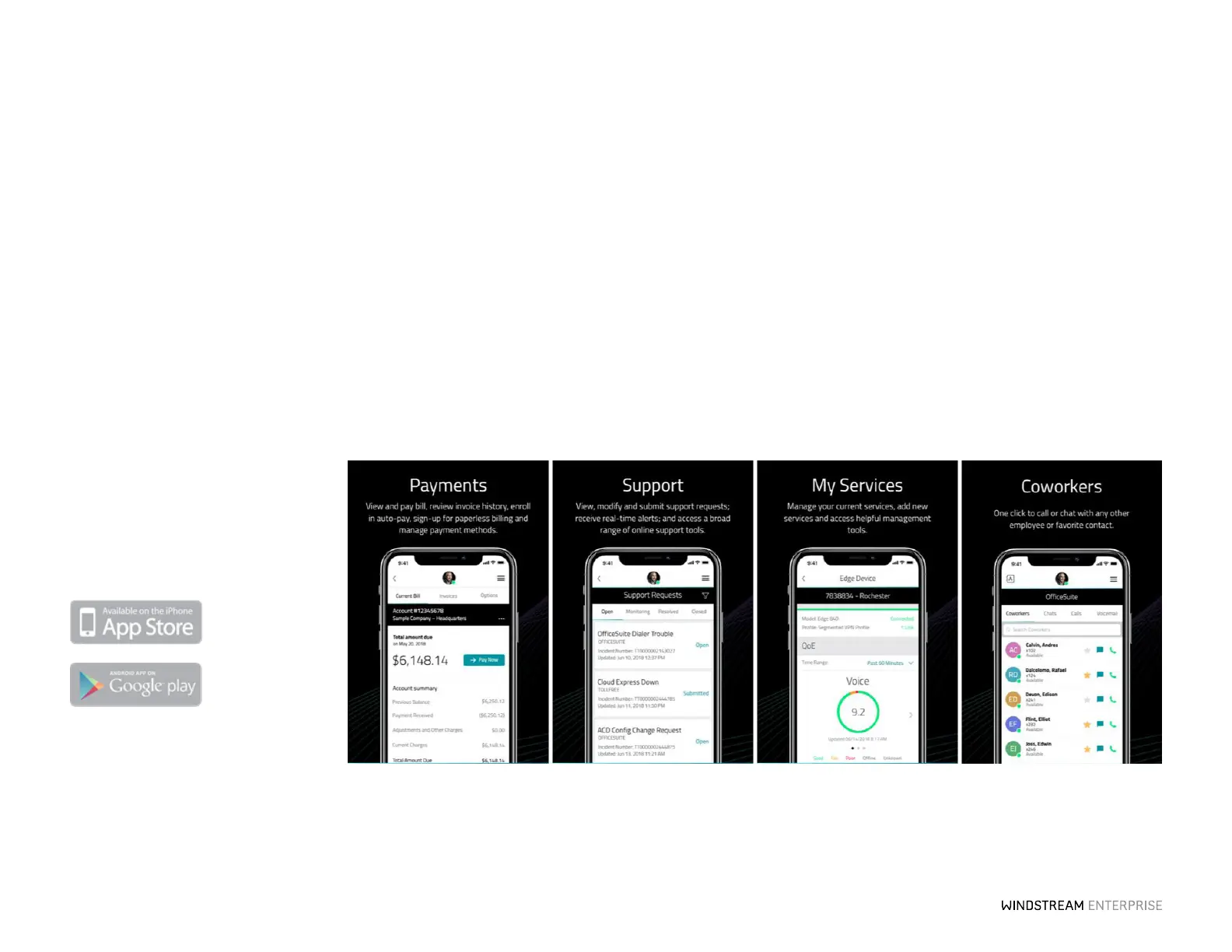
WE Connect App
Take WE Connect with you wherever you
go. Search for “Windstream Enterprise
Connect” and download the WE Connect
app to your mobile device.



 To Next Page