37 OFFICESUITE UC
®
—ADMINISTRATOR USER GUIDE
What should I do when my phone displays “using option 128+ or using option 43”?
There is nothing that you need to do if you see this message. This is a normal message
and indicates that the phone’s firmware has been upgraded to the latest version so that
you have access to all the latest features and functionality.
What should I do when my phone displays “not a valid site” or “invalid site”?
This error means that the wrong IP address was used to configure your phone. Follow the
instructions that pertain to your circumstances at in the OceSuite UC Community.
What should I do if my phone displays “option 128 missing”?
If you see this displayed, go to the OceSuite UC Community for more information.
Connectivity tests
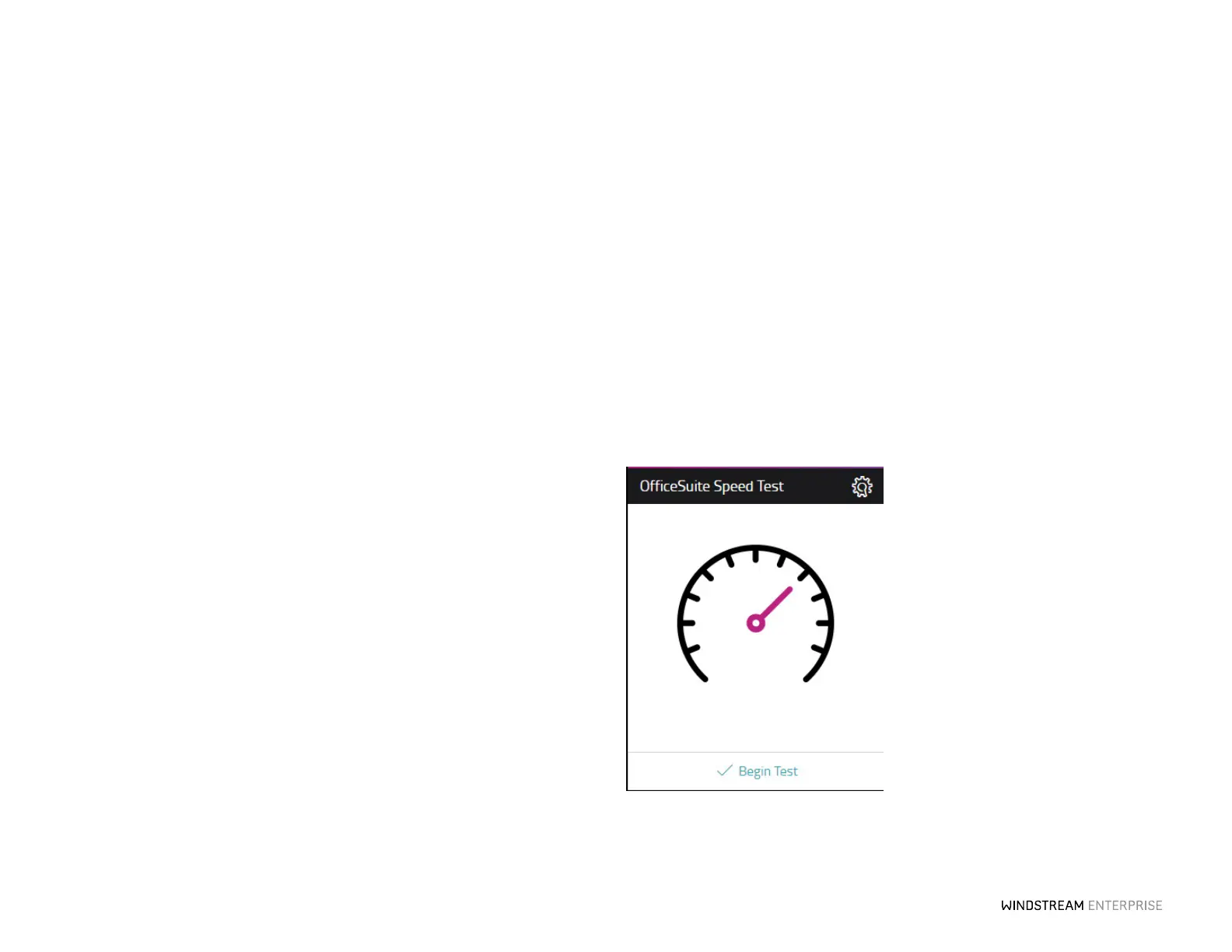
At any time, you can test the speed of your internet with the Connectivity Test widget
on the WE Connect Portal. Click on Begin Test on the Connectivity Test widget to
get started.
The speed required for optimum performance is 88 kbps for each phone.



 To Next Page