EasyManua.ls Logo

Winegard RZ-7500 - User Manual

Winegard RZ-7500
8 pages
Print Icon
To Next Page IconTo Next Page
Loading...
2452341
Rev0 10-14
User Guide
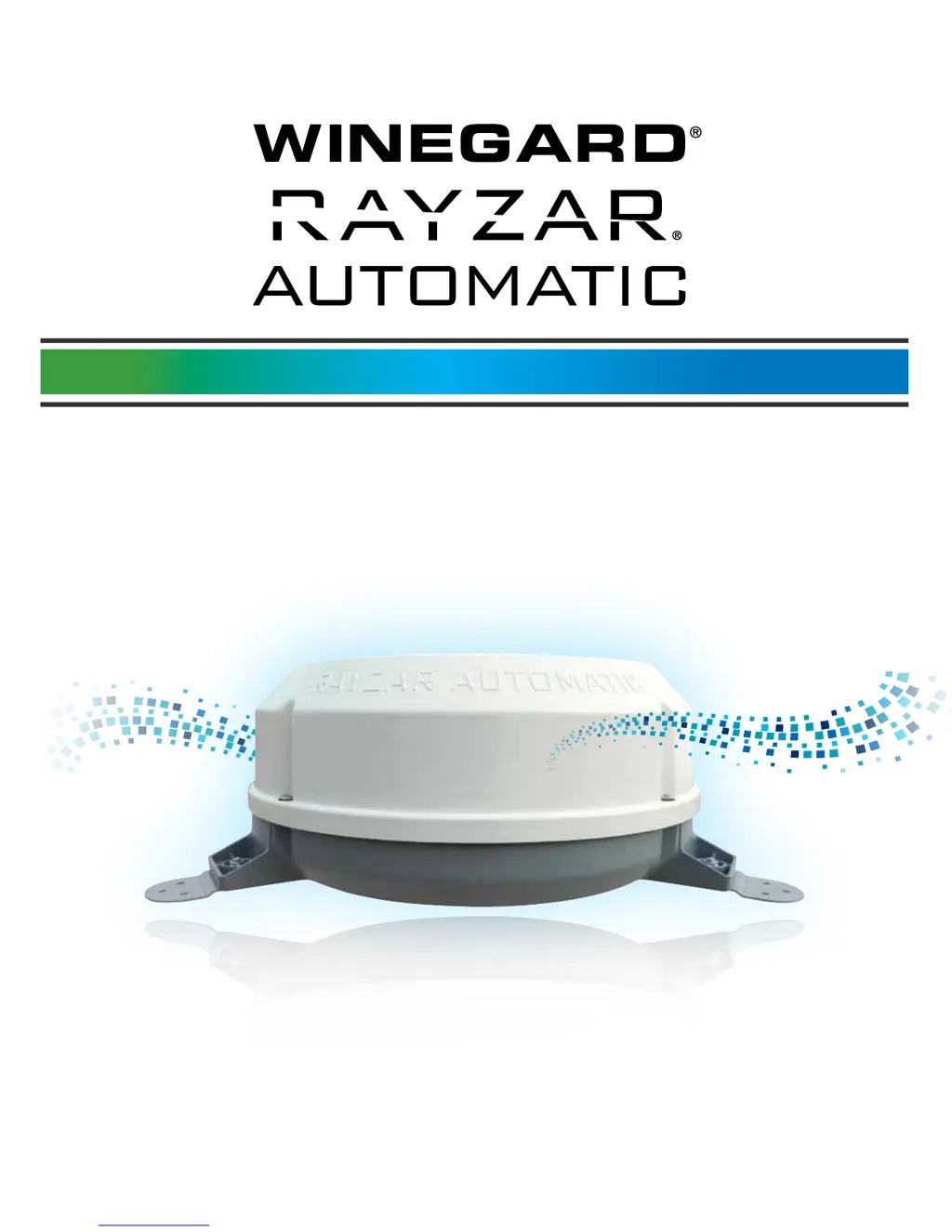
For Rayzar Automatic Antenna Models RZ-7500 / RZ-7535 / RZ-8500 / RZ-8535
For French and Spanish versions, FAQs, troubleshooting, videos,
and product information visit www.winegard.com/rayzarauto
For help, email help@winegard.com or call 1-800-788-4417
Automatic Amplified Local Broadcast HD TV Antenna

Questions and Answers

  • K
    Kevin NguyenAug 1, 2025
    How to fix Winegard RZ-7500 Antenna error E1?
    • R
      Roy WagnerAug 1, 2025
      If your Winegard Antenna displays error code E1, it indicates a short in the coax cable between the control panel and the antenna. To resolve this, carefully inspect all cables and connections. Then, perform a RESET function on the control panel or disconnect the 12V power supply.
  • T
    Timothy McneilAug 7, 2025
    What to do if Winegard RZ-7500 is in Factory Mode?
    • T
      Tim BlankenshipAug 7, 2025
      If your Winegard Antenna displays error code E5, it means the system is in Factory Mode. To exit this mode and return to normal operation, perform a RESET function on the control panel.
  • J
    Jennifer RyanAug 13, 2025
    What to do if Winegard RZ-7500 Antenna shows error E2?
    • A
      amymcclureAug 14, 2025
      If your Winegard Antenna displays error code E2, it means that no antenna has been detected. Check all cables and connections to the antenna to resolve this issue.
  • K
    Kevin RoyAug 19, 2025
    What does error E4 mean on a Winegard Antenna?
    • E
      Emily JonesAug 20, 2025
      If your Winegard Antenna displays error code E4, it indicates a tuner error. While the controls and antenna will still function, you should perform a RESET function on the control panel. If the problem continues, contact Winegard Technical Service.
  • A
    Angela BergAug 25, 2025
    Why does my Winegard Antenna show error E3?
    • C
      christinaroachAug 26, 2025
      If your Winegard Antenna displays error code E3, it indicates a motor movement error. The antenna may still function. If the problem persists, contact Winegard Technical Service.

Summary

Antenna Parts and Specifications

Antenna Components

Lists the primary antenna unit and associated hardware components included.

Other Hardware Components

Details various mounting and connection hardware included with the antenna.

Technical Specifications

Provides key technical details of the Rayzar Automatic antenna.

Installation Guide

Antenna Mounting Procedure

Step-by-step guide for mounting the antenna on an RV roof, including location choice and sealing.

Installation Warnings and Guidelines

Critical advice on placement, signal interference, and cable length for optimal performance.

Cable Routing and Control Panel Installation

Routing Coaxial Cables

Instructions for connecting and routing the coaxial cable from the antenna to the control panel.

Control Panel Setup

Detailed steps for mounting the control panel and connecting power, TV, and cable inputs.

Connector Installation and Compliance

Installing a Connector on Coax Cable

Step-by-step guide for properly attaching an F-connector to coaxial cable ends.

FCC Compliance and Safety Warnings

Information on FCC compliance and crucial safety warnings regarding antenna component removal.

Antenna Operation and Search

About Digital TV Signals

Explains digital TV broadcast principles and the role of channel scans.

Cable and Antenna Modes

Differentiates between park cable signal passthrough and active antenna operation.

Automatic Search Procedure

Guide on initiating and understanding the automatic antenna search for optimal reception.

Operation Modes and Troubleshooting

Channel Scanning and Manual Control

Procedures for performing TV channel scans and manually adjusting antenna position.

Sleep Mode Functionality

How the system enters and exits sleep mode after inactivity.

Troubleshooting Error Codes

Lists common error codes and actions to resolve issues.

Warranty and Contact Information

Limited Warranty Details

Covers the two-year parts and one-year labor warranty terms and conditions.

Return Authorization Policy

Explains the process for returning products for warranty service.

Winegard RZ-7500 Specifications

General IconGeneral
BrandWinegard
ModelRZ-7500
CategoryAntenna
LanguageEnglish

Related product manuals