16
Auto Mode
Continuous Mode
1
1
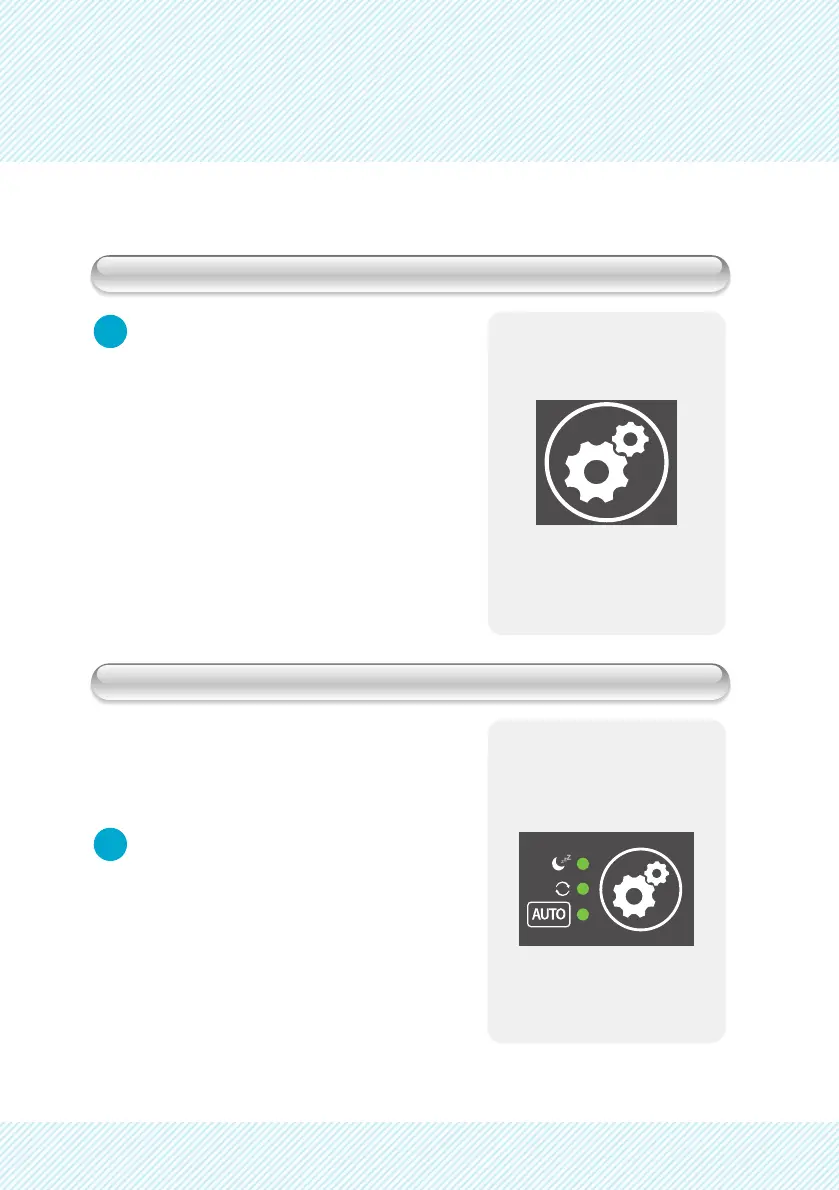
Push FUNCTION button to select
Auto Mode
AIR FLOW:
When ambient humidity is sensed at less
that 60%, the unit will operate at “High”
fan speed. When the ambient humidity
is sensed at greater than 60% the unit
will operate at “Low” fan speed.
CLEANING DISCS:
When ambient humidity is sensed at
greater than 75% humidity the cleaning
discs will stop spinning. When ambient
humidity is sensed less than 60%, the disc,
resumes to circulate.
Push the FUNCTION button to select
Continuous Mode.
- Continuous Mode Indicator will
illuminate.
- The FUNCTION button will cycle
the unit between the following:
Auto -> Continuous -> Sleep


 To Next Page