Operation
17
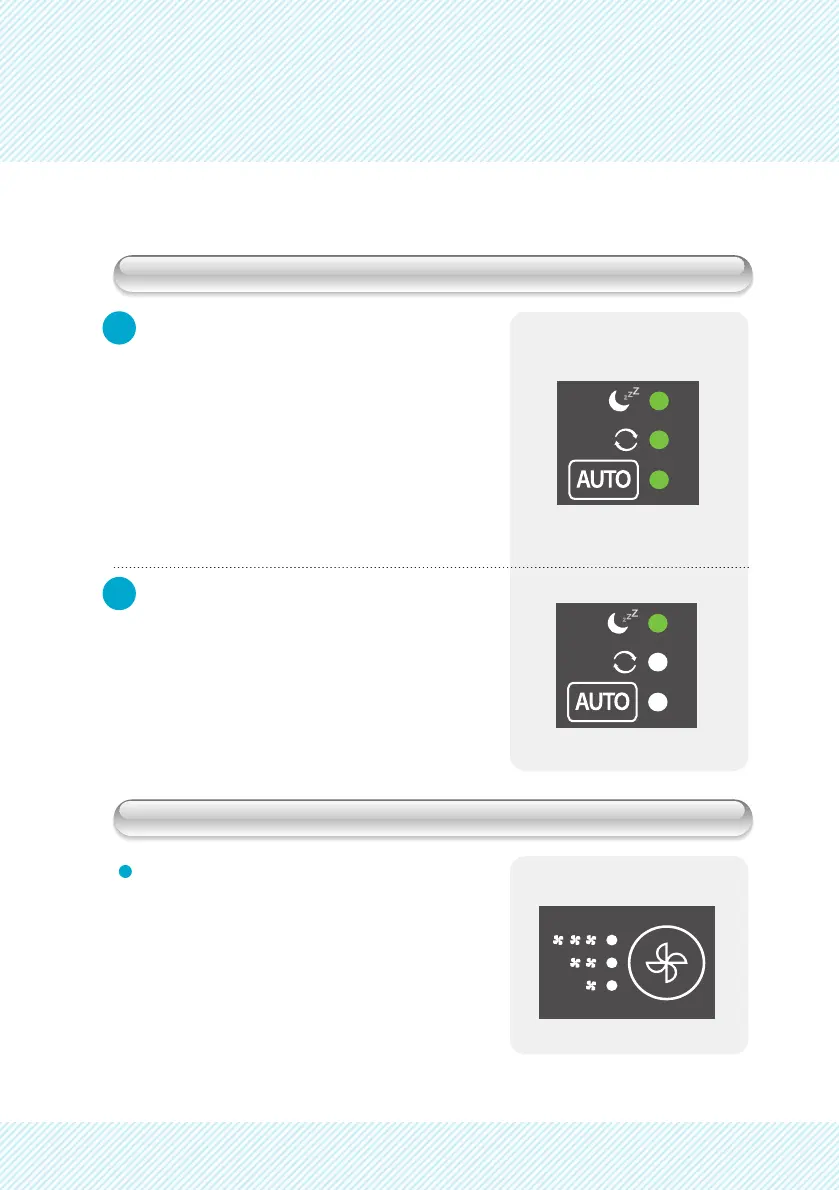
Sleep Mode
Adjust Fan Speed
1
2
Push the FUNCTION button to select
Sleep Mode.
The MODE button will cycle the unit
between the following:
Auto -> Continuous -> Sleep
During Sleep Mode the unit will set fan
speed to lowest setting and the display
will turn off, except for the low fan speed
indicator.
Push the FAN SPEED button to change
the Fan Speed.
The FAN SPEED button will cycle the unit
between the following:
Low -> Med -> High


 To Next Page