

 To Next Page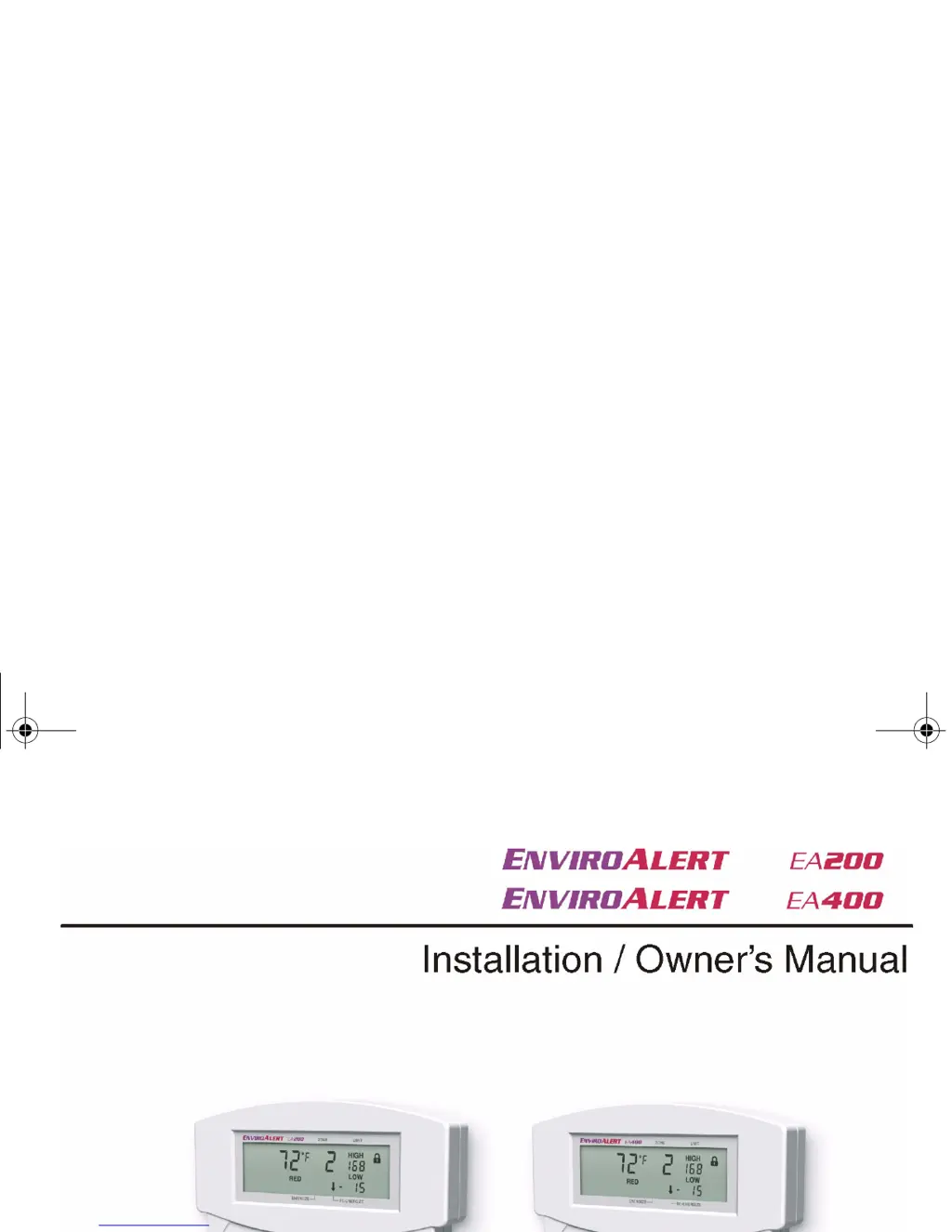

D
Daniel VaughanAug 1, 2025
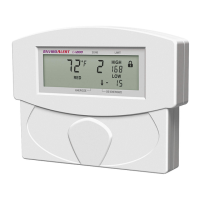
What to do if Winland EnviroAlert EA200 Security System shows flashing Zone digit and temperature reading of 150° C or 299° F?
- TTim BrewerAug 1, 2025
If you observe a flashing Zone digit along with a temperature reading of 150° C or 299° F on your Winland Security System, it typically indicates either a shorted connection between the sensor and the EA200/EA400 SENSOR IN connections or a defective sensor. To resolve this: * First, check the connections and ensure that all splices are in good condition. * If the issue persists, try using another sensor with the same Zone to determine if the original sensor is defective. Replace the sensor if necessary.
 General