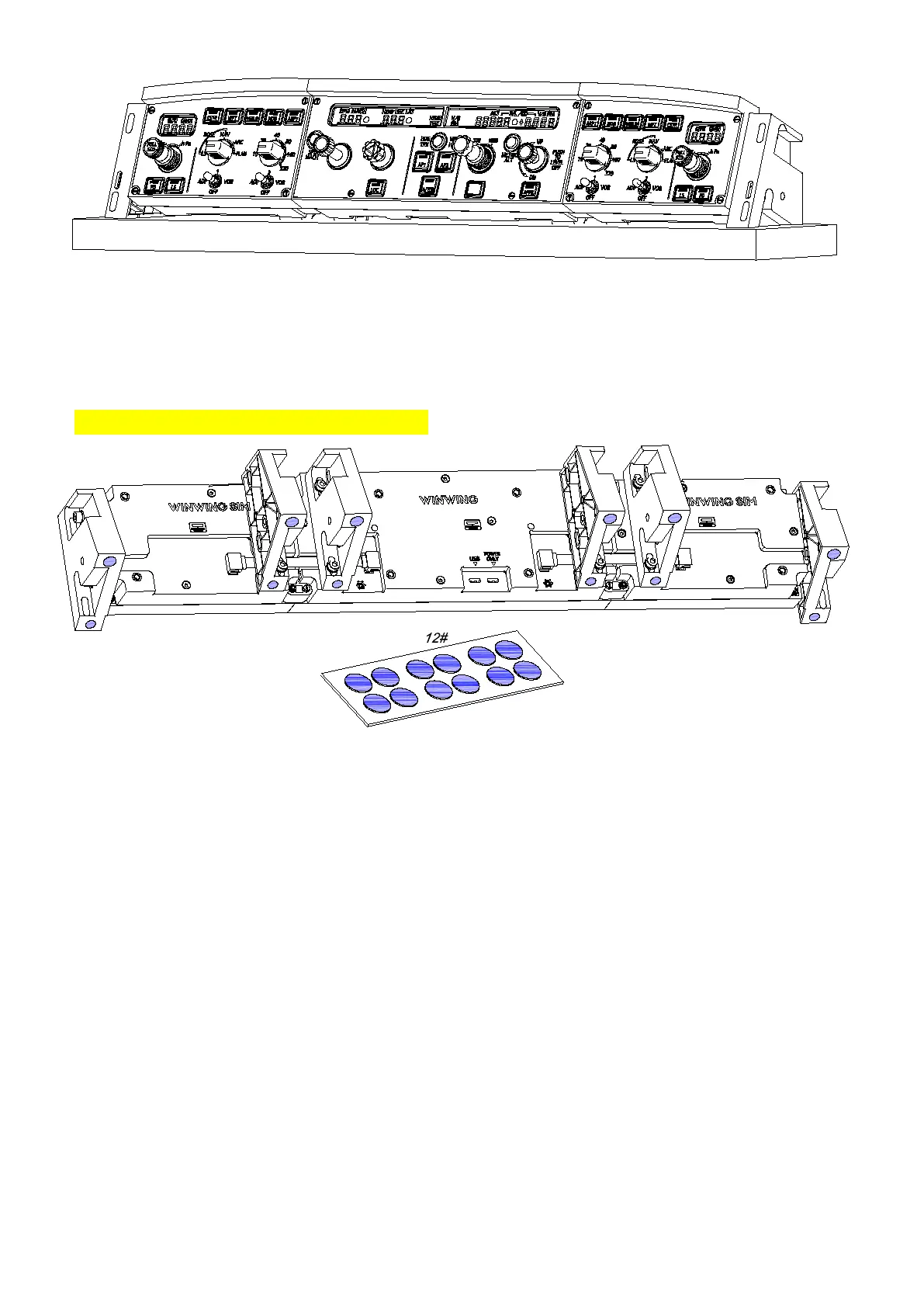
*Clean dust from the bracket surface before mounting.
*Adjust the bracket position vertically and horizontally to ensure it is stable on
the desktop before tightening the screws.
Tighten screws until there is no wobble; overtightening may cause damage.
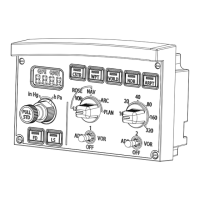
③ Apply nano double-sided adhesive dots (12#).
*Clean dust from the bracket surface before application.
Apply the nano double-sided adhesive dots to the bottom of the brackets as shown.


 To Next Page