8
WINYCAM BRAVO
사
용
하
기
How to use
How to use
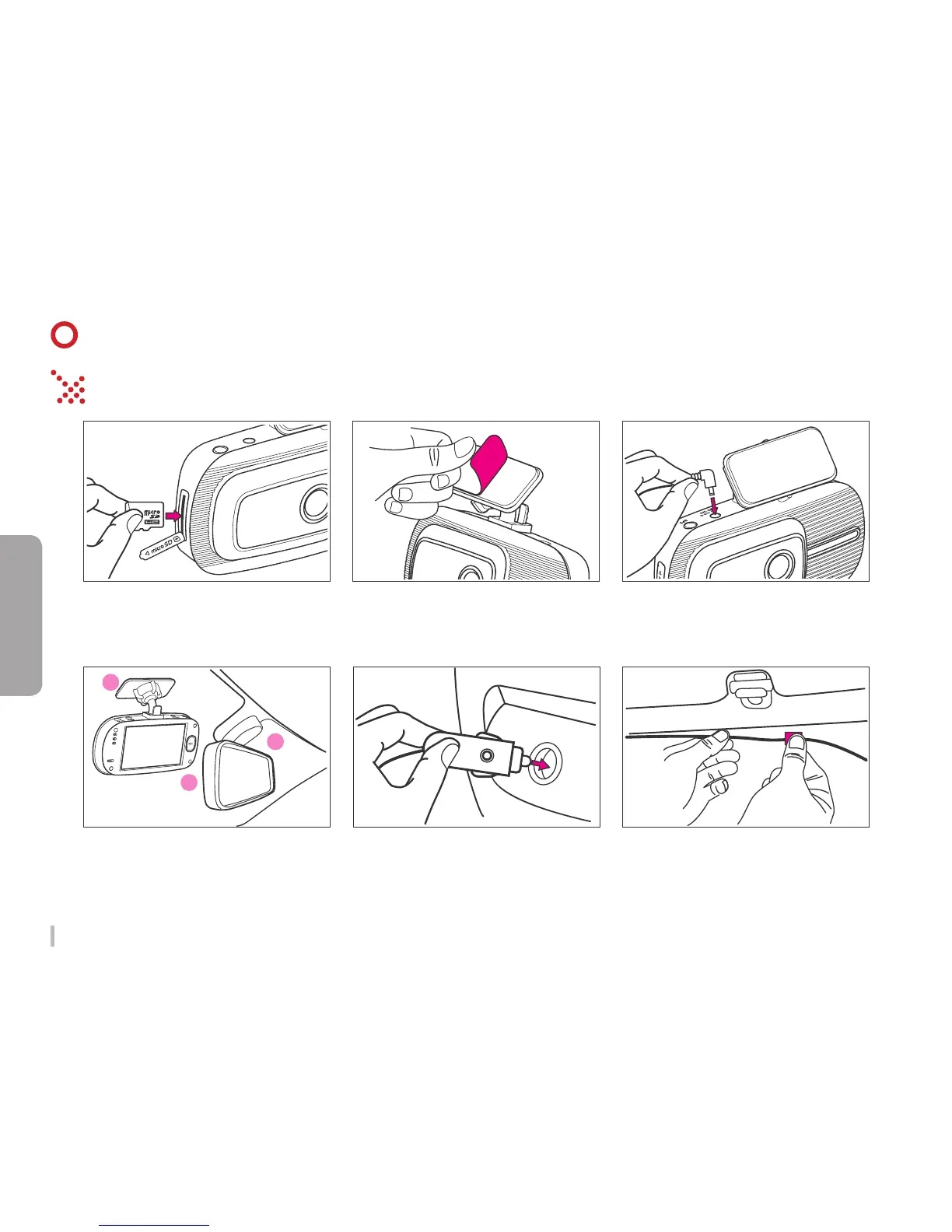
Front Camera Installation
1. Insert Micro SD card to BRAVO
SD card slot.
(Check the SD card direction)
6. Arrange a power cable.
2. Remove the protect sticker.
4. Attach the BRAVO in place on the
top of front windshield or middle o left
and right of the mirror.
3. Connect Cigar lighter cable to Power
connection of product.
5. Connect cigar lighter to a cigar
socket.



 To Next Page