23
Datum: the Outline frame of the engraving samples
Pulse: the laser tube will ray after pressed this button; it is used for testing the light strong or weak;
Stop: after pressed while working, the machine will stop working and returns to the original place;
Reset: returned to the top right corner of the machine after pressed
Pause: stopped the laser head while working; go on working after pressed Start;
The function on the panel is the same to the computer
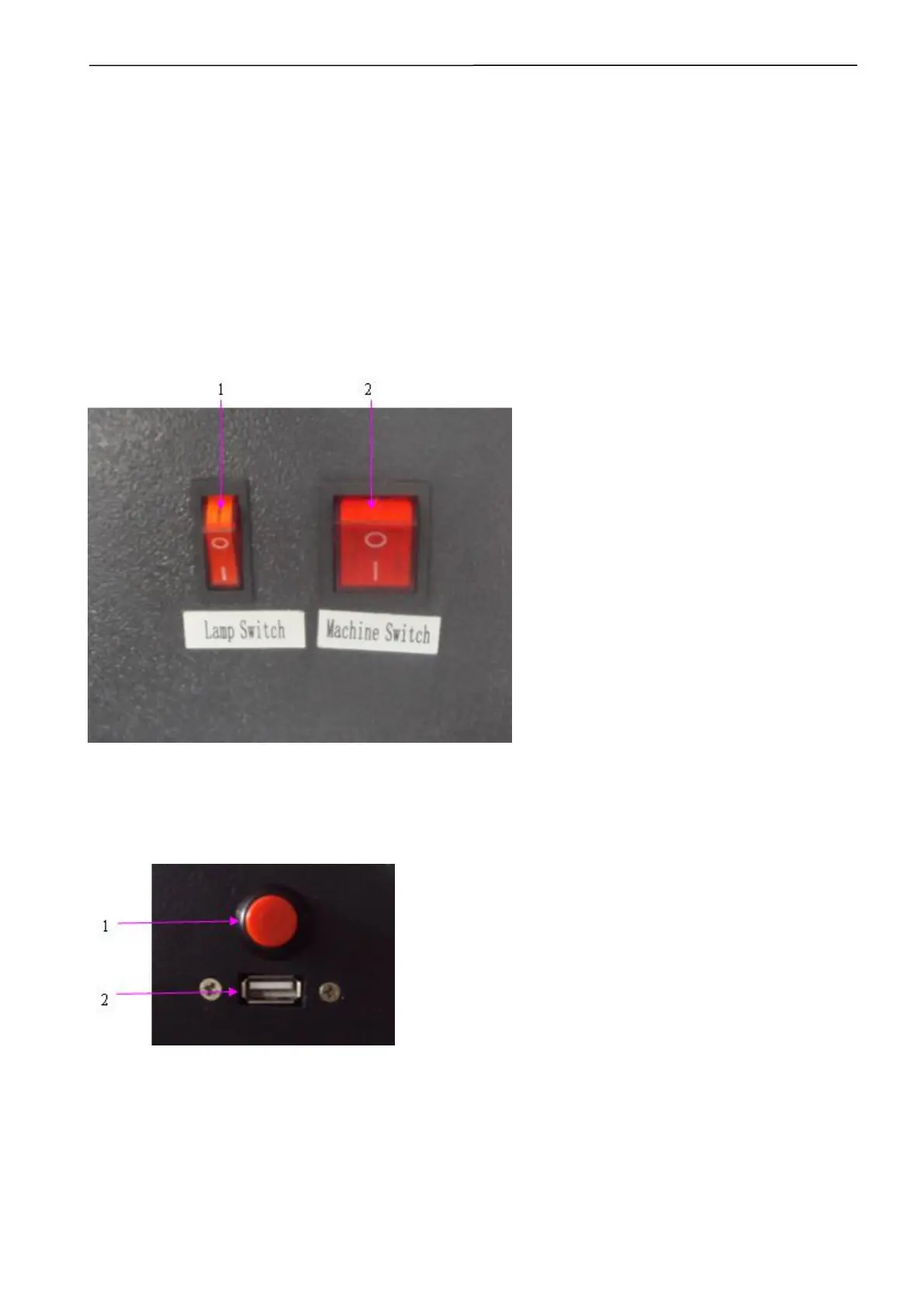
5.2 Side sketch map
1. Lamp switch;
2. Machine switch;
1. Red dot switch (optional function);
2. USB port;
5.3 How to turn on and turn off the laser machine
a. Turn on the laser machine



 To Next Page