(AppData is an hidden folder)
to create a new Region, create a new folder in FrequencyRanges and open it
to insert a new area configuration, save here the previous saved configuration
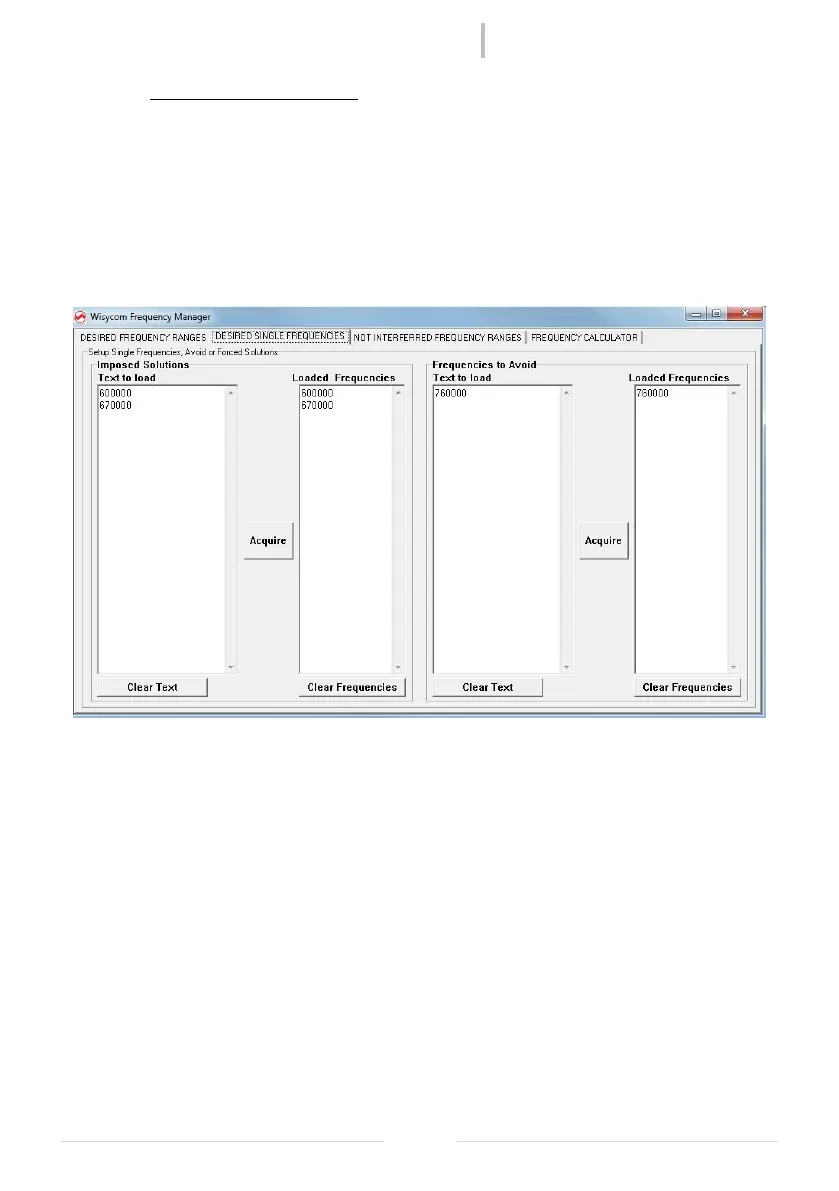
If some single frequencies must be imposed as fixed solutions or must be avoided, select
“DESIDERED SINGLE FREQUENCIES” panel, insert the desired frequencies (in KHz) and click to
Acquire to load the frequencies.



 To Next Page