15
1
12. Click the [Next >] button
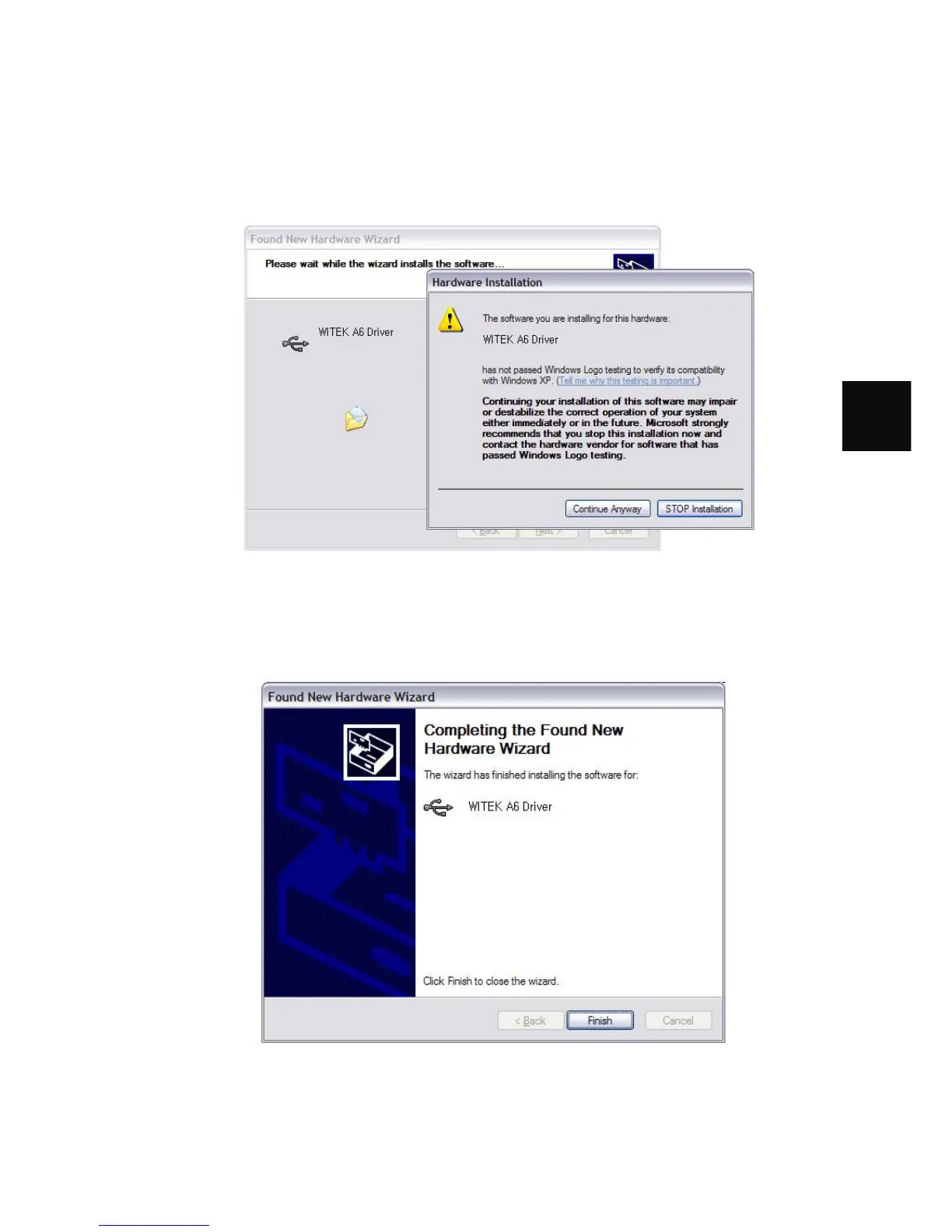
13. The following dialog should appear:
14. This dialog warns you that we haven't paid Microsoft a pound of flesh to certify
the driver. You're going to have to click the [Continue Anyway] button..:-)
15. The following dialog should appear:
16. Click the [Finish] button to complete the installation



 To Next Page