17
3
3. Using the scanner
3.1 Basic flow of Operations
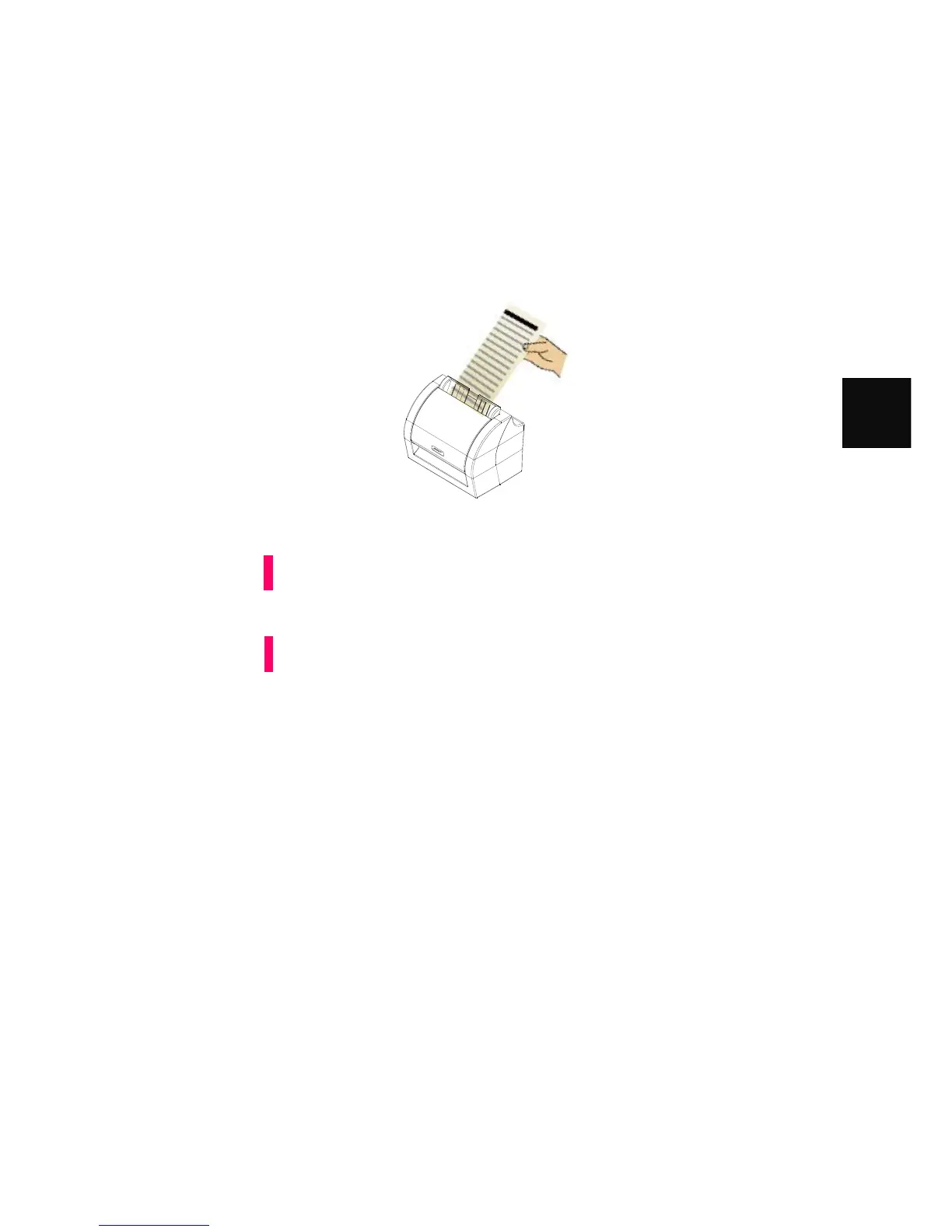
With the document, such as check, omr card, loaded on the MIS-200BE, simply insert the the
document, and you can save the scanned documents to files via your program using Witek
SDK or test program (MIS-200BE)
Make sure that the Power cable or USB bus power cable is connected to the
MIS-200BE scanner
Do not scan the following types of documents:
Document with paper clips and/or staples (Remove clips and staples to
scan these documents.)
Documents folded in half
Materials other than paper such as the fabric, metal foil, transparency, or
plastic card
Attention
Note



 To Next Page