7
1
1. Before you start using the scanner
1.1 Unpacking
When you unpack the scanner package, find the packaging list first, and then make sure that
the MIS-200BE and all items in the packaging list are present. If anything is missing or
damaged, contact the dealer where you purchased the product.
1.2 Part Identifications
This section describes the names of parts and their functions.
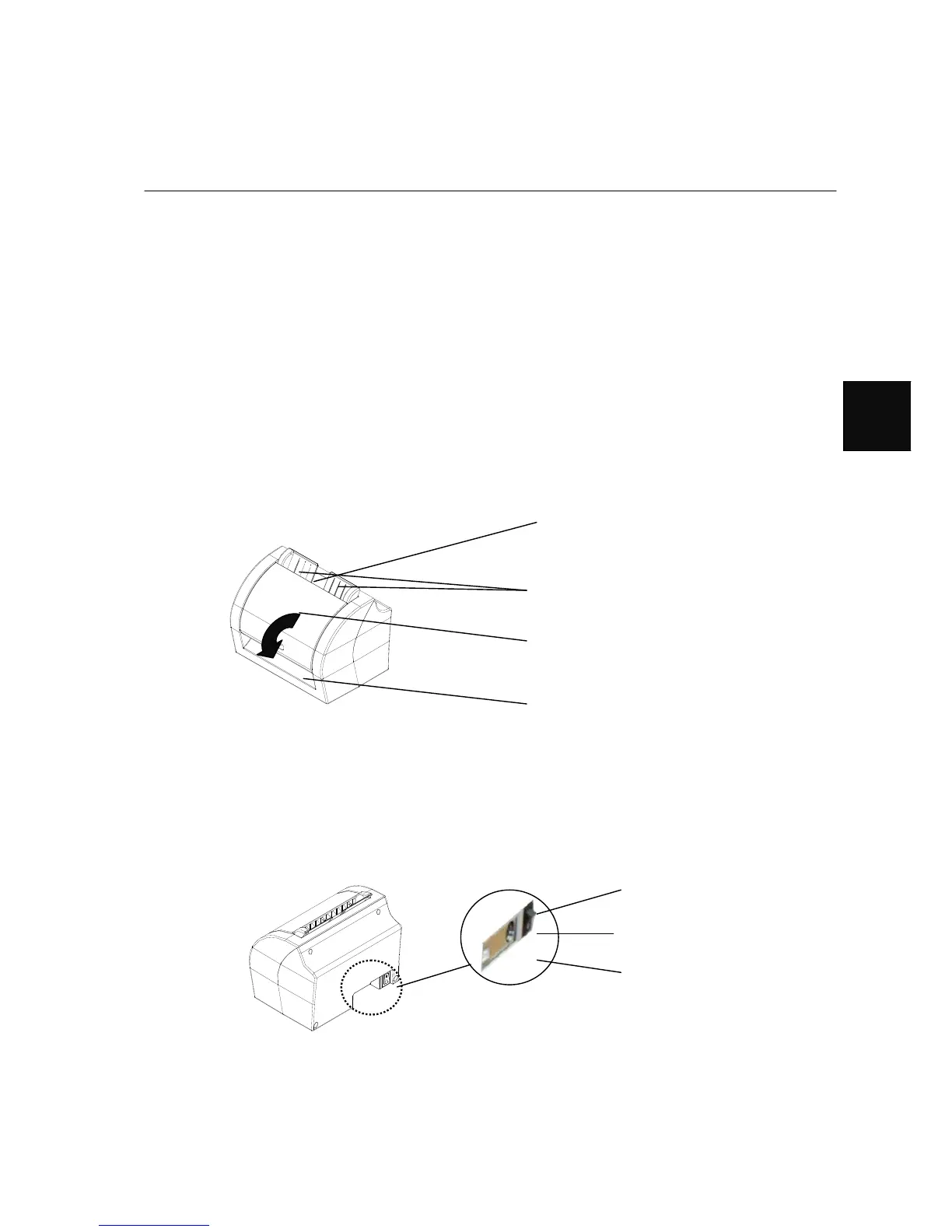
■ Front View
■ Rear View
Paper Entrance
load the documents to be scanned on
this part
.
Jam Removal Open Cover
open the cover to remove paper jam
Paper Outlet
paper out
Paper Guide(ears)
adjust the paper width to scan
USB Connector
Power Connector
Power Switch



 To Next Page