EN-24
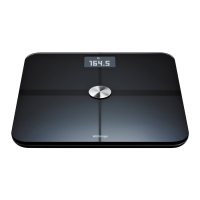
Withings Body+
v4.0 | April 2018
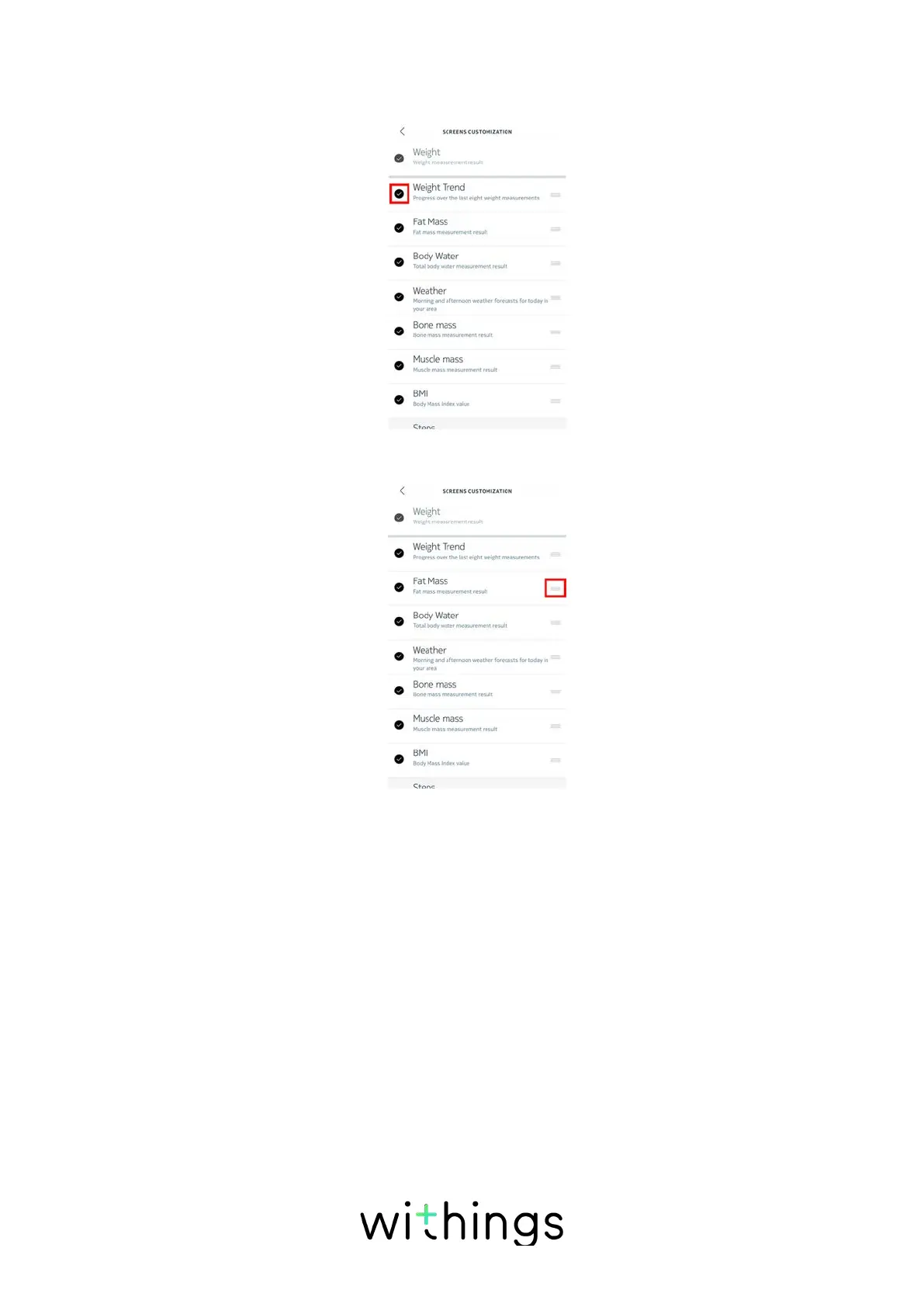
- Tap the dark circles on the left to hide a screen.
- Tap the empty circles on the left to display a screen.
7. Tap and hold the icon on the right to drag a screen up or down.
8. Tap the back button to confirm.
9. Weigh yourself once to synchronize your Withings Body+ with your app and
finalize the change.
The change will take eect upon your next weigh-in.


 To Next Page