EN-37
Withings Body+
v4.0 | April 2018
Checking the weather
Overview
You can check the local weather forecast for the day directly on your
Withings Body+ if the following conditions are met:
• Your Withings Body+ is set up in Wi-Fi. Refer to “Changing the configuration
of your Withings Body+” on page19 for more information on how to
switch to a Wi-Fi configuration.
• The Weather screen is enabled. Refer to “Changing the screen order” on
page23 for more information.
Retrieving weather information
All you have to do to retrieve weather information on your Withings Body+ is to
step on the scale and wait for the Weather screen to be displayed.
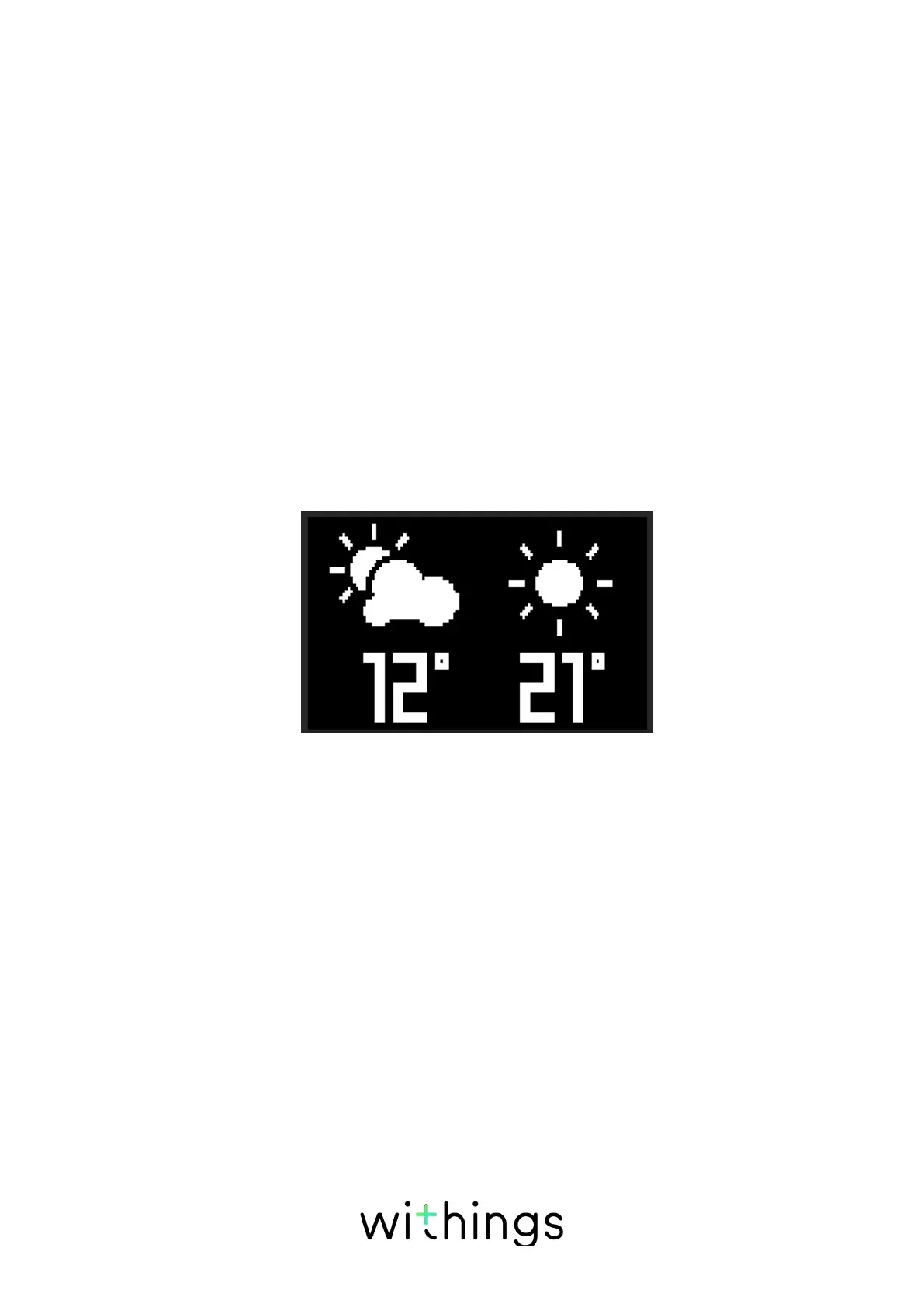
The Weather screen provides you with information about the average weather
and temperature for the morning (between 6:00 AM and 12:00 PM) and for the
afternoon (between 12:00 PM and 9:00 PM).
If you weigh yourself in the morning, the weather and temperature of the day is
displayed. If you weigh after 7:00 PM, the weather and temperature of the next
day is displayed.


 To Next Page