EN-6
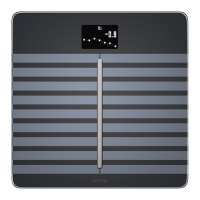
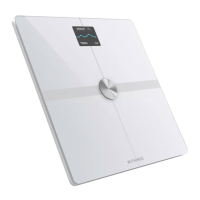
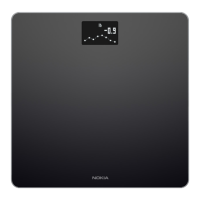
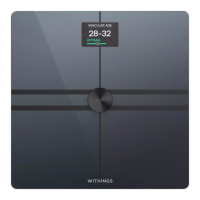
Withings Body+
v4.0 | April 2018
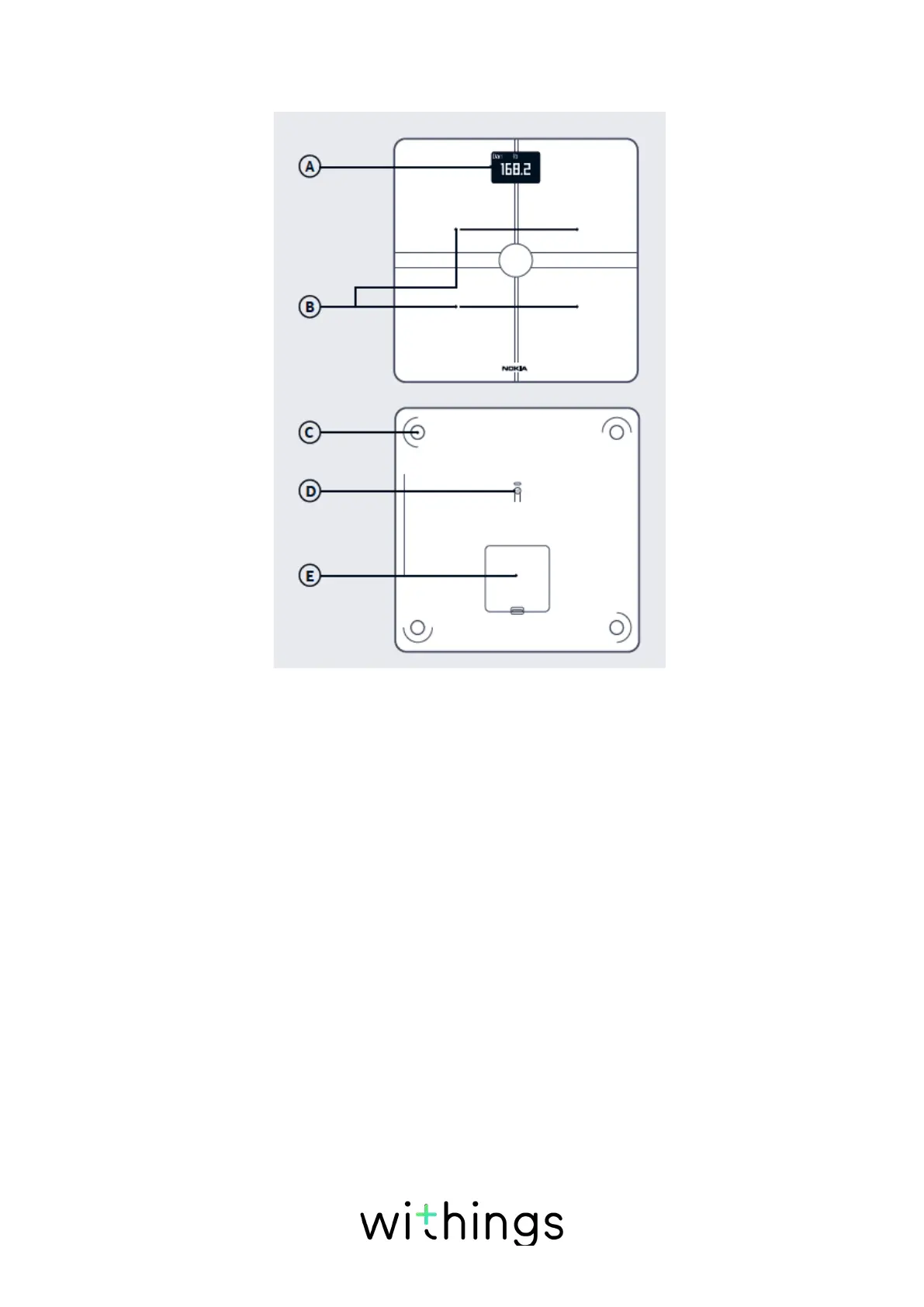
Product description
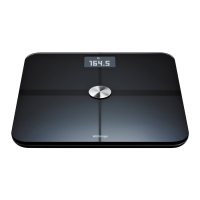
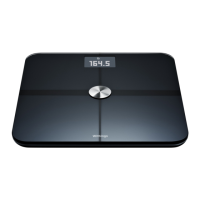
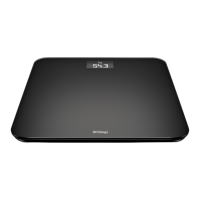
(A)Display
(D)Pairing and units
button
(B)Electrodes
(E)Battery compartment
(C)Feet
Scales screens description
You can select a number of screens to be displayed on your Withings Body+:
• Weight: Displays your weight. This screen cannot be disabled.
• Fat mass: Displays your percentage of fat mass.
• Water: Displays your percentage of water.
• Bone mass: Displays the weight of your bones.
• Muscle mass: Displays the weight of your muscles.
• Weather
1
: Displays the weather for the day.
• Weight Trend
1
: Displays a graph with your last 8 weight measurements.
• Steps
1, 2
: Displays the number of steps you did the previous day.
You can disable or change the order of these screens as you like after you


 To Next Page