EN-9
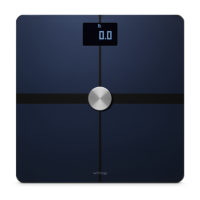
Withings Body+
v4.0 | April 2018
Installing your Withings Body+ without an existing account
Refer to “Installing your Withings Body+ with an existing account” on page14
if you already have a Withings account.
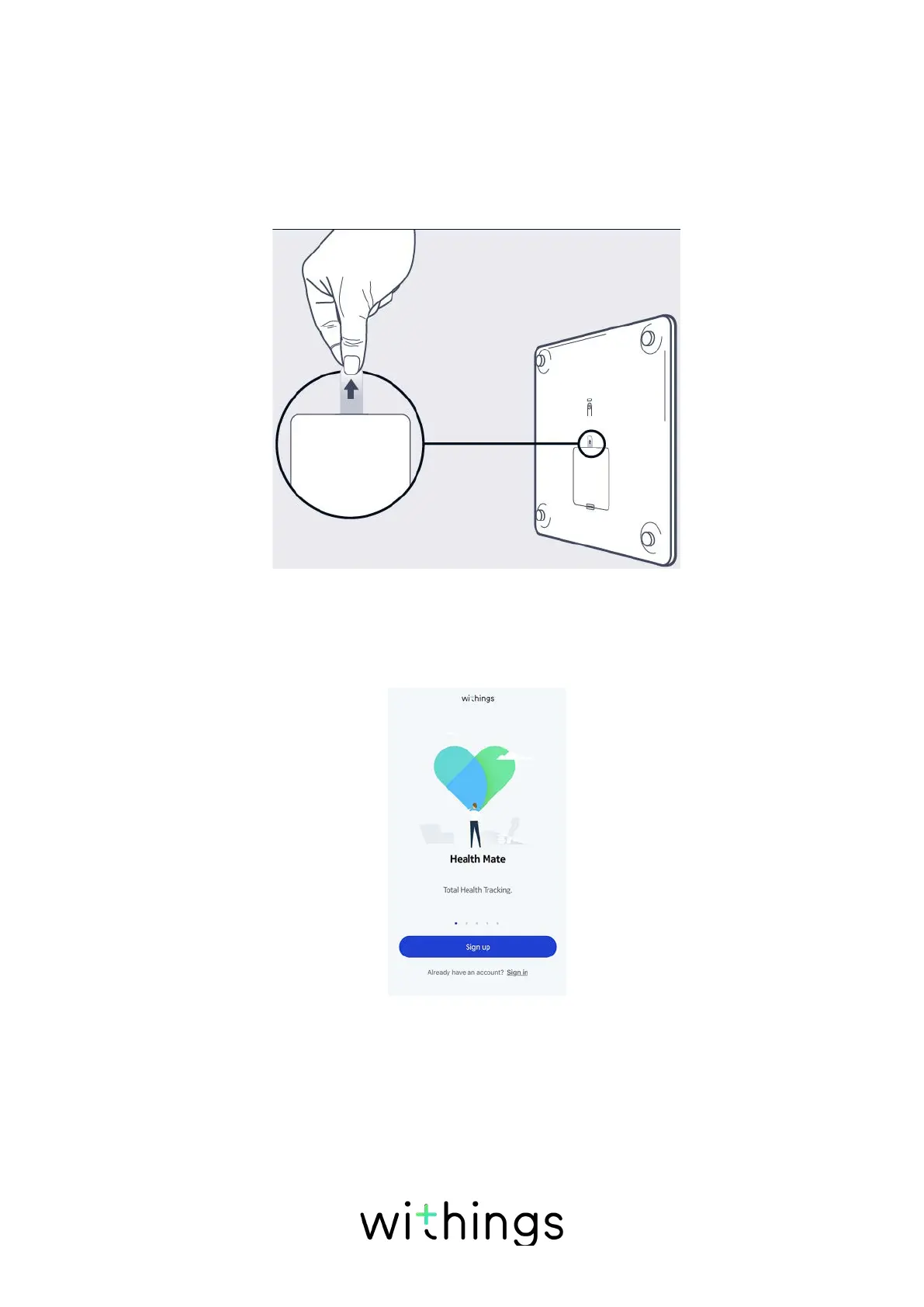
1. Pull the tab out of the battery compartment if it’s the first time you install
your Withings Body+.
2. Press and hold the button at the back of the scale for three seconds.
The scale displays go.withings.com.
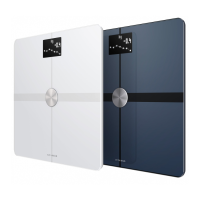
3. Open the Withings Health Mate® app.
4. Tap Get started.


 To Next Page