EN - 11
Withings Go
v1.0 | March, 2016
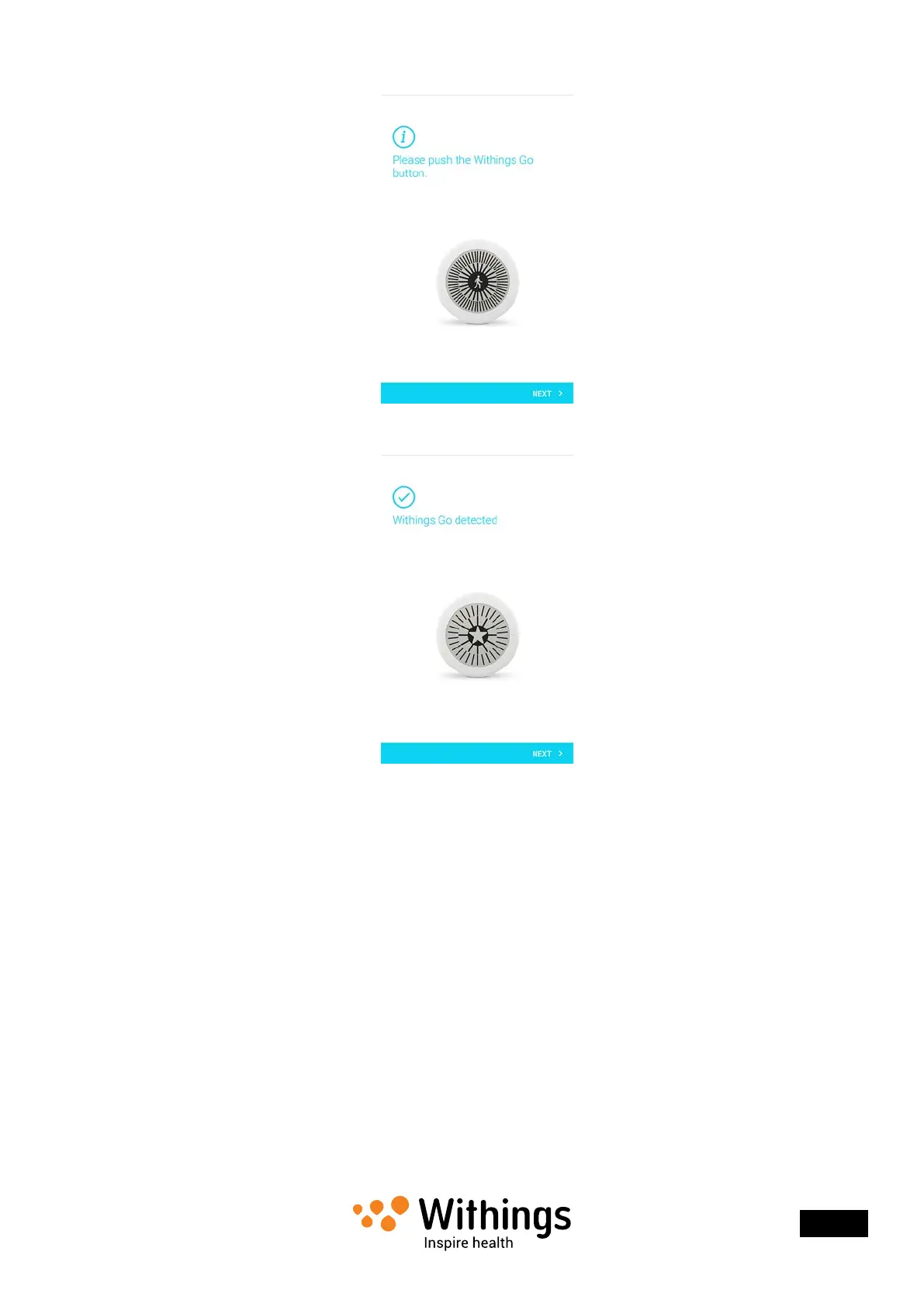
6. Press the center of the center of the screen of your Withings Go and tap Next.
7. Tap Next.
8. Enter your email address, password, and then conrm your password. Tap Next.
9. Enter your rst name, surname (last name) and birthday. Tap Next.
10. Select your gender and enter your current height and weight. Tap Create.


 To Next Page