EN - 33
Withings Go
v1.0 | March, 2016
Make sure the O-ring is still in place as it is what allows your Withings Go
to be waterproof.
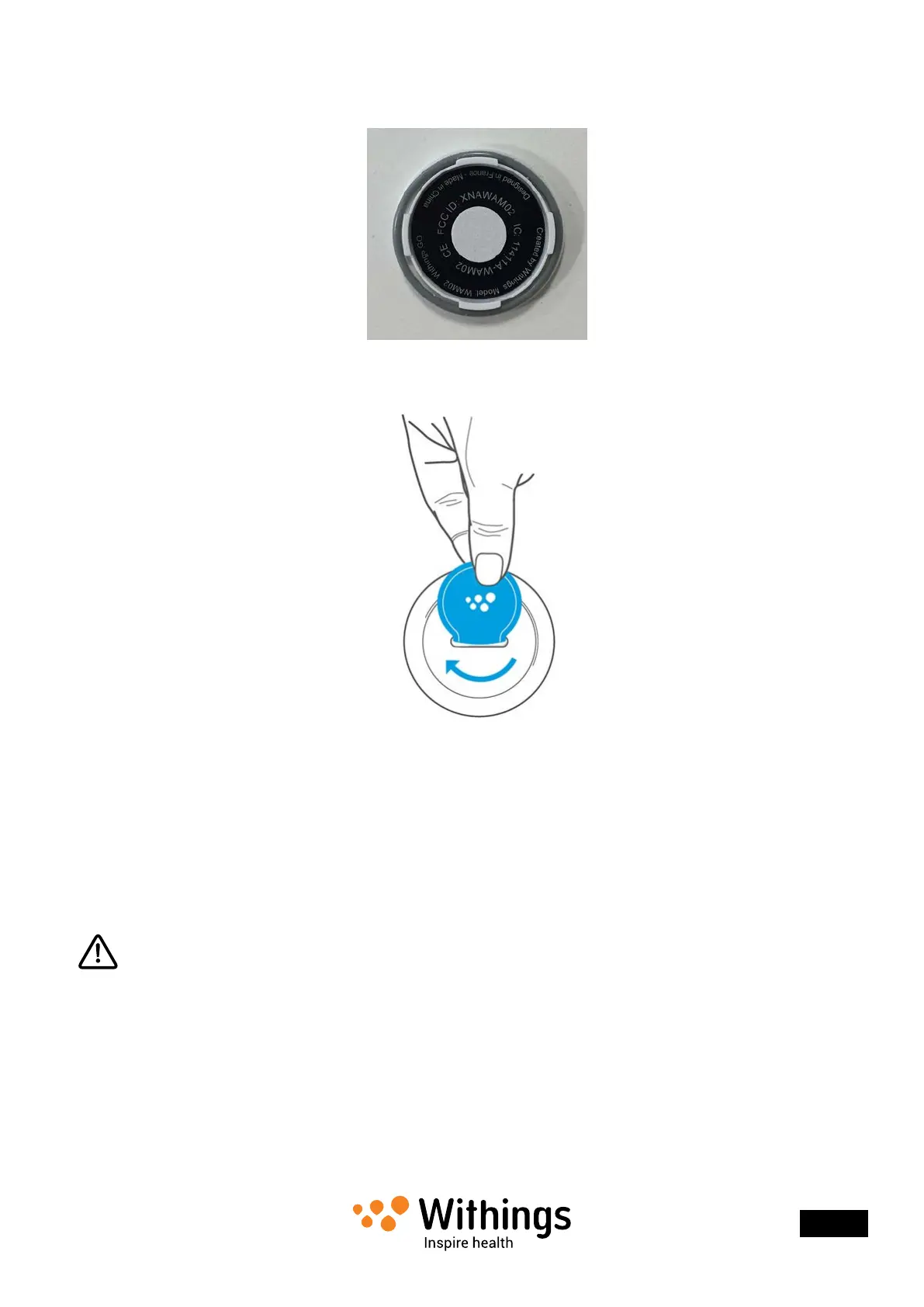
4. Put the cover back in place.
5. Use the tool to lock the cover in place by turning clockwise.
Updating the Firmware Version
We regularly offer new rmware versions so that you can benet from the latest features
we add to our products.
When a new rmware version is available, the Withings Health Mate® app usually prompts
you to install it through your Timeline.
Make sure you sync your Withings Go before updating the rmware version.
Failing to do so will result in a loss of data.
However, you can check if updates are available and force their installation whenever
you want. To do so, perform the following steps:
1. In the Withings Health Mate® app, go to My devices.


 To Next Page