You will be woken by the alarm at the set time, and the sound will become more and more
intense as the alarm continues.
• Snooze - Press the
button to stop the alarm for approx. 5 minutes.
• Switch off the alarm completely - Press any button on the base unit (apart from ), to
stop the alarm. The alarm will go off again after 24 hours.
• Automatic stop function- If you do not press any buttons, the alarm will automatically switch
off after 2 minutes. The alarm will go off again after 24 hours.
Snooze function
Press the button once when the alarm sounds.
The alarm signal is paused for approx. 5 minutes, and the alarm symbol and symbol will
flash on the display. Afterwards, the alarm will sound and wake you up again. You can
repeat this process multiple times.
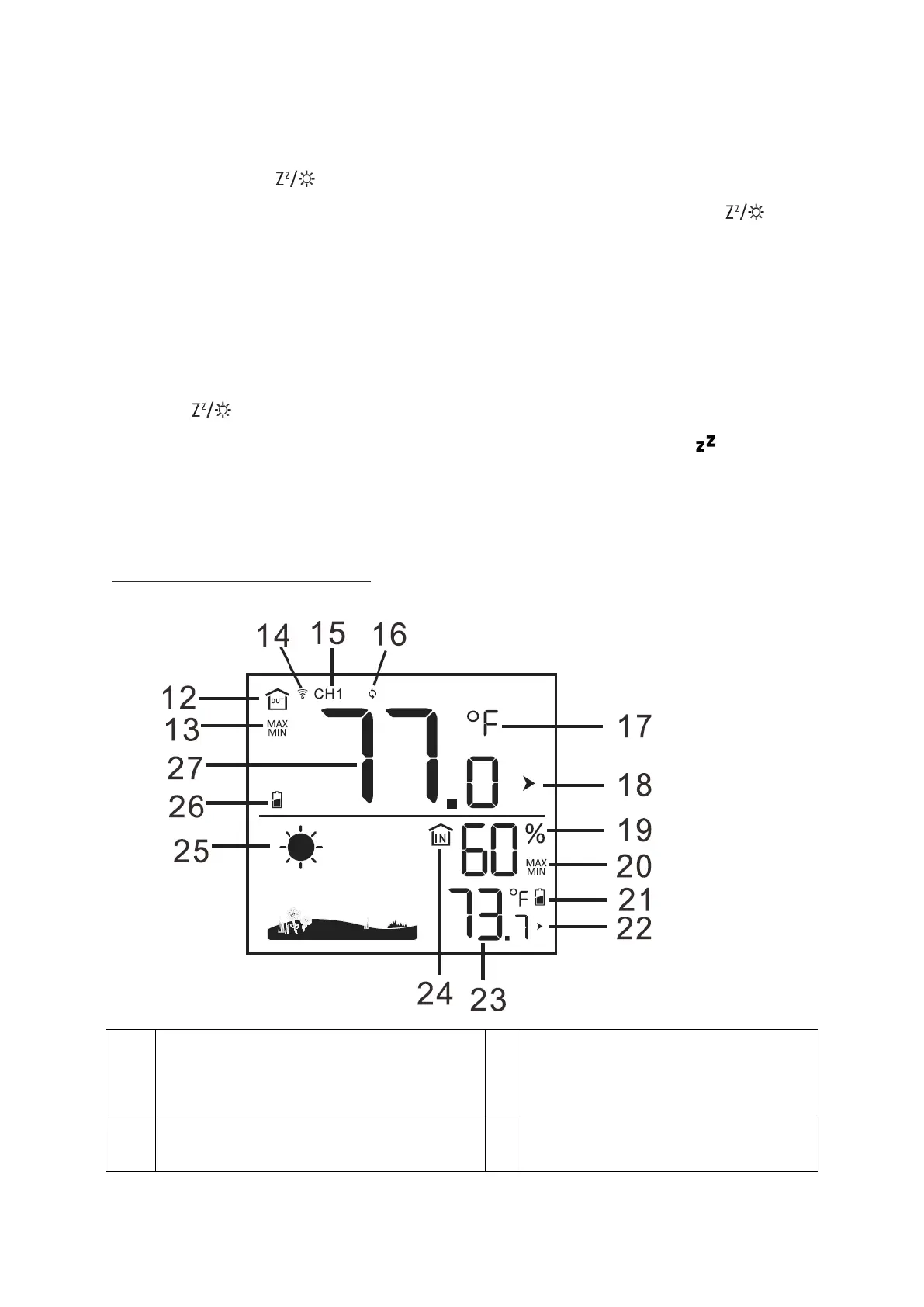
Weather information



 To Next Page