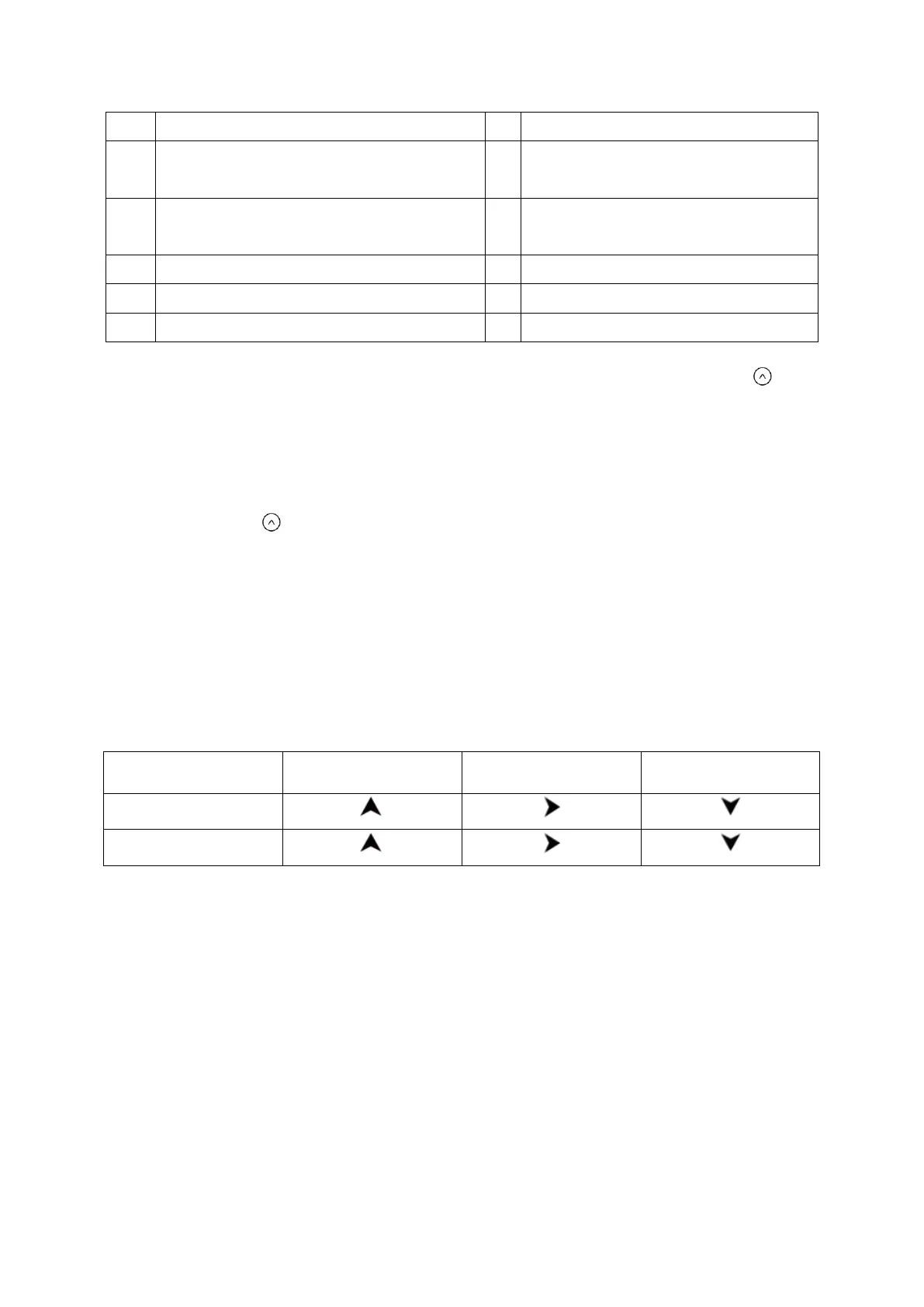
Radio frequency signal reception symbol
Current transmission channel to the
base unit
Transmission channel automatic
switching mode
Temperature unit: °C or °F
Outdoor temperature trend
Outdoor low battery indicator
The highest and lowest temperature and humidity values by repeatedly pressing the
button.
• press once: the maximum values are shown
• press again: the minimum values are shown
• press again: returns to normal display
Press and hold the button to delete the highest and lowest temperature and humidity
values.
Information:
It also has an ice alert. For more information about this, see ice alert section.
Weather trend
For the temperature and humidity values measured by the base unit and the wireless sensor,
the trend is displayed in the form of an arrow:
Weather forecast
After setting up initially, the weather forecast can not be used for about 12 hours, as the
device needs this time to collect and evaluate the weather data.
The weather forecast is a result of the collected data and the measured changes in air
pressure.
The forecast refers to the area around the device with a radius of about 30 to 50 km for the
next 12 to 24 hours.
The accuracy of the weather forecast is around 75 %.


 To Next Page