EasyManua.ls Logo

WITTUR EOS D 200mm - User Manual

WITTUR EOS D 200mm
60 pages
Print Icon
To Next Page IconTo Next Page
Loading...
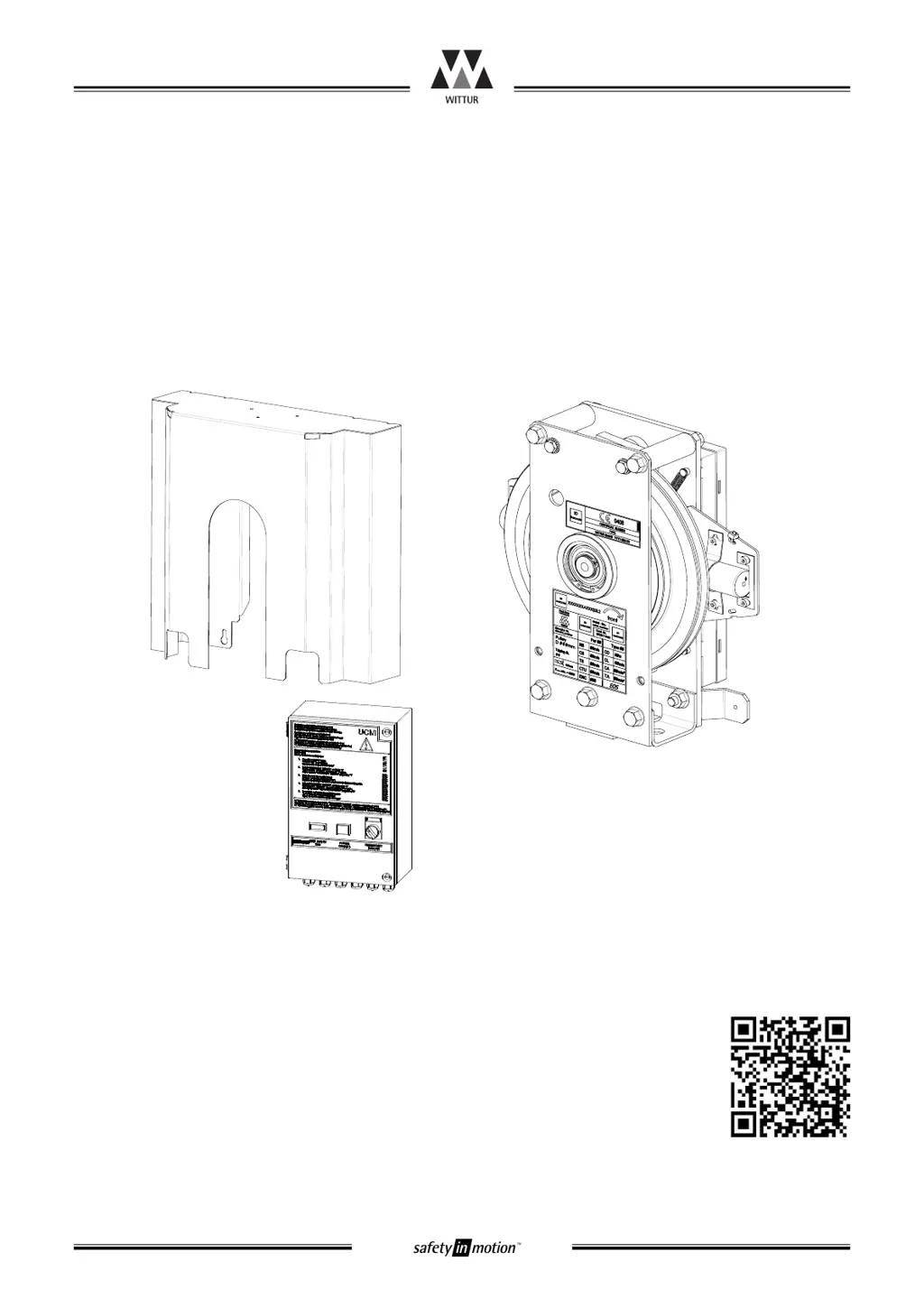
Overspeed governor EOS
Operating instructions
Overspeed governor EOS
Blatt/
sheet
PM.7.002883.EN.1
Datum/
date
23.01.2013
Stand/
version
J-31.07.2017
Geprüft/
approved
WAT/MZE
*PM.7.002883.EN$111*
EOS Electronic Interface with UPS (optional)
PM.7.002883.EN - 01.2017
Original
Product manufacturer reference can be found on the product type label.
For any support or further questions please contact your trading office.
Änderungen vorbehalten! Subject to change without notice!
No part of this publication may be reproduced or translated, even in part, without prior written permission from WITTUR. We reserve the right to make alterations with respect to the specifications
and figures in this manual. Original operating instruction language is english.
www.wittur.com

Table of Contents

Questions and Answers

  • B
    Benjamin MitchellAug 11, 2025
    What to do if WITTUR EOS D 200mm Security Sensors EOS has opened the safety circuit?
    • W
      willie53Aug 12, 2025
      If your WITTUR Security Sensors EOS has opened the safety circuit due to UCM, overspeed, or too high acceleration, and the EOS isn’t mechanically activated, check the LEDs. “POWER” LED should be on, “COIL” LED should be on, “TTS1” LED should be flashing, and “TTS2” LED should be flashing.
  • F
    fmartinAug 19, 2025
    Why does my WITTUR EOS D 200mm Security Sensors EOS trip when the elevator starts?
    • P
      Paul ThomasAug 19, 2025
      If the WITTUR Security Sensors EOS trips when the elevator starts, ensure that ENM1 and ENM2 signals are applied as long as mechanical movement is running. Also, make sure that movement does not exceed the specified position (when ENM1 and ENM2 signals are not active), speed, and acceleration values indicated on the identification indicators. Finally, verify that the synchronization plate is always in the operational position during normal operation.
  • N
    Nancy LeeAug 27, 2025
    What to do if WITTUR EOS D 200mm EOS doesn’t reset?
    • A
      Anthony CooperAug 27, 2025
      If the WITTUR Security Sensors EOS does not reset after tripping, move the wheel (car) in the opposite direction of tripping to release the activation mechanism from internal tension forces, approximately 5 cm. Then, push the RESET button. If this doesn't work, move the car completely out of the safety gears.
  • D
    Devon JacksonSep 3, 2025
    How to troubleshoot WITTUR EOS D 200mm Security Sensors EOS that does not start-up?
    • M
      Michael WhitneySep 3, 2025
      To troubleshoot a WITTUR Security Sensors EOS that doesn't start up: - Check that the power supply is OK (LED 'POWER' must be on when X5/1-X5/2 is supplied). - Apply a RESET signal. - Ensure the power supply doesn't drop below 18V, even during reset. - Verify the synchronization plate is in the operational state. - Confirm DIP switches are set correctly (normally, S1/1 and S1/4 are on, S1/2 and S1/3 are off). - Ensure neither TRIP nor RESET signals are active. - If the 'CHANGE UNIT' LED is on or flashing, follow the procedure described in chapter 4.9.

WITTUR EOS D 200mm Specifications

General IconGeneral
BrandWITTUR
ModelEOS D 200mm
CategorySecurity Sensors
LanguageEnglish

Related product manuals