EasyManua.ls Logo

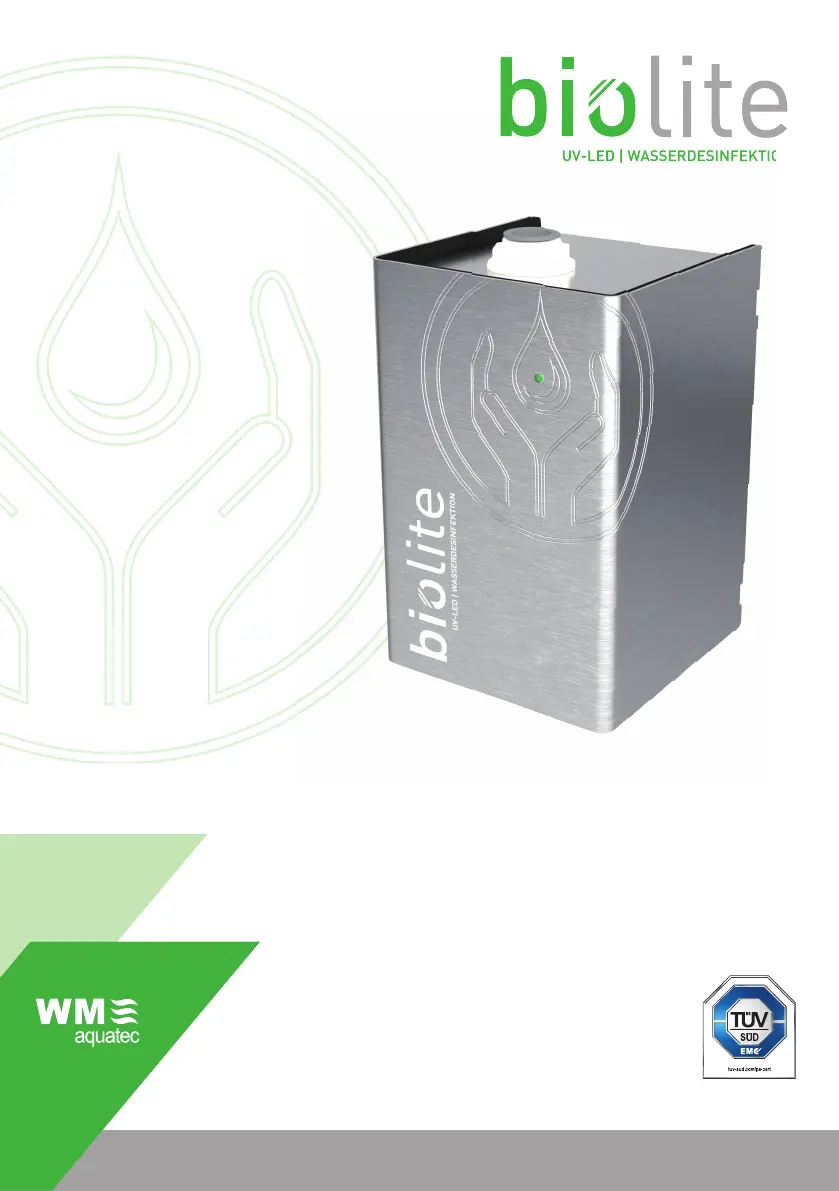
WM aquatec BioLite - User Manual

WM aquatec BioLite
88 pages
Go to English
Print Icon
To Next Page IconTo Next Page
Loading...
UV-LED | WASSERDESINFEKTION
↗ BETRIEBSANLEITUNG
biolite® UV-C Desinfektionseinheit
↗ OPERATION MANUAL
biolite® UV-C disinfection unit
INSTRUCTIONS D‘UTILISATION
biolite® UV-C dispositif de désinfection
UV-LED
|
WASSERDESINFEKTION

Table of Contents

Questions and Answers

  • S
    Samantha WilliamsonAug 4, 2025
    What to do if WM aquatec Water Filtration Systems are leaking?
    • D
      Daniel ReyesAug 5, 2025
      If your WM aquatec Water Filtration Systems are leaking, it could be due to a defective product or leaky water pipes/water connections. First, check the installation of water pipes/connections. If the issue persists, disassemble the biolite® and send it to the dealer/manufacturer.
  • R
    Renee GarciaAug 10, 2025
    Why WM aquatec Water Filtration Systems have no function or LED signal?
    • N
      Nicole WrightAug 10, 2025
      If your WM aquatec Water Filtration Systems show no function or LED signal, it could be due to no power supply or a defective product. Check the electrical connections. If the issue persists, disassemble the biolite® and send it to the dealer/manufacturer.
  • M
    michelle85Aug 16, 2025
    How to fix a temperature error in WM aquatec Water Filtration Systems?
    • M
      Michael JordanAug 16, 2025
      A temperature error in WM aquatec Water Filtration Systems may occur if the water temperature is too high, the flow rate is too low, or there is no water in the tank/pipes. Check the water temperature and eliminate water if necessary, or provide a higher flow rate. Fill the tank/pipes with water.
  • N
    Nancy SmithAug 21, 2025
    What to do if WM aquatec Water Filtration Systems show error or service life end?
    • J
      Jonathan Elliott MDAug 22, 2025
      If your WM aquatec Water Filtration Systems display an error or service life end message, it might be a momentary false alarm or the product is defective/service life has exceeded. Try turning the power OFF and then ON again using the main switch. If the problem continues, dismantle the biolite® and send it to the dealer/manufacturer or dispose of it.
  • H
    Holly DavisAug 29, 2025
    Why WM aquatec Water Filtration Systems are in service life monitoring or reserve mode?
    • E
      Evan FarleyAug 29, 2025
      The WM aquatec Water Filtration Systems enter service life monitoring/reserve mode when 4900 operating hours are reached. Confirm/Quit the malfunction message.

Summary

Operation Manual

1. Basic Information

1.1 Manufacturer

Details about the manufacturer, WM aquatec GmbH & Co. KG.

1.2 Customer Service and Parts

Contact information for customer service and ordering spare parts.

1.3 Document Information

Details about the operating manual document itself.

1.4 Warranty and Liability

Information on warranty, limitations of liability, and damage.

2. Safety

2.1 General Safety Information

Basic safety principles and operational guidelines for the product.

2.2 Prohibition of Unauthorised Modifications

Warning against unauthorized modifications to maintain product safety.

2.3 Explanation of Symbols and Notes

Defines the meaning of symbols and notes used in the manual.

2.4 Symbols, Warnings

Instructions to observe safety symbols and warnings on the product.

2.5 Minimum Qualifications

Specifies the minimum qualifications required for handling the product.

2.6 Intended Use

Describes the exclusive and intended applications of the biolite® product.

2.7 Risks

Discusses potential risks associated with the product and water quality.

2.7.1 Risk Reduction

Provides recommendations for mitigating risks and ensuring safe operation.

3. Description of the biolite

3.1 General Description

Overview of the biolite® UV-C disinfection unit and its technology.

3.1.1 Functionality of UV-C Disinfection

Explains the process and mechanism of UV-C water disinfection.

3.1.2 Advantages of biolite

Highlights the key features and benefits of the biolite® system.

3.1.3 Intelligent Onboard Monitoring

Details the integrated monitoring systems for safe operation.

3.2 Overview and Scope of Delivery

Illustrates the components included in the product's scope of delivery.

3.3 Technical Data

Presents detailed technical specifications of the biolite® unit.

3.3.1 Product Identification Data

Provides specific identification details for the product.

3.3.2 Type Plate

Location and information found on the product's type plate.

3.3.3 Water Connections

Details the types of water connections supported by the biolite®.

3.3.4 Electrical Connections

Describes the electrical connections required for the biolite® unit.

3.3.5 Weights and Dimensions

Provides the physical weight and dimensions of the biolite® unit.

3.3.6 Electrical Power Supply

Specifies the voltage, current, and power consumption requirements.

3.3.7 Operating and Ambient Conditions

Outlines the recommended operating temperatures, humidity, and water conditions.

3.3.8 Recommended Installation Space

Specifies the necessary space for installing and operating the biolite® unit.

3.4 Control and Signal Elements

Identifies the control switches and signal indicators on the biolite® unit.

3.4.1 Position of Control and Signal Elements

Shows the location of the main switch, LED signal, and signal horn.

3.4.2 Signal LED and Horn

Explains the function and interpretation of the signal LED and horn.

4. Installation and Commissioning

4.1 Installation Safety Instructions

Crucial safety precautions to observe during installation and commissioning.

4.2 Installation Preparations

Lists recommended tools and materials needed for installation.

4.3 Installation and Commissioning Steps

Detailed steps for installing and putting the biolite® into operation.

4.3.1 Installation Location

Guidance on selecting the appropriate and safe location for installation.

4.3.2 Installing the Housing

Instructions on how to securely mount the biolite® housing.

4.3.3 Water Pipe Connections

Steps for connecting the water hoses to the biolite® unit.

4.3.4 Disconnecting Connectors

Procedure for safely disconnecting the plug-in connectors.

4.3.5 Power Supply Connection

Information and precautions regarding the power supply connection.

4.3.6 Electrical Connection Steps

Step-by-step guide for making the electrical connections to the unit.

4.4 Initial Commissioning

Procedure for the initial startup and testing of the biolite® unit.

4.4.1 Post-Commissioning Visual Inspection

Checks to perform after initial commissioning to ensure proper function.

5. Operation

5.1 Operation Safety Regulations

Critical safety rules to follow during the operation of the biolite®.

5.2 Operator Requirements

Conditions and qualifications for individuals operating the biolite®.

5.3 Pre-Operation Checks

Pre-operation checks to ensure safe and correct startup.

5.4 Switching On

Instructions for turning the biolite® unit on.

5.5 Operation Visual Inspection

Checks to perform during standby mode for proper operation.

5.6 Operating Modes

Description of the different operational states of the biolite®.

5.6.1 Standby Mode

Explanation of the standby mode and how to identify it.

5.6.2 Operating Mode

Details on how the biolite® functions during water disinfection.

5.6.3 Reserve Mode

Information about the reserve mode and end-of-life signals.

5.7 Signal Horn Function

Meaning and response to signals from the signal horn.

5.8 Overwintering Instructions

Instructions for preparing the unit for winter or freezing temperatures.

6. Troubleshooting and Error Rectification

6.1 Troubleshooting Safety Regulations

Essential safety precautions to follow during troubleshooting.

6.2 Troubleshooting Personnel Qualifications

Specifies qualifications needed for troubleshooting the biolite®.

6.3 Signal Messages

Lists and explains the various signal messages from the unit.

6.4 Troubleshooting Guide

Guides users through identifying and resolving common malfunctions.

6.4.1 Confirming;Quitting Reserve Mode

Procedure to acknowledge and exit the service life monitoring alert.

7. Cleaning

7.1 Cleaning Safety Regulations

Safety guidelines and protective measures during cleaning.

7.2 Cleaning Personnel Requirements

Defines the qualifications for individuals performing the cleaning.

7.3 Recommended Cleaning Agents

Lists recommended cleaning agents and their applications.

7.4 Recommended Cleaning Interval

Suggests appropriate intervals for cleaning based on usage.

8. Deinstallation and Decommissioning

8.1 Deinstallation Safety Regulations

Safety precautions to observe during deinstallation and decommissioning.

8.2 Deinstallation Preparations

Lists tools and preparations required for deinstallation.

8.3 Deinstallation Execution

Step-by-step instructions for safely removing the biolite® unit.

8.4 Storage Instructions

Guidance on proper storage conditions for the biolite® unit.

9. Disposal

10. Spare Parts and Accessories

10.1 Spare Parts List

Lists available spare parts for the biolite® unit.

10.2 Accessories List

Lists optional accessories that can be used with the biolite®.

11. Installation Example: Parallel Connection

12. Installation Example: Surface Water Treatment

WM aquatec BioLite Specifications

General IconGeneral
Filter TypeHollow Fiber Membrane
Bacteria Removal99.9999%
Protozoa Removal99.9%
MaterialHollow Fiber Membrane
MaintenanceBackflushable

Related product manuals