EasyManua.ls Logo

Wöhler VIS 2 Series - User Manual

Wöhler VIS 2 Series
76 pages
Go to English
Print Icon
To Next Page IconTo Next Page
Loading...
Technik nach Maß
EN
IT
Bedienungsanleitung
Videoinspektion
Operating manual
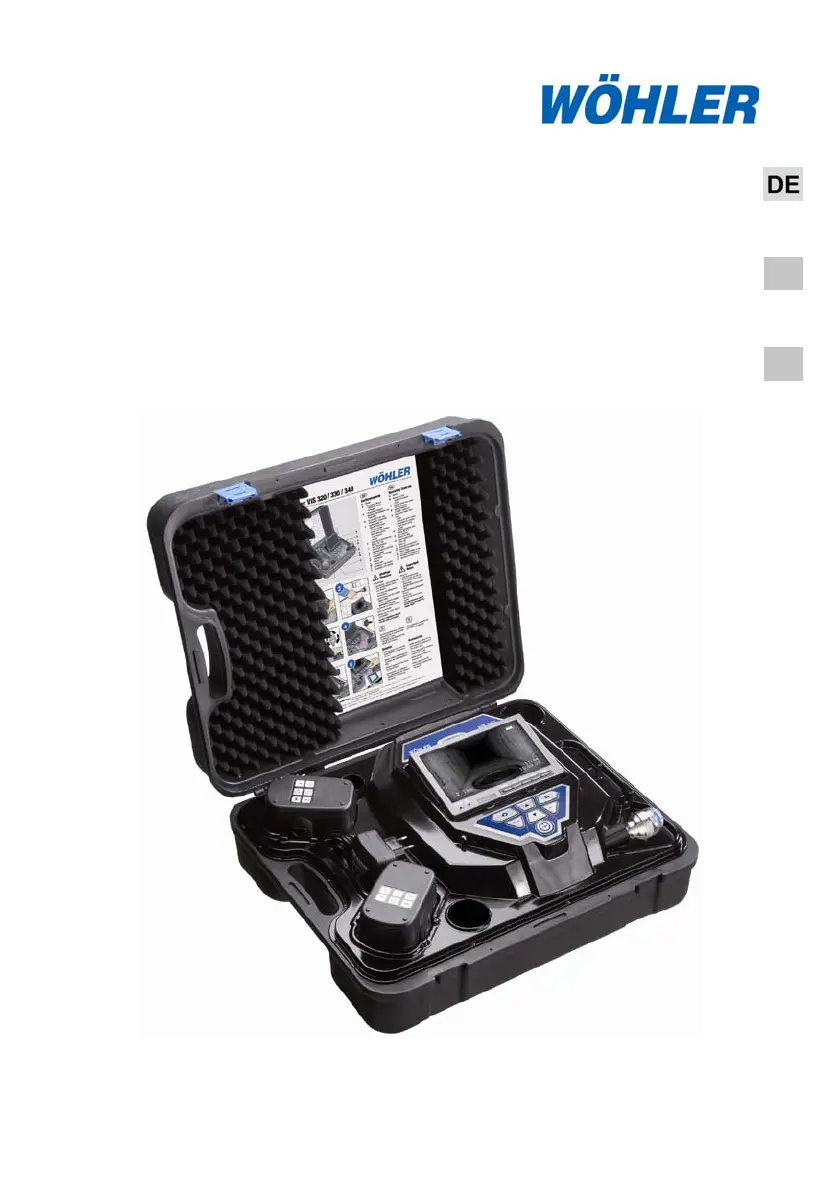
Service Camera
Istruzioni d‘uso
Videoispezione
Wöhler VIS 2xx
Wöhler VIS 3xx
Best.- Nr. 22357 2011-12-19

Table of Contents

Questions and Answers

Summary

General Information

Operation Manual Information

Purpose and usage guidelines for this operation manual.

Important Notes and Warnings

Critical safety and usage notes, including warnings and attention prompts.

Intended Use

Specifies the approved applications for the Wöhler VIS 3xx / 2xx.

Components and Transport

Product Components Overview

Lists and identifies all parts included with the Wöhler VIS 2xx / 3xx system.

Transport and Handling Precautions

Instructions and warnings for safely transporting the camera system.

Specifications

Monitor Specifications

Technical details of the device's monitor screen.

Camera and Rod Specifications

Technical details for camera heads and the push rod.

Feature Specifications

Specifications for distance measurement and data storage.

Component Explanation

Monitor and Controls

Details of the display and its adjustment options.

Camera System Details

Explanation of camera controls, head types, and power switch functions.

Ports, Power, and Storage

Overview of data ports, power connections, and storage options.

Product Versions

VIS 2 xx Product Variants

Outlines equipment and application areas for the VIS 2xx series.

VIS 3 xx Product Variants

Outlines equipment and application areas for the VIS 3xx series.

Camera Operation Controls

Camera Control VIS 220;230

Operation of the control panel for VIS 220/230 models.

Camera Control VIS 330

Operation of the control panel for VIS 330 model.

Camera Control VIS 240;340

Operation of the control panel for VIS 240/340 models.

Monitor Functions

Adjusting Monitor Color and Brightness

Steps for adjusting color intensity and brightness on the monitor.

Changing Screen Aspect Ratio

Procedure to switch between 16:9 and 4:3 screen formats.

Getting Started

Checking Battery Status

How to check the battery level indicator and power status.

Working with the Camera

Powering On the Camera and Monitor

Instructions for initial startup of the system and memory card installation.

Operational Safety Notes

Important warnings regarding magnetic fields and static discharges.

Camera System Handling

Push Rod Handling and Cleaning

Guidance on smooth operation, limits, and cleaning of the push rod.

Carrying Case Protection

Advice on protecting the carrying case from liquids and drops.

Camera Head Protection

Instructions for protecting the camera head lens from scratches.

Camera Head and Dome Maintenance

Changing VIS 3 xx Camera Dome

Procedure for greasing and installing the dome on VIS 3xx camera heads.

Exchanging Camera Heads (VIS 230;330)

Steps for screwing and unscrewing camera heads for VIS 230/330.

Setting Date and Time (VIS 240;340)

Setting Date, Time, and Units

How to configure date, time, distance units, and clock format.

PC Video Playback

Installing VLC Viewer Software

Guide to installing the VLC viewer for playing video files.

Creating Video Frames and Snapshots

How to capture single frames and manage snapshot lists.

Guide Conducts for Tubes

Accessory Selection for Tube Inspection

Recommendations for guide conducts based on pipe diameter for optimal inspection.

Troubleshooting

Troubleshooting Common Problems

Solutions for issues like low battery, no signal, or bad image.

Maintenance Procedures

Component Maintenance Guide

Guidelines for cleaning and maintaining the camera, rod, and monitor.

Warranty and Service

Product Warranty Terms

Details on the warranty period, coverage, and exclusions.

Service and Technical Support

Information on obtaining repair services and technical assistance.

Accessories

Available Accessories List

A catalog of optional accessories with their respective order numbers.

Declaration of Conformity

EC Declaration of Conformity

Statement of compliance with European directives for electromagnetic compatibility and low voltage.

Wöhler VIS 2 Series Specifications

General IconGeneral
BrandWöhler
ModelVIS 2 Series
CategoryService Equipment
LanguageEnglish

Related product manuals