EasyManua.ls Logo

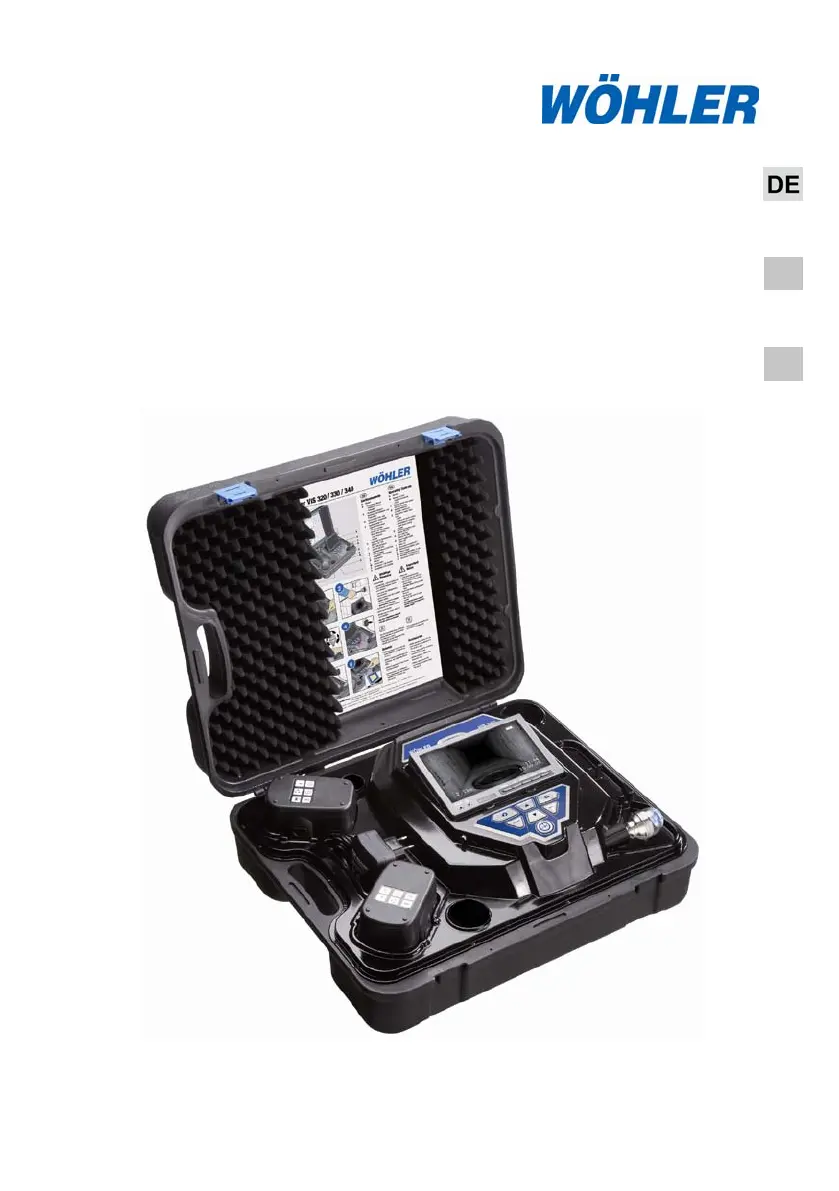
Wöhler VIS 340 - User Manual

Default Icon
76 pages
Go to English
Print Icon
To Next Page IconTo Next Page
Loading...
Technik nach Maß
EN
IT
Bedienungsanleitung
Videoinspektion
Operating manual
Service Camera
Istruzioni d‘uso
Videoispezione
Wöhler VIS 2xx
Wöhler VIS 3xx
Best.- Nr. 22357 2011-12-19

Table of Contents

Questions and Answers

Summary

General Information

Operation Manual Information

Provides information on the purpose and usage of the operating manual.

Notes

Highlights important warnings and attention points for safe operation and to prevent damage.

Intended Use

Specifies the authorized applications for the Wöhler VIS 3xx / 2xx service camera.

Specifications

Monitor

Provides technical specifications for the monitor, including display type, size, and power.

Color Camera Head

Details the specifications of the miniature color camera head, including type, sensitivity, and field of view.

Camera head, pan and tiltable

Lists specifications for the pan-and-tiltable camera head, including protection and size.

Rod

Provides specifications for the push rod, including length and diameter for different models.

Digital distance measurement (VIS 230;240;330;340)

Specifies resolution and max discrepancy for the digital distance measurement feature.

Storage (VIS 240; VIS 340)

Details specifications for memory card usage, capacity, resolution, and format.

Component explanation

Versions

Details the differences between the VIS 2xx and VIS 3xx model versions.

Camera Control

Explains the operation and functions of the camera control panel for different models.

Monitor

Details how to adjust monitor settings like brightness, color, and screen format.

Getting started

Check battery status

Explains how to check the battery level indicator and what it signifies.

Working with the camera

Turning the camera and the monitor on

Guides on installing the memory card and powering on the camera system.

Important notes

Provides crucial warnings about strong electric fields and exterior influences affecting the camera.

Changing the camera head and the dome

Changing the dome of the colour camera head VIS 3 xx

Instructions on greasing and screwing the new dome onto the VIS 3xx camera head.

Exchanging the camera head VIS 230; 330 (with locator)

Guidance on screwing the camera head onto the rod end, ensuring a waterproof seal.

Setting Date and Time (VIS 240;340)

Play videos at PC

Installation VLC-Viewer

Steps to install the VLC Viewer software for playing video files.

Create frames

How to create single frames from a video while it is running.

Snapshotlist

Instructions on configuring video settings for saving snapshots and selecting storage paths.

Guide conducts VIS 2 xx; VIS 3 xx

Troubleshooting

Maintenance

Warranty and service

Warranty

Details the warranty period, coverage, and exclusions for the VIS 2xx / 3xx.

Service

Explains the service options available, including repair and technical support.

Accessories

Declaration of conformity EC

Wöhler VIS 340 Specifications

General IconGeneral
Camera Head Diameter26 mm
Operating Temperature-10°C to +50°C
Storage Temperature-20°C to +60°C
Battery Life4 hours
Resolution640 x 480 pixels
Protection ClassIP 54
Power SupplyLithium-ion battery

Related product manuals