PC Menu
Screen Menu
Move Menu Enter
Exit
ENTER
SCREEN
Aut o Adj us t
Hor izont al Pos . 50
Vertical Pos . 50
Cloc k 50
Pha se 99
Auto Adjust
Automatically adjust Clock, Phase,
H-Position, and V-Position settings.
Horizontal Pos.
Shift the screen up or down.
Vertical Pos.
Shift the screen left or right.
Clock
Adjust the internal sampling clock rate.
Phase
Adjust the internal signal phase.
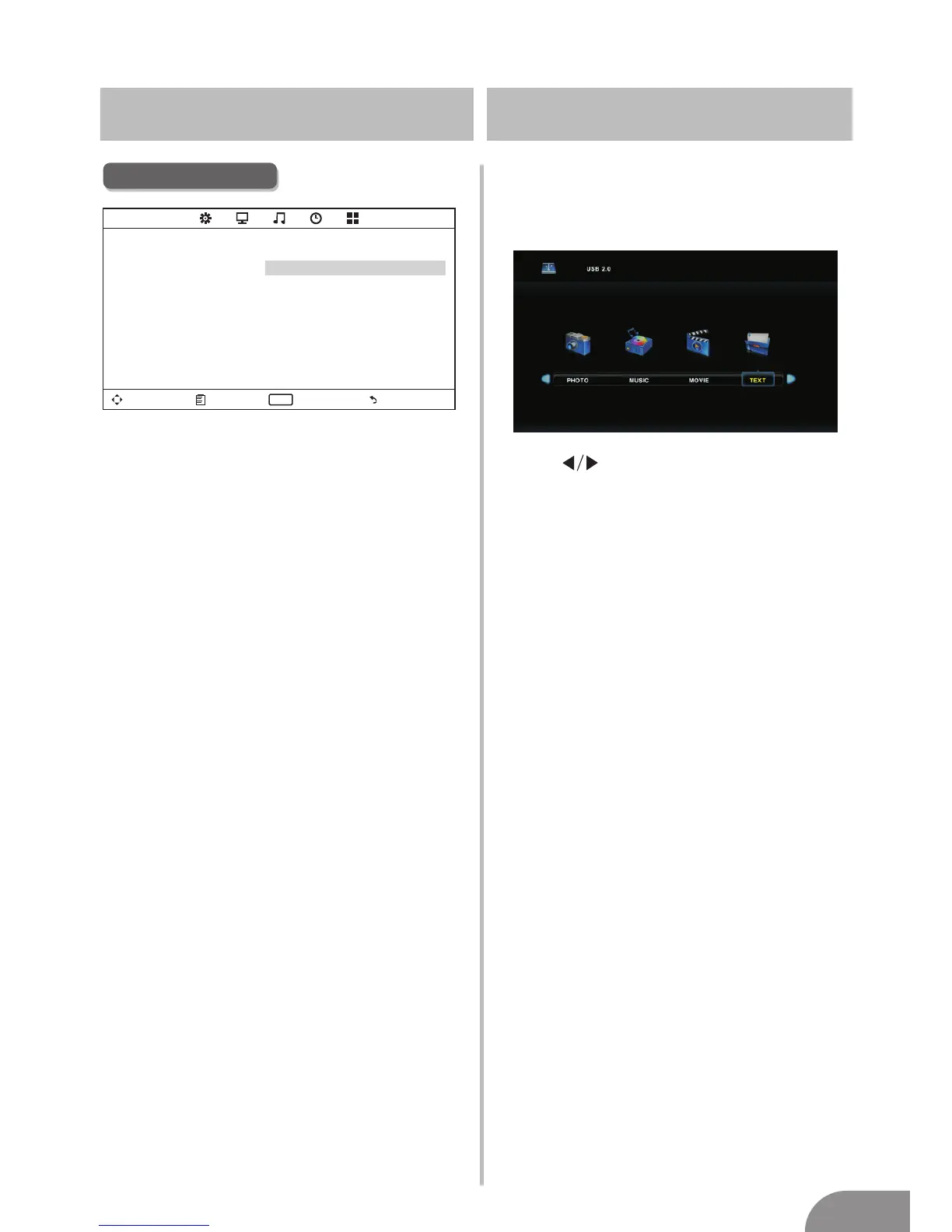
Media Menu
The color of the icon means whether
your TV has detected a USB memory or
not. Bule: Yes; Gray: No;
Press
Movie/Text icon and ENTER to enter
the USB memory.
to select Photo/Music/
13



 To Next Page