13
Dimensions in parentheses are in
millimeters unless otherwise specified.
WOLF INDUCTION COOKTOP USE & CARE
Dimensions in parentheses are in
millimeters unless otherwise specified.
MODES OF OPERATION
LOCK MODE
In
Lock mode
, all touch pad operations on the
control panel are disabled and all induction
elements are de-energized. A steady glowing
light within the ”
key
” symbol indicates that
the unit is locked.
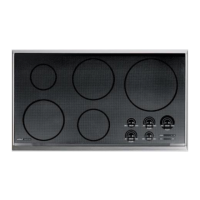
To lock the control panel,
touch and hold
key
for 3 seconds. The unit will beep three
times and the light within the
key
symbol
will illuminate. The control unit is now in
Lock mode
.
To unlock the control panel,
touch and
hold
key
for 3 seconds. The unit will beep
twice and the light within the
key
symbol
will go out. The control unit is now in
Idle
mode
.
IMPORTANT NOTE:
When the unit is powered
up for the first time or if there has been a
power outage, the cooktop will default to
Lock
mode
.
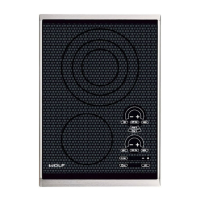
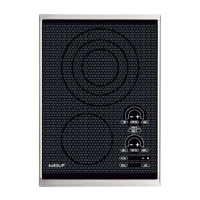
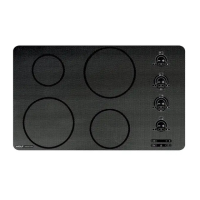
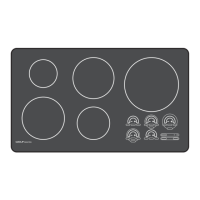
ILLUMINATED CONTROL PANEL
The control panel of your induction cooktop is
illuminated for instant visual indication that
one or more elements are in use. The control
panel features touch controls with graduated
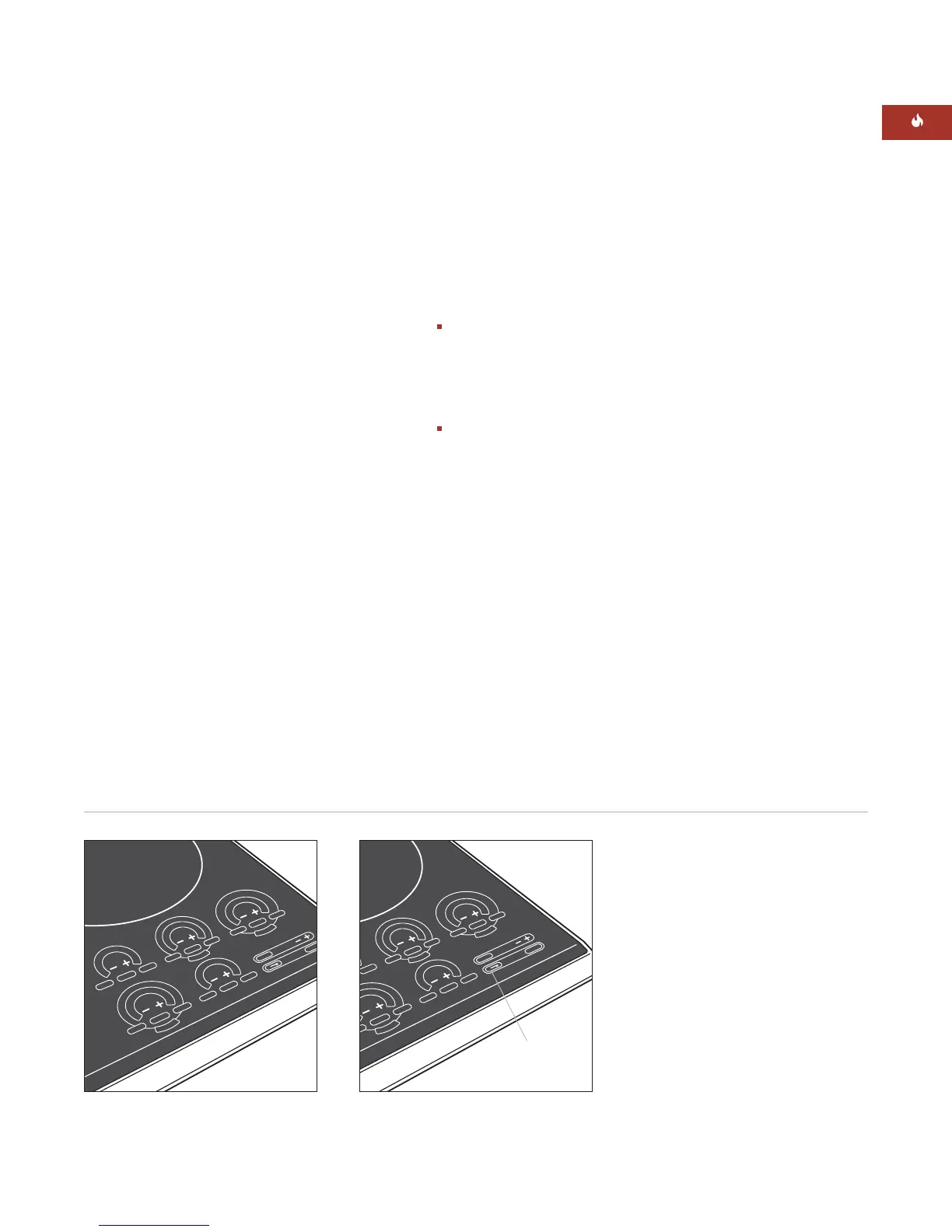
control lighting. The illustrations below show
the control panel of Model CT36I/S.
OFF
O
MELT
HIGH
O
FF
ON
HIGH
H
I
-
P
O
W
E
R
OFF
ON
M
HIG
H
H
I
-
P
O
W
E
R
O
FF ON
SIM
H
IGH
H
I
-
P
O
W
E
R
OF
F
O
N
HIGH
SIM
CLE
AR
Lock mode key touch pad
Lock key
touch pad
O
FF
O
MEL
T
HIGH
OFF
ON
OFF ON
MEL
T
HIGH
H
I
-
P
O
W
E
R
OFF
ON
SIM
HIG
H
H
I
-
P
O
W
E
R
O
FF ON
SIM
H
IGH
H
I
-
P
O
W
E
R
OF
F
O
N
HIGH
SIM
CLE
AR
Illuminated touch control panel


 To Next Page