8 | Wolf Customer Care 800.222.7820
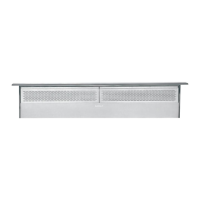
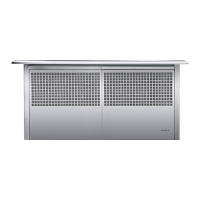
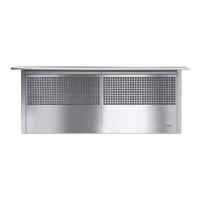
Downdraft Operation
Downdraft Operation
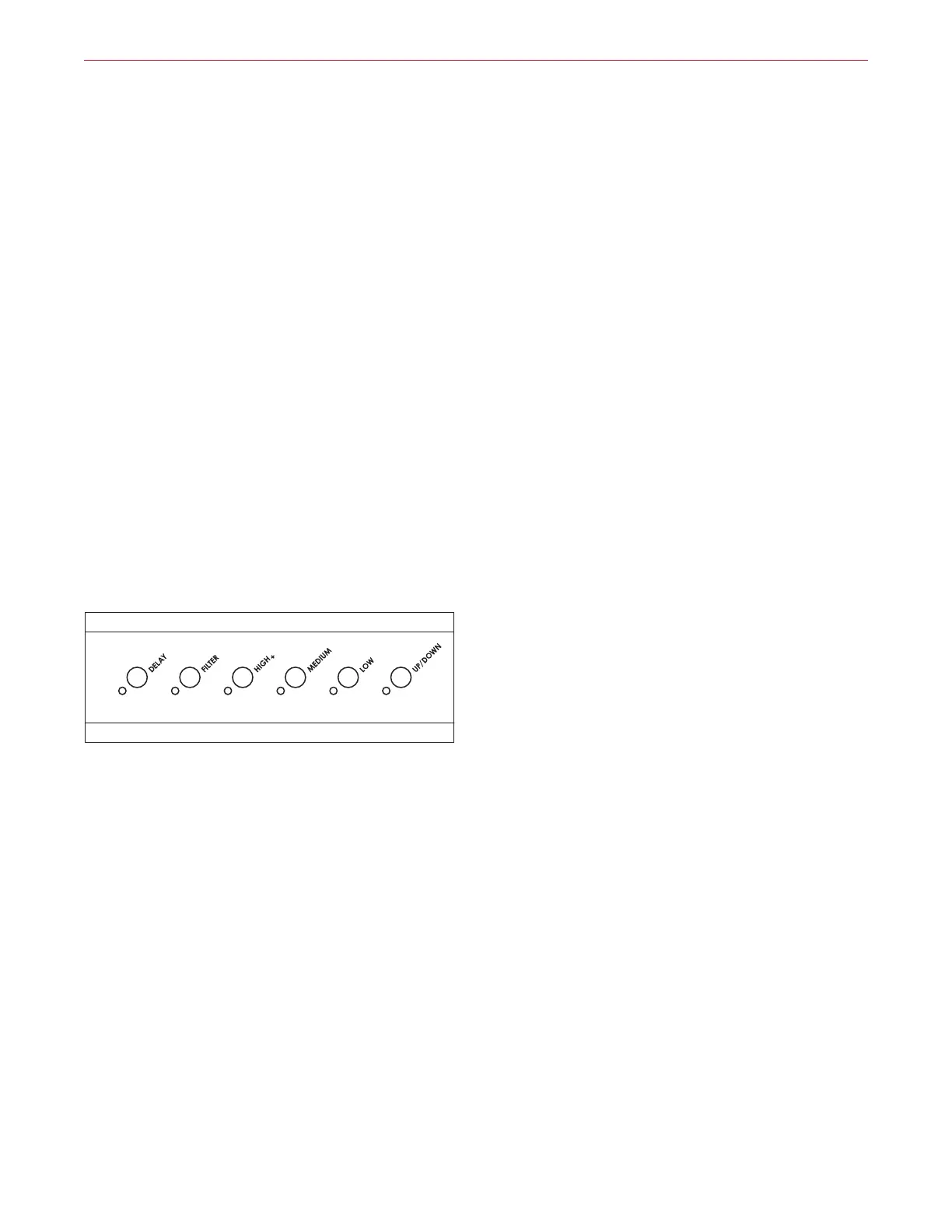
CONTROL MODULE
1 To activate the downdraft, press the Up/Down button.
The downdraft chimney elevates and the blower turns
on automatically to low speed. Refer to the illustration
below.
2 To adjust the blower speed, press the High+, Medium
or Low button. The corresponding LED illuminates to
indicate blower setting.
3 To initiate boost mode, press and hold the High+
button for 5 seconds. Boost increases airflow by
approximately 20% more than high, but is limited to
10 minutes. After 10 minutes, the blower automatically
transitions to high.
4 To deactivate the blower, press the button that corre-
sponds with the illuminated LED indicator or press
Up/Down.
Control module
DELAY FEATURE
The delay feature continues blower operation for approxi-
mately five minutes after use, then automatically turns o.
If the blower was operating on high or medium speed,
the blower will transition to the next lowest setting for five
minutes before turning o. The chimney will stay up until
the Up/Down button is pressed.
FILTER INDICATOR
After approximately 30 hours of operation, the Filter LED
illuminates to indicate the filters need to be cleaned. Refer
to Care Recommendations on page 9.
To reset the filter indicator, press the Filter button. Refer to
the illustration below.


 To Next Page