General Information
MW24-1100 MICROWAVE OVEN
1-5
#814888 - Revision A - May, 2009
MODEL FEATURES
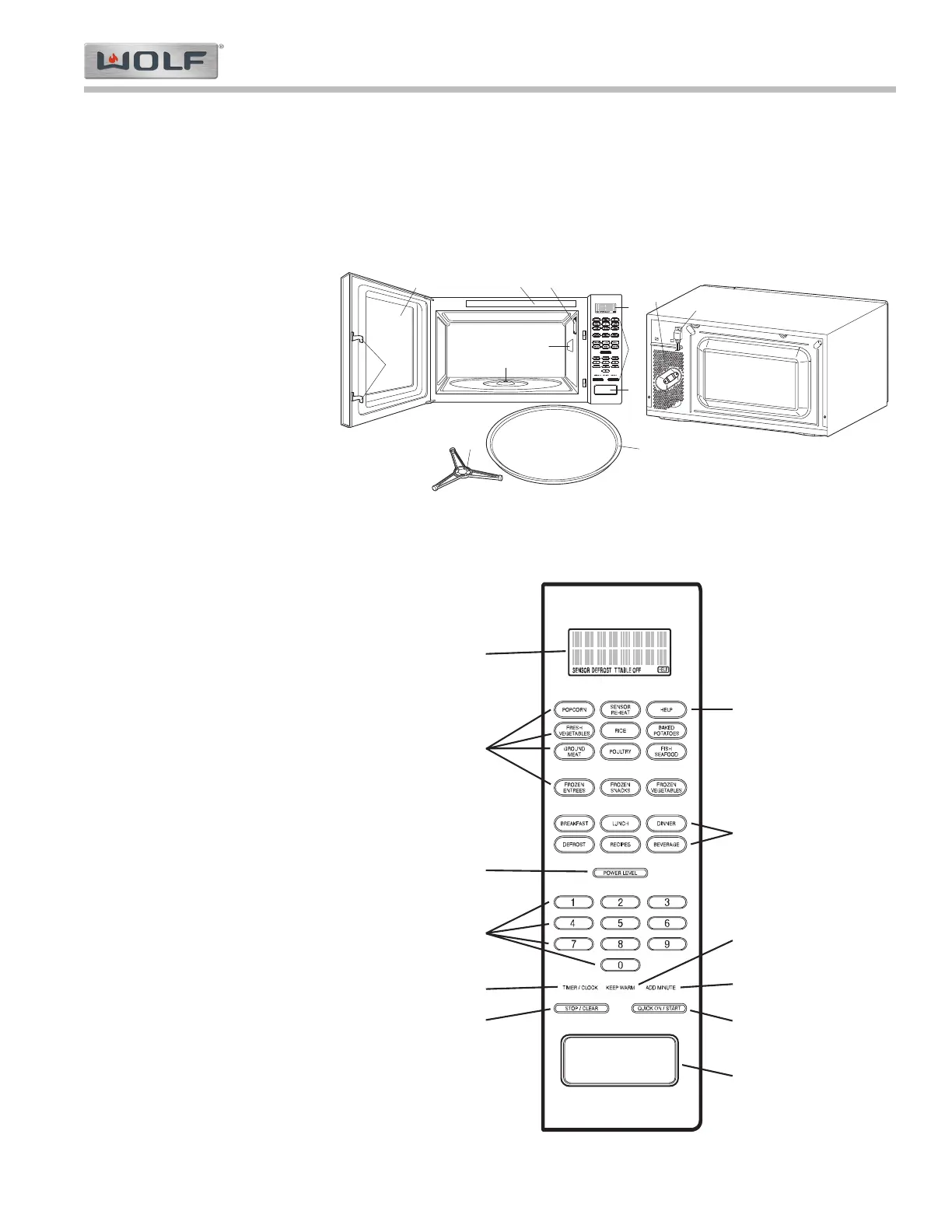
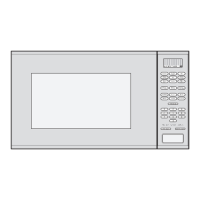
Listed below are some features of the Wolf microwave. (See Figure 1-3)
1. One Touch Door Open Button
2. Safety Door Latches (Two)
NOTE: The oven will not operate unless the door is securely closed.
3. Removable Turntable
Support
NOTE: Must be placed in
center of oven floor.
4. Removable Turntable
NOTES:
• Turntable will rotate
clockwise or counter-
clockwise. Turntable
should only be removed
for cleaning.
• 13-1/4 lbs. (6 kg.) is max-
imum weight limit for
turntable motor.
5. Oven Lamp
NOTE: Lamp operates when
oven is operating or door is
open.
6. Oven Door with See-
through Window
7. Ventilation Openings (Rear
of unit)
8. Touch Control Panel
NOTE: Also see Control
Panel Layout on this page.
9. Interactive Digital Display
NOTE: Maximum time dis-
play is 99 minutes, 99 sec-
onds.
10. Coupling (a.k.a. Turntable
Motor Shaft)
11. Waveguide Cover
NOTE: Do NOT remove.
12. Power Supply Cord (partial
shown)
13. Menu Label
Figure 1-3. Oven Front and Rear View
Figure 1-4. Auto-Touch Control Panel
The diagram at right (Fig. 1-4)
illustrates the layout of the
microwave Touch Control
Panel.


 To Next Page