If you need the introduction and installation video of the hardwire kit, please CONTACT US.
If you want to lock some videos during timelapse mode, please set the G-Sensor Sensitivity.
Screen Saver
Off/1min/2min/3min.
If you want it to automatically turn off the screen or use it as a rearview mirror, you can set the
screen saver mode.
34
Off/High/Middle/Low
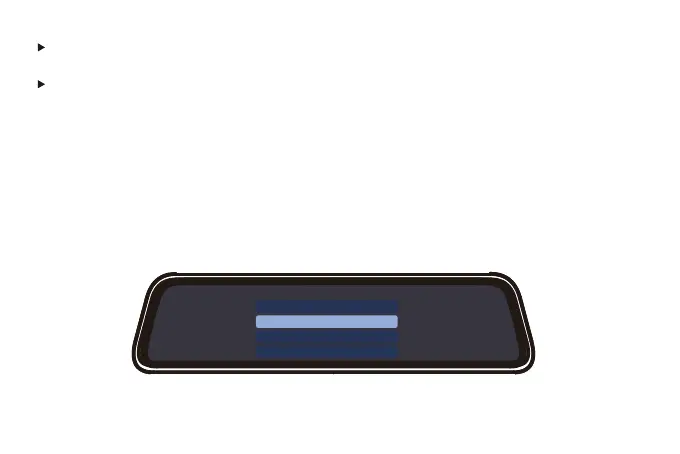
G-Sensor sensitivity
G-Sensor sensitivity
Off
High
Middle
Low
After turning on the G-Sensor, the dash cam will lock the video when it detects bumps while
driving.



 To Next Page