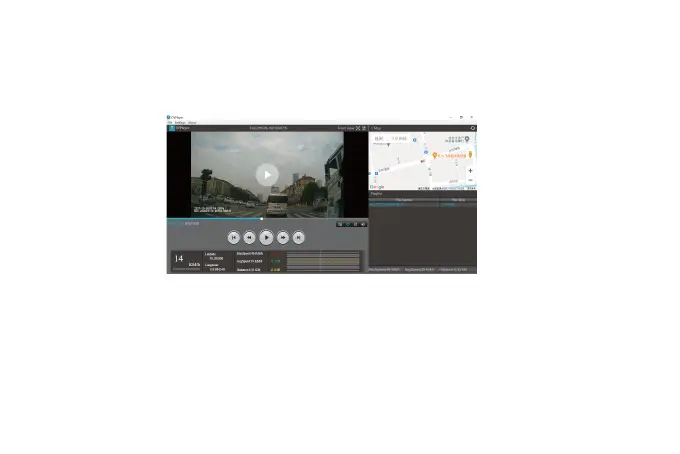
Player interface
Trouble Shootings
Please install the GPS first.
To track the Location, Speed, status, Signal Strength, please go to info on the Menu Setting.
Please feel free to contact our customer support at service@wolfbox.com. Most email are
typically replied within 10 hours. All questions are answered within 24 Hours.
1. Click File in the upper left corner
2. Click "Open" to select the file
3. Start playing
43



 To Next Page