10
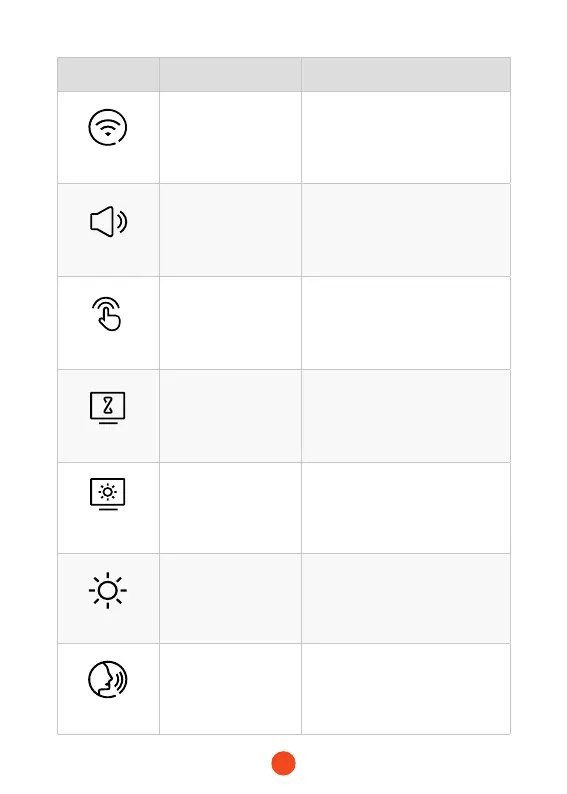
Function Option Description
Wi-Fi
ON/OFF
Set the status of the device's Wi-
Fi connection.
Volunme Setting
OFF/Low/Medium
/High
Set the volume level of the device.
Click Tone
ON/OFF Set the switch for key tones.
Screen Saver
OFF/10 Seconds
/30 Seconds
/2 Minutes
Set the activation time for the
screen saver.
Screen
Brightness
/ Adjust the screen brightness.
Exposure
/
Adjust the contrast of the front
camera.
Voice Control
ON/OFF
/Voice Command
Set the switch for voice control
functionality.



 To Next Page