23
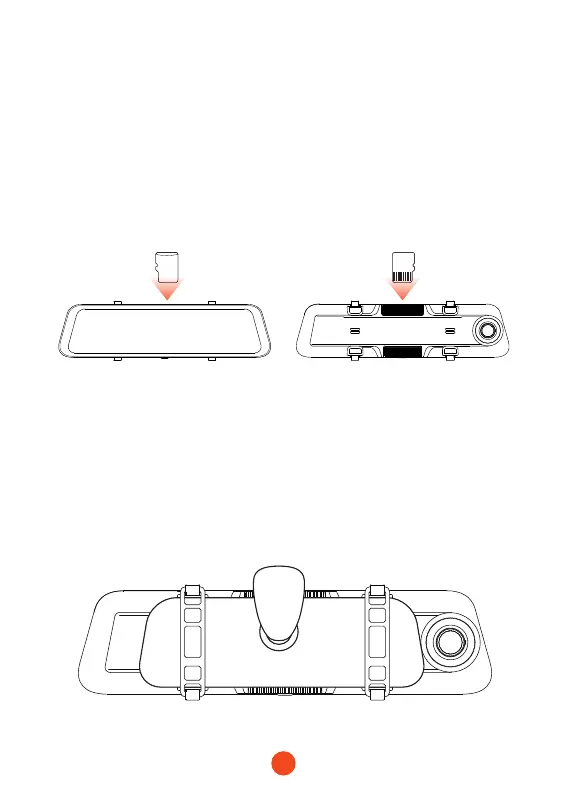
• The Front view of the host • The Back view of the host
64GB
Installation
Before installing your dash cam, please test its functionality with
all accessories and change the default settings to your preference.
•SD card installation
Ensure that the dash cam is powered o when inseing or
ejecting the SD card.
•Unit installation
1. Place the head unit (WOLFBOX Mirror) on the rear-view mirror
by hand, and be sure to separate the silicone brackets on both
sides of the reaiew mirror. Buckle the device to the reaiew
mirror with the rubber straps. Adjust the front lens to a desired
angle.



 To Next Page