8
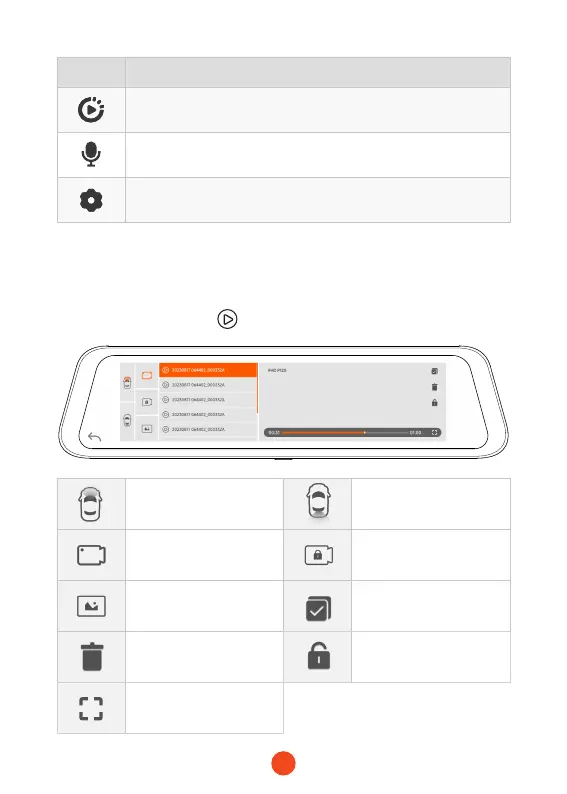
• Playback Mode
When you power on the dash cam, it will sta recording auto-
matically. Click/select to enter playback mode.
icon Description
File Playback: Playback the video & photo
Turn on/o audio recording
Settings: Tap to enter the settings menu
Stores images captured
by the front camera
Stores images captured
by the rear camera
Normal Video:Select it
to view recorded videos
Locked Video:Select it to
check locked videos
Photos:Select it to check
photos
Select
Delete Lock the video
View videos on full
screen



 To Next Page