12
Function Oveiew
Swipe from right to left to access the function menu, where you can
modify various settings and parameters for the machine.
Function Option Description
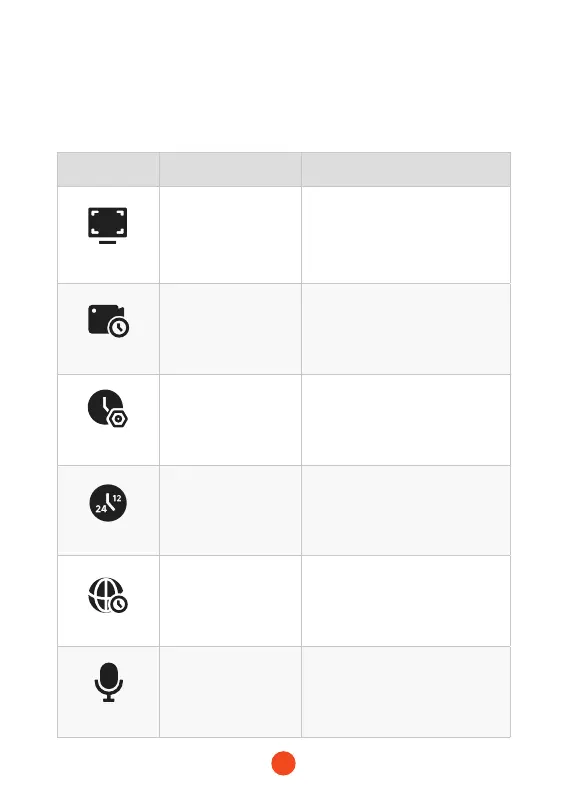
Resolution
5K
/4K+1080P+2.5K
/4K+1080P+1080P
/...
Video resolution selection.
Loop Recording
1 Minute
/3 Minutes
/5 Minutes
Set the duration for loop recording
of video les.
Clock Setting
/
Adjust the current time displayed
on the device.
Time Style
12 Hours/24 Hours Set the time display system.
Time Zone
/
Adjust the time zone based on
geographical location.
Sound Record
ON/OFF Set whether to record sound.



 To Next Page