13
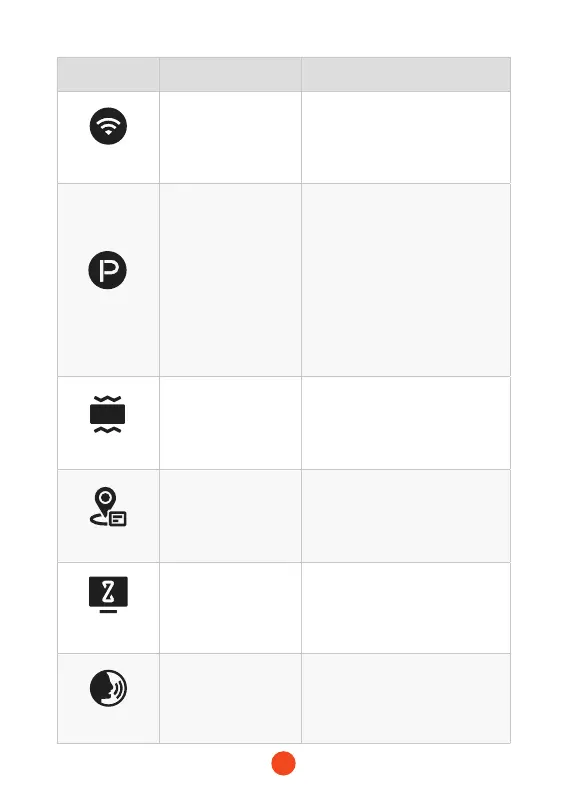
Function Option Description
WI-FI
ON/OFF
Set the status of the device's WIFI
connection.
Parking Mode
ON
/G-Trigger Recording
/12H Time-lapse
recording
/24H Time-lapse
recording
Monitor the vehicle's status after
the engine is turned o.
G-Sensor
OFF
/Low
/Medium
/High
Set the sensitivity of the G-sensor.
GPS
/ Display recorded GPS data.
Screen Saver
OFF
/10 Seconds
/30 Seconds
/2 Minutes
Set the activation time for the
screen saver.
Voice Control
ON
/OFF
/Voice Command
Set the switch for voice control
functionality
.



 To Next Page