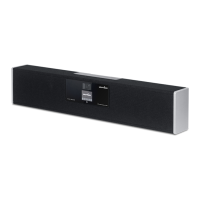
1. Mount the Cynap Videobar your preferred way
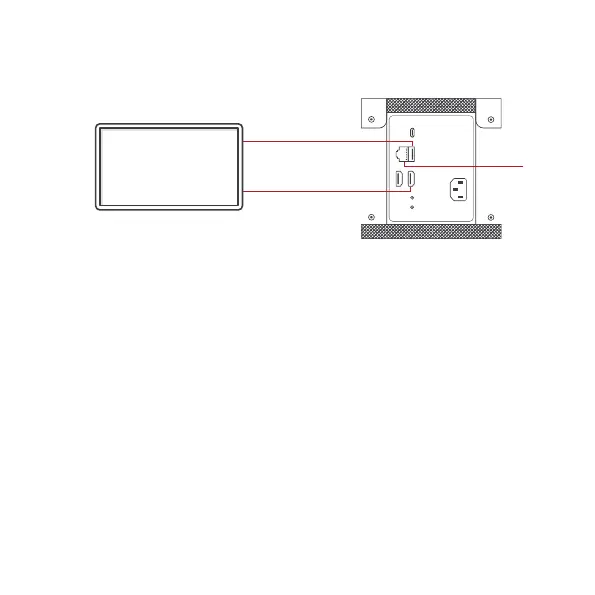
2. Connect HDMI cable between Cynap Videobar and screen
(monitor or projector)
3. Oponal (only for touchscreen users): Connect USB-A cable
between Cynap Videobar and touchscreen monitor
4. Connect LAN for a network integraon (LAN connecon
recommended)
5. Plug device into power outlet
6. For best acousc experience select Room preset and
use the Fohhn Opmizer in the Cynap Videobar sengs
(default admin password “Password”)
INITIAL SETUP/INSTALLATION
USB
LAN
HDMI


 To Next Page