START SCREEN SHARING
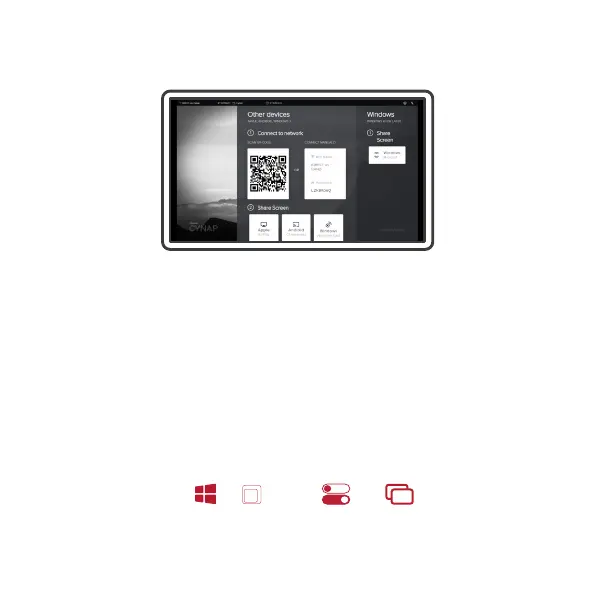
Connect to the Cynap Videobar access point, either by scanning the
QR Code or connecng manually. Share your screen using either
AirPlay, Chromecast, Miracast or vSoluon Cast (vSoluon App)
When your device is in the same network as the Cynap Videobar,
you can use the shortcuts below.
Windows PC
Press the keys
on the keyboard
K
&
Apple Mac
Click on
on the menu bar
&
Support for: Apple, Windows, Android and Chrome OS devices


 To Next Page