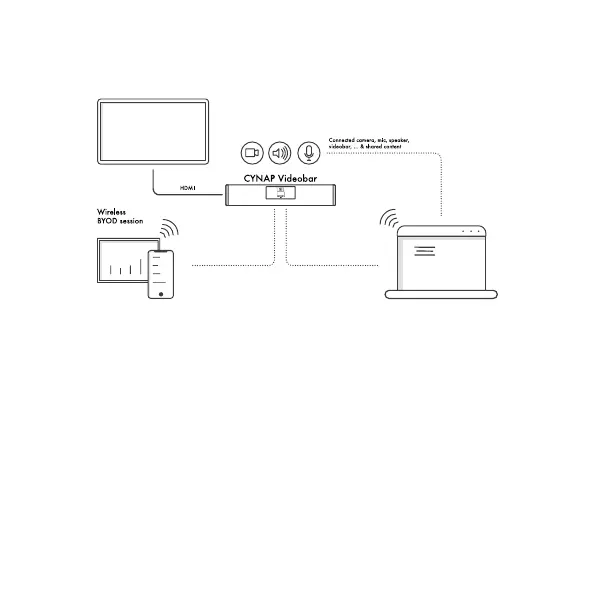
START HYBRID MEETING (BYOM)
WIRELESS
1. To start a Hybrid Meeng (BYOM) – Download vSoluon
App (free download) onto your Windows / macOS laptop
2. Open vSoluon App on your Laptop and connect to the
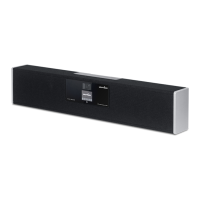
Cynap Videobar shown in the Device List.
3. Select “Connect Room Audio/Video” in the Mode Selector
4. Cynap Videobar will now be visible in the audio-/video
sengs of your conferencing app (MS Teams, Zoom,
Google Meet, etc.) as Room Audio / Video


 To Next Page