WOLSTEAD PRO SWIFT DIGITAL AIR FRYER 8L OWNER’S MANUAL WOLSTEAD PRO SWIFT DIGITAL AIR FRYER 8L OWNER’S MANUAL
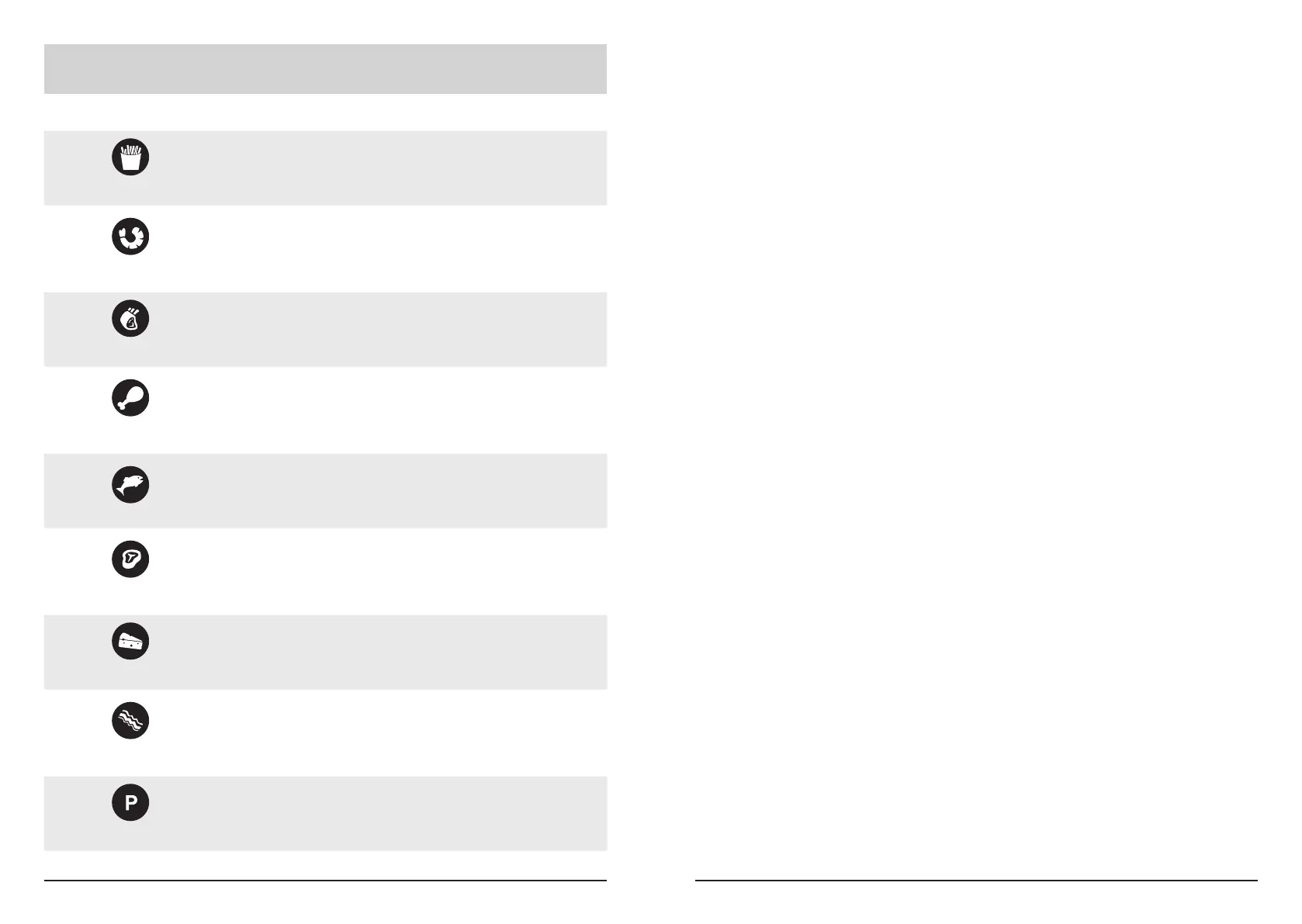
TOUCHSCREEN ICON &
PRESET PROGRAM
TIME TEMPERATURE
Default Setting
Seafood
Chicken
Steak
Bacon
15 minutes
22 minutes
8 minutes
25 minutes
20 minutes
10 minutes
12 minutes
10 minutes
3 minutes
190°C
200°C
160°C
200°C
180°C
200°C
200°C
200°C
200°C
Chips
Roast
Fish
Preheat
Cheese
3 minutes 170°C
Preheat Function:
When using the preheat function, reduce your nal cooking time by 3 minutes, or check if
the food is done 3 minutes prior to the end of the cooking time.
Use the preheat function when a recipe calls for a preheated oven, or when cooking meats
or proteins that benet from being cooked in hot temperatures from the outset of the
cooking process.
To use the preheat function, ensure the empty air fryer drawer is correctly inserted into the
body of the air fryer and press the red power button.
The default time (15:00) and temperature (190°C) will appear and alternate on the digital
display. Press the preheat button to begin heating the appliance. Once the preheat option
is selected, the white fan icon will twirl to indicate that the air fryer is in operation.
Once the preheating function is complete, the air fryer will beep 5 times. At this time,
place food into the frying basket, reprogram the air fryer and begin the cooking process.


 To Next Page