Lighting
Switch lights on/o
On the app: Press the Lighting button on the Home page to display the Lighting status
page. Press
to switch light on and o.
To turn o all lights in the system, switch the Turn all O switch to the left (grey).
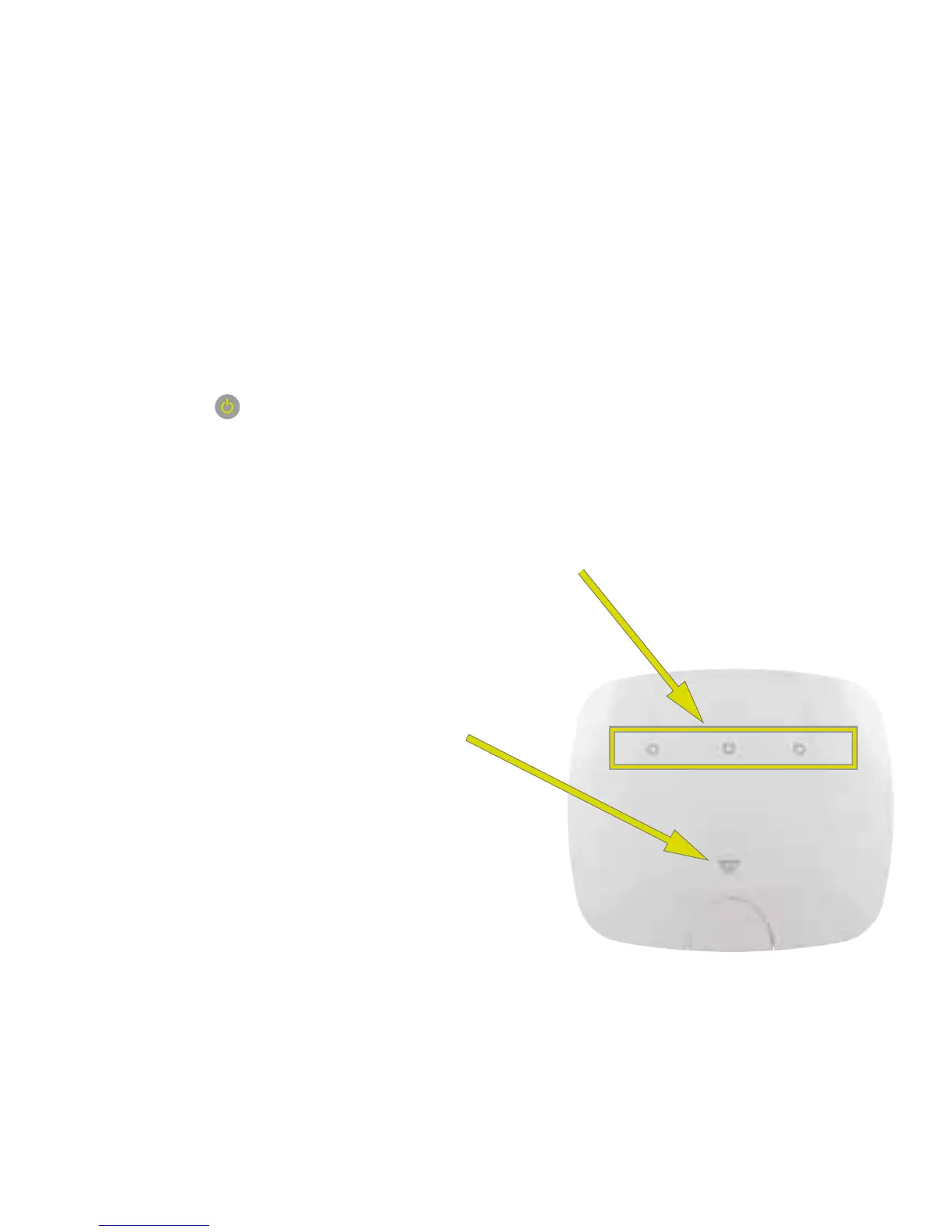
At the light switch: Press circle on the front of the light switch to turn the light on
and o. Which one depends on the number of lighting circuits you have: central circle
for one circuit, the outer circles for two lighting circuits, or all three circles for three
circuits.
Light switch: voice control
Touch the W icon on the front of the
light switch and ask question or give
command, such as “what is the weather
today?” or “make it warmer”.
43


 To Next Page
 Loading...