OPERATION
Start-up Settings of the Controller
OPERATION SW-10doc032018 2-4
2
See Figure 2-2.
To save the kerf value setting, press . The controller will display the text “SAVE” and will
exit the function.
NOTE: From this moment, the Setworks controller will be calculating next
cutting positions taking into account the stored kerf value. Therefore, it will not
be necessary to correct the head height manually during cutting.
3. Auto-calibration
This function should be used in case of:
- [ LT15 sawmills ] Replacement of the up-down system screw or motor, after lubrication of the screws and
other moving parts of the head as well as when significant cutting variances are observed;
- [ LT20, LT40 and WM1000 sawmills ] If difference between the blade height shown on the upper display
and the real dimension from the bed rail level is observed.
- [all sawmills] If the sawmill is operated in conditions of large air temperature fluctuations, perform the
automatic calibration twice a week.
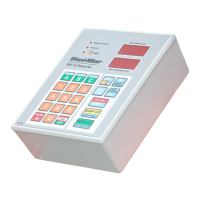
FIGURE 2-2


 To Next Page
 Loading...