EasyManua.ls Logo

Woodway Opti-Link - User Manual

Woodway Opti-Link
10 pages
Print Icon
To Next Page IconTo Next Page
Loading...
INSTALLATION & OPERATION
Opti-Link
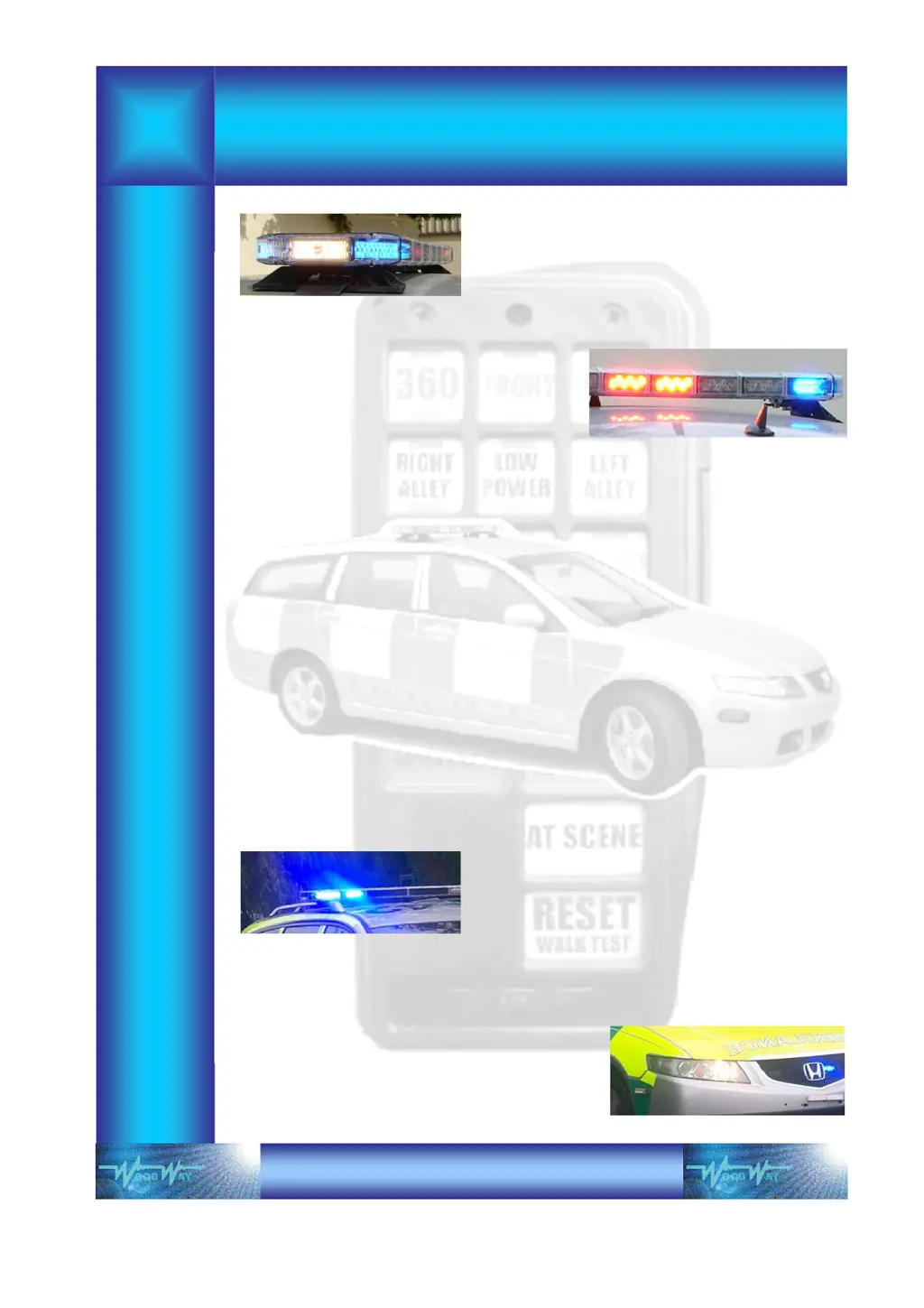
ENGINEERS FOR THE EMERGENCY WARNING INDUSTRY

Questions and Answers

  • V
    Valerie OwenAug 18, 2025
    What to do if the Red LED is illuminated on the Output/Receiver module of Woodway Control Systems?
    • C
      Christy MillerAug 18, 2025
      If the red LED is illuminated on the Output/Receiver module of your Woodway Control Systems, this indicates excessive current draw on one or more channels (maximum working current is 0.5 amps (500mA) per channel). To resolve this: 1. Operate each switch individually until the Red LED illuminates to locate the faulty channel. 2. Check for a short circuit in the wiring. 3. Check for faulty equipment. 4. If the problem persists, replace the Output/Receiver Unit.
  • M
    Morgan WoodsAug 20, 2025
    Why does multiple switch operation fail on Woodway Control Systems?
    • D
      Danny HernandezAug 20, 2025
      If a single switch on your Woodway Control Systems handset works fine, but using multiple switches causes failures or system shutdowns, the issue might stem from a communications fault or low voltage. Here’s what you can do: * Check that the data link connections are secure. * Make sure the inputs and cable ends are clean. * Ensure the battery voltage hasn't dropped below 12V.
  • A
    Alexander JohnsonAug 22, 2025
    Why is the keypad LED flashing on my Woodway Opti-Link Control Systems?
    • C
      Cynthia TaylorAug 22, 2025
      If the keypad LED on your Woodway Control Systems is flashing, it indicates low voltage. Ensure that the voltage is healthy; for 12V systems, it should be greater than 9.5V.
  • S
    sheriyoungAug 25, 2025
    What to do if there is no output from the Output/Receiver and the ‘Data OK’ led is not flashing on Woodway Control Systems?
    • E
      Emily BooneAug 26, 2025
      If there is no output from the Output/Receiver and the ‘Data OK’ LED is not flashing on your Woodway Control Systems, it indicates a communication fault. Check that the data link connections are secure.
  • J
    John MccormickAug 27, 2025
    Why is there a high pitch ‘whistle’ from the speaker on PA operation of Woodway Opti-Link?
    • F
      fwilliamsAug 28, 2025
      If you hear a high-pitched whistle from the speaker during PA operation with your Woodway Control Systems, it could be due to the volume being set too high or the keypad and speaker being too close together. Try turning the volume down by rotating the pot anti-clockwise, and increase the physical separation between the keypad and the speaker.
  • M
    Matthew JonesAug 30, 2025
    How to make switches remain on Woodway Control Systems?
    • K
      Kyle RivasAug 30, 2025
      If one or more switches on your Woodway Control Systems will not remain on, it's possible that the switches are set for momentary operation. Reset the switches to latching operation.
  • D
    David StoneSep 1, 2025
    Why does pressing one switch ‘On’ turn the previous one ‘Off’ on Woodway Opti-Link?
    • A
      Amanda HansenSep 1, 2025
      If pressing one switch ‘On’ turns the previous one ‘Off’ on your Woodway Control Systems, the switches are likely set to ‘self-cancelling’. To fix this, reset the switches.
  • J
    Joanna SullivanSep 4, 2025
    Why is the keypad led permanently on and the system is not functioning on Woodway Opti-Link?
    • J
      Judy LewisSep 4, 2025
      If the keypad LED is permanently on and the system is not functioning on your Woodway Control Systems, this indicates an internal eprom fault. Replace the keypad to resolve this issue.
  • E
    Ernest MurilloSep 6, 2025
    Why do switches 3, 13 and 14 have no output on Woodway Opti-Link Control Systems?
    • S
      Suzanne BauerSep 7, 2025
      If switches 3, 13, and 14 have no output on your Woodway Control Systems, a ‘special’ program setting may have been enabled. To disable this setting, put the keypad into programming mode, then press and hold SW11 and SW14 until you hear a beep.
  • L
    Lisa HughesSep 9, 2025
    Why is the lightbar not functioning when selecting ‘360’ on Woodway Opti-Link?
    • J
      Jeff KirkSep 9, 2025
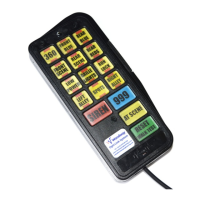
      If the lightbar is not functioning when selecting ‘360’ on your Woodway Control Systems, the switches may be incorrectly set. For the ‘360’ function to work correctly with a Woodway lightbar, only SW1 should be used as 360, and the ‘Special Strobe Function’ must be set.

Summary

Important Installation and Safety Notes

Disclaimer

Provides information about the manual's purpose and limitations.

Opti-Link Control System Overview

Keypad Interface Module

Details the function and connection of the keypad interface module.

Output;Receiver Module

Explains the output/receiver module's role in decoding data and activating outputs.

System Operation

Keypad Programming

Keypad Lockout

Details how to disable or enable the keypad's function lock.

Switch Self-Cancelling Mode

Explains how to set buttons for self-cancelling functionality.

Momentary or Latching Operation

Describes how to change switch operation between latching and momentary.

Special Strobe Setting

Configuration for special strobe settings on switches 1 to 3.

External 999 Input

Procedure to enable or cancel the external 999 input function.

Changing and Fitting Switch Legends

Troubleshooting

Installation Wiring Diagrams

System Wiring General Layout

Provides the general wiring layout for the Opti-Link system.

Auxiliary Relays

Diagrams for output/receiver and auxiliary equipment relay connections.

Beta Siren Installation

Details for hands-free control connections for Beta Siren amplifier.

Woodway Opti-Link Specifications

General IconGeneral
BrandWoodway
ModelOpti-Link
CategoryControl Systems
LanguageEnglish