5.2
5.2 5.2
5.2 Operation and setting
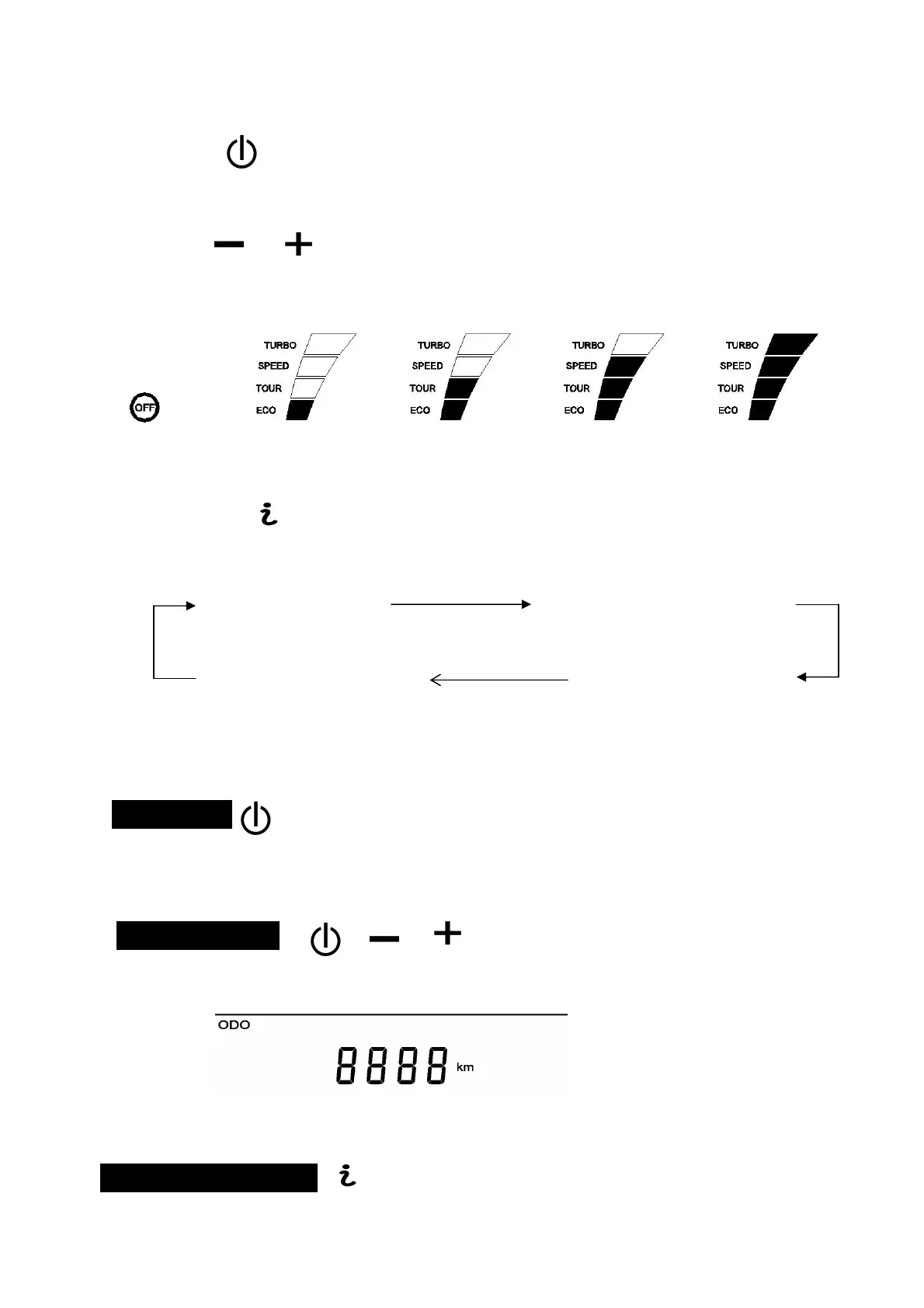
1)Power: 。
Press this button to power on the LCD display, press and hold the button for 2 seconds to power off.
The kit will power down after 5 minutes of inactivity.
2) Assist。
There are 4 levels of assistance. Press the +/- buttons to adjust the power assist level. The default is ECO
(minimum) assist.
(no power) (ECO) (TOUR) (SPEED) (TURBO)
None Minimum Medium Max
3) Info。
There are 4 levels of mode (odometer, trip distance, average speed, one way time). Press this button to
adjust the mode. Default is odometer.
Odometer(ODO) Trip distance(TRIP)
One way time(TIME) Average speed(AVG)
5.3
5.3 5.3
5.3 Basic functions
Backlight
Quick press the power button switch background lighting under switching on state.
Odometer (ODO)
When shown in odometer, press and hold those three buttons simultaneously for 10 seconds to reset the ODO.
Odometer
Trip distance(TRIP)



 To Next Page