EasyManua.ls Logo

Workzone PT 150601 - User Manual

Workzone PT 150601
31 pages
Print Icon
To Next Page IconTo Next Page
Loading...
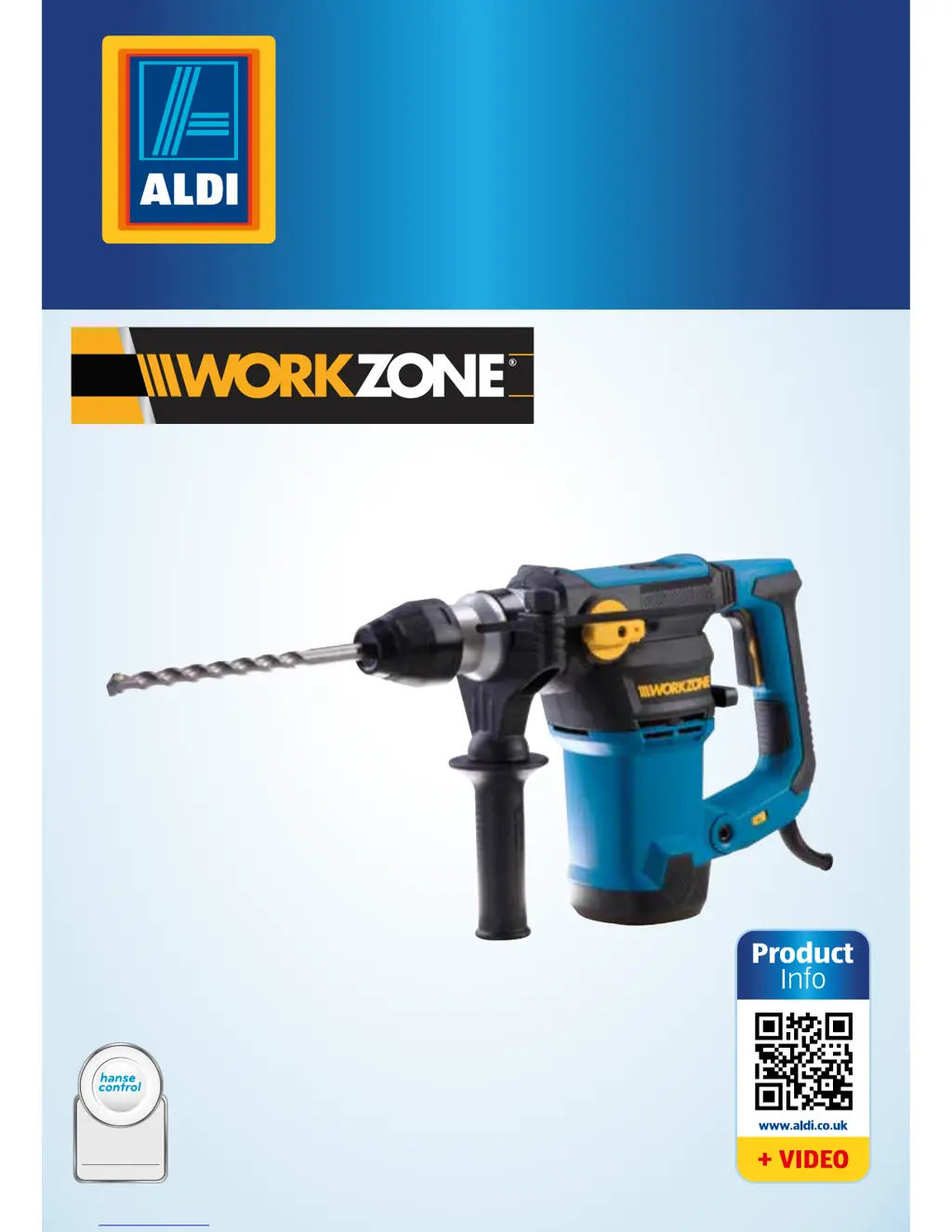
 W ROTARY HAMMER DRILL
ID: #05007
m
y
h
a
n
s
e
c
o
n
t
r
o
l
.
c
o
m
M
A
N
U
A
L
D
E
V
E
L
O
P
E
D
I
N
G
E
R
M
A
N
Y
User-friendly
Manual
User Manual
Spend a little Live a lot
Original instructions

Questions and Answers

  • T
    Tanner DelgadoAug 3, 2025
    What to do if my Workzone PT 150601 Rotary Hammer drill cannot be started?
    • J
      julie33Aug 3, 2025
      If your Workzone Rotary Hammer drill won't start, it might not be properly connected to the power supply. Ensure the plug is fully inserted into the socket. Also, inspect the mains plug and cord for any damage. If you find any defects, have them replaced by a qualified workshop.
  • M
    meganwalkerAug 9, 2025
    Why is my tool/chuck not rotating on my Workzone PT 150601?
    • R
      rachelbryantAug 9, 2025
      If the tool or chuck on your Workzone Rotary Hammer isn't rotating, the selector switch for chiseling or drilling may not be set correctly. Make sure the selector switch is turned to the appropriate symbol.
  • J
    Joshua SummersAug 15, 2025
    What to do if the drill bit does not penetrate the material when drilling with my Workzone PT 150601 Rotary Hammer?
    • C
      Christopher BerryAug 15, 2025
      If the drill bit on your Workzone Rotary Hammer isn't penetrating the material, the hammer function may be deactivated, or you might be using the wrong type of drill bit. Ensure the hammer function is switched on. Use a masonry drill bit for hammer drilling. When drilling into metal, use a metal drill bit with the clamping chuck and switch the hammer function off.
  • T
    teresa70Aug 21, 2025
    What to do if the chisel is not moved when using my Workzone Rotary Hammer?
    • J
      Jimmy MoralesAug 21, 2025
      If the chisel isn't moving on your Workzone Rotary Hammer, the hammer function might be deactivated. Turn the hammer function on. Also, ensure that the selector switch for chiseling or drilling is set to the correct symbol.
  • D
    david01Aug 27, 2025
    Why does the chisel rotate when using my Workzone PT 150601 Rotary Hammer?
    • M
      Michael GatesAug 27, 2025
      If the chisel rotates unexpectedly on your Workzone Rotary Hammer, it's likely that chiseling mode hasn't been properly selected. Ensure the selector switch for chiseling or drilling is set to the correct symbol.

Summary

Product Contents and Parts

Safety Precautions

Proper Use and Limitations

Defines intended use, specifies unsuitable applications, and emphasizes safety.

Safety Notes and General Warnings

Covers residual risks, workplace safety, electrical safety, and power tool general safety.

Personal Safety Measures

Focuses on user attentiveness, protective gear, and avoiding accidental activation.

Safe Handling and Maintenance

Guidelines for operating the tool, ensuring proper maintenance, and service procedures.

Specific Safety for Hammer Drills

Detailed safety advice for rotary hammer drills, including noise, dust, and jamming.

Children and Damage Prevention

Warnings regarding children's safety and precautions to prevent damage to the drill.

First Use Procedures

Operating the Rotary Hammer Drill

Maintenance and Care

Troubleshooting Guide

Technical Specifications

Workzone PT 150601 Specifications

General IconGeneral
Voltage230V
Frequency50Hz
Power Input1500W
Impact Rate3900 bpm
Drilling Capacity in Concrete32mm
Chuck TypeSDS-Plus
No Load Speed800 rpm
Drilling Capacity (Steel)13mm
Drilling Capacity (Wood)40mm
Power SourceElectric
Impact Energy5 Joules