11
11
AFTER SALES SUPPORT
1300 889 028 (toll free)
e-mail:
MODEL No.:
info.aldi@positecgroup.com
TRD18MA.9 • 8307 • 06/2019
3. Installing or removing 20V battery (not supplied)
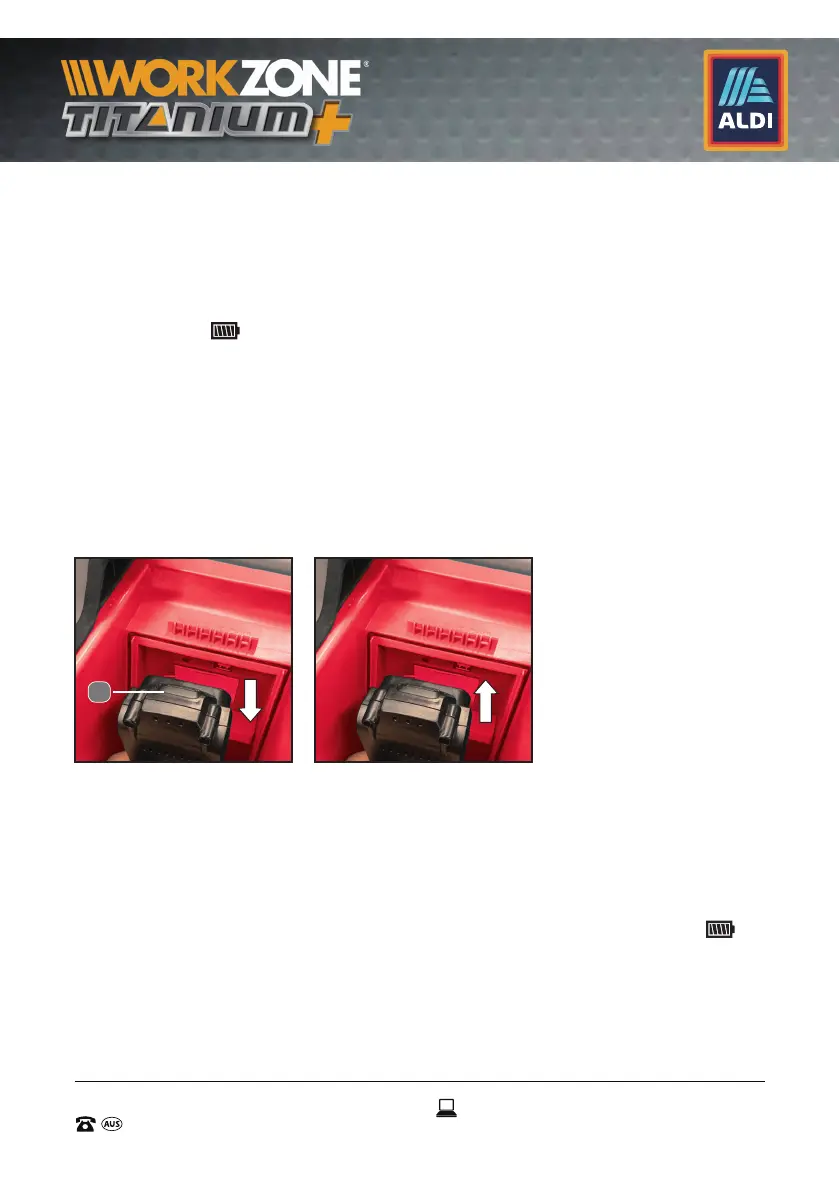
1. To insert the 20V battery (15), push it into the 20V battery port.
Always insert it all the way until it locks in place with a click. (See Fig E)
2. Do not use force when inserting the battery. If the battery does not
slide in easily, it is not being inserted correctly. Remove and re-insert the
battery until (
) appears on the screen.
3. To remove the battery, depress the battery pack release button to
release and slide the battery pack out from the 20V battery port (14) .
(See Fig F)
4. When the low battery sign appears and keeps on flashing it is time
to recharge and replace the 20V battery (15).
NOTE: The 20V battery (15) cannot be charged via the supplied
AC power adapter. Remove the 20V battery (15) from the radio,
when not used for long periods of time.
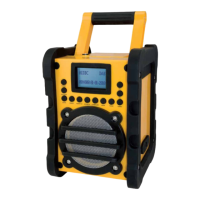
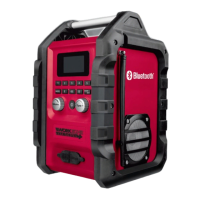
4. Using supplied AC power adapter (9)
Remove the rubber cover over the AC adapter port (4) on the front
side of the radio and insert the AC power adapter (9) into the port
for the AC power adaptor (4). Plug the AC power adapter (9) into
a standard mains socket outlet. Whenever the AC power adapter
(9) is used, the battery pack is automatically disconnected, and
disappears. The AC power adapter (9) should be disconnected from
the main supply when not in use. (See Fig. G )
E F
Battery not included
Battery not included
15


 To Next Page