14
14
AFTER SALES SUPPORT
1300 889 028 (toll free)
e-mail:
MODEL No.:
info.aldi@positecgroup.com
TRD18MA.9 • 8307 • 06/2019
adjustment knob (10) to adjust the minutes.
3. Finally, press to confirm and finish the setting of the alarm clock.
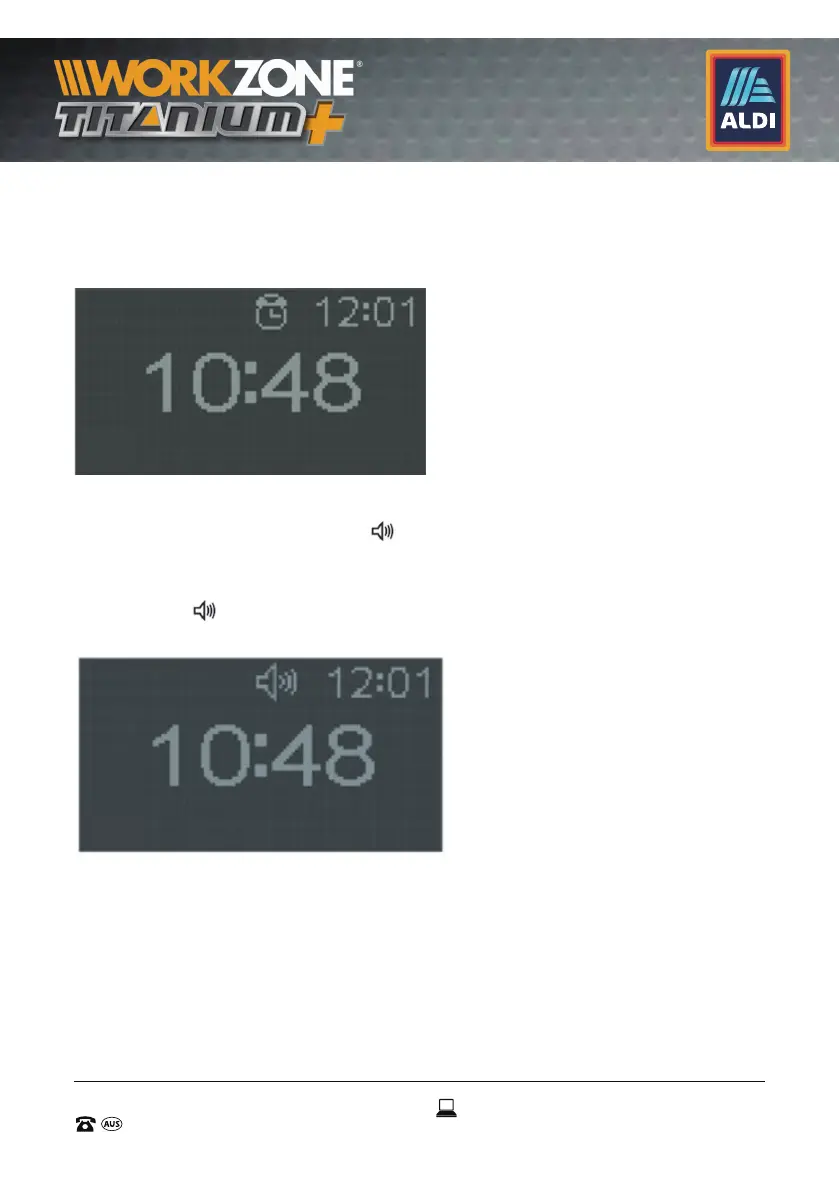
4. To activate/deactivate the alarm, press the button once. The icon
appears on the screen when the alarm is activated.
9.4 Setting the clock radio
1. Press and hold the button
for 3 seconds. The alarm time
is displayed in the middle of the LCD screen (2) and the time
flashes. Turn the volume adjustment knob (10) to adjust the time.
2. Press on
once, the minutes will flash. Turn the volume
adjustment knob (10) to adjust the minutes.


 To Next Page