EasyManua.ls Logo

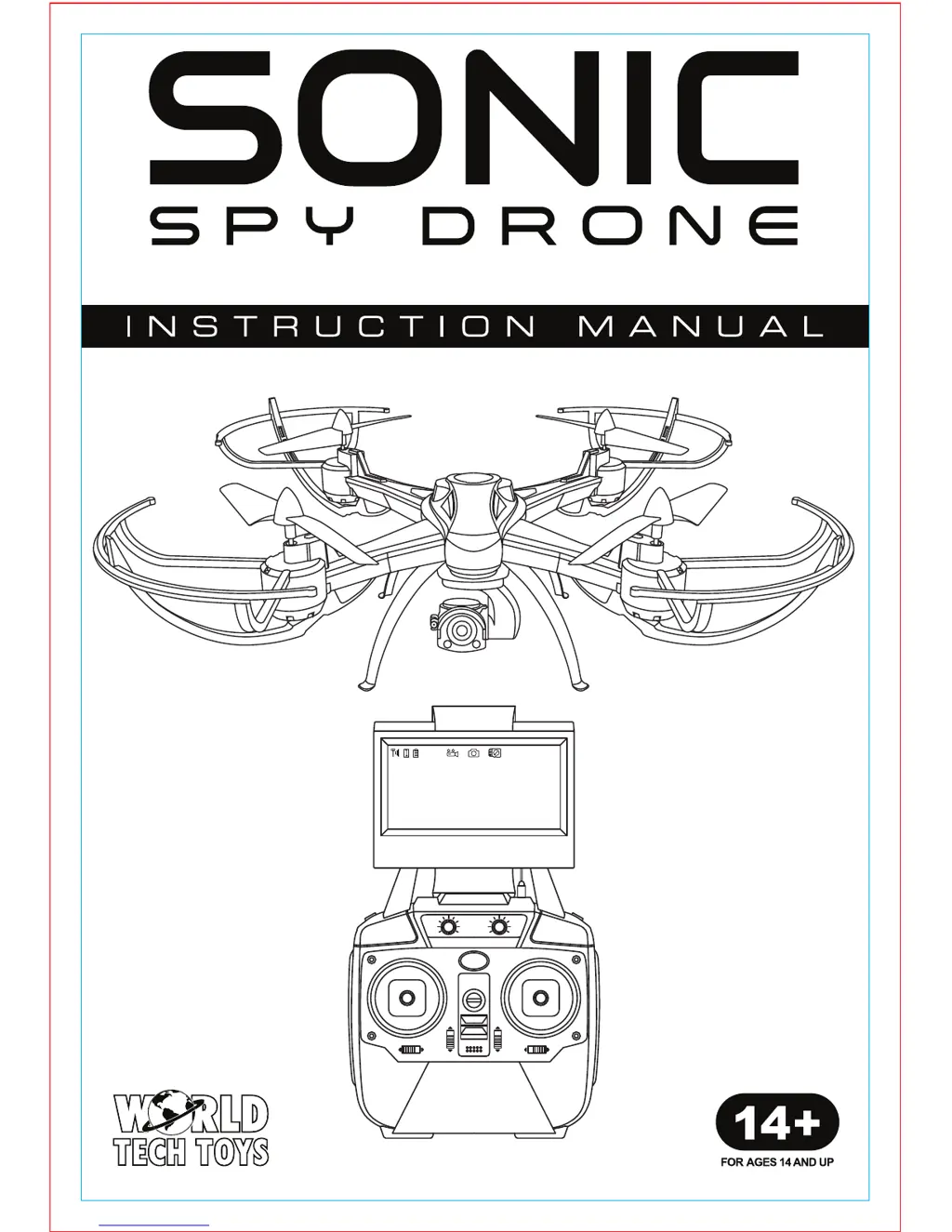
World Tech Toys Sonic - User Manual

World Tech Toys Sonic
10 pages
Print Icon
To Next Page IconTo Next Page
Loading...
2.4GHz 4.5CH LIVE FEED VIDEO CAMERA RC DRONE

Questions and Answers

  • S
    sawyerjamesJul 26, 2025
    What to do if my World Tech Toys Drone is unresponsive?
    • J
      Julie YoderJul 26, 2025
      If your World Tech Toys drone is unresponsive, there are several potential causes. First, ensure that both the transmitter and the drone are powered ON. If they are on, check the transmitter batteries: make sure they are installed with the correct polarity and are not drained. If the batteries are drained, install fresh ones.
  • L
    Lawrence WilsonJul 30, 2025
    Why is my World Tech Toys Drone unresponsive when the transmitter light is on?
    • D
      Dakota ParkerJul 30, 2025
      If the transmitter light is ON but your World Tech Toys Drone is unresponsive, the drone’s battery pack may be drained. Try charging the drone’s battery pack.
  • C
    cindywestAug 3, 2025
    What to do if World Tech Toys Drone rotors spin but it doesn't take off?
    • R
      rgallagherAug 4, 2025
      If the rotors of your World Tech Toys Drone are spinning but it's not taking off, consider these possibilities: The rotor blades might be damaged, in which case you should replace them. Also, the drone’s battery pack could be drained, so ensure it is charged. Finally, make sure the drone is placed on a flat surface before attempting takeoff.
  • M
    Mr. Eric MedinaAug 8, 2025
    Why does my World Tech Toys Drone move while hovering without transmitter input?
    • L
      Lee RangelAug 8, 2025
      If your World Tech Toys Drone moves while hovering without any input from the transmitter, the trim likely needs adjustment. Adjust the trim to stabilize the drone.
  • J
    jeremy56Aug 12, 2025
    How to fix a World Tech Toys Drone that is shaking when flying?
    • A
      Allen ClarkeAug 13, 2025
      If your World Tech Toys Drone is shaking during flight, the rotor blades might be damaged. Replace any damaged rotor blades to resolve this issue.
  • J
    joshua75Aug 16, 2025
    What to do if World Tech Toys Drone still moves forward after adjusting the trim?
    • E
      Eric LopezAug 17, 2025
      If your World Tech Toys Drone continues to move forward even after adjusting the trim, the gyroscope midpoint might be off. To fix this, turn off both the transmitter and the drone. Then, go through the power-on process again, ensuring you place the drone on a flat surface before takeoff. Reset the drone during this process.
  • W
    wandersonAug 21, 2025
    What does it mean if my World Tech Toys Drone is unresponsive and the transmitter light keeps flashing?
    • C
      Carolyn MyersAug 21, 2025
      If your World Tech Toys Drone is unresponsive and the transmitter light keeps flashing, it indicates that the transmitter is not syncing with the drone. To resolve this, repeat the power-up process.

Summary

Introduction and Precautions

Outdoor Flight Safety

Guidelines for safe outdoor drone operation, avoiding obstacles and wind.

Moisture Prevention

Advice on avoiding water contact to prevent electronic damage.

Proper Operation Guidelines

Warnings against modifying or disassembling the drone for safe flight.

Transmitter Battery Safety

Safety precautions for handling AA batteries in the transmitter.

Drone Battery Pack Safety

Safety instructions for the Lithium Polymer battery pack.

Heat Avoidance

Recommendations for storing the drone away from heat sources.

Specifications and Transmitter Diagram

General Specifications

Key physical and performance specifications for the drone and transmitter.

Transmitter Layout Overview

Identifies major controls and components on the drone transmitter.

Video Screen and Gimbal Controls

Details the video screen and controls for camera movement.

Flight Controls and Functions

Explains primary flight sticks, trim controls, and function buttons.

Setup and Initial Configuration

Transmitter Battery Installation

Step-by-step guide to correctly installing AA batteries in the transmitter.

Live Feed Video Screen Setup

Instructions for attaching the screen cradle and securing the live feed screen.

Video Screen Interface Overview

Explanation of the icons and indicators displayed on the live feed screen.

Drone Assembly and Startup

Drone Diagram and Components

Labels key parts of the drone, including rotors, camera, and LEDs.

Landing Skids Installation

Step-by-step instructions for attaching the drone's landing skids.

Drone Battery Installation

Guide to inserting the drone's battery pack and connecting plugs.

Powering On Drone and Transmitter

Instructions for powering on the drone and transmitter to prepare for flight.

Battery Charging and Camera Operation

Drone Battery Charging Procedure

Detailed steps for charging the drone's LiPo battery with the provided charger.

Charging Safety Warning

Important safety advisory regarding unattended or overnight charging.

Attaching Camera and Gimbal

Instructions for mounting the camera and gimbal assembly to the drone.

Taking Photos and Videos

How to capture images and record video using the camera controls.

Gimbal Control for Camera Movement

Explains how to use transmitter knobs to adjust camera orientation.

Drone Flight Controls and Adjustments

Pre-Flight Checklist

Emphasizes understanding controls before the first flight.

Basic Throttle Control

How to control the drone's altitude using the throttle joystick.

Basic Directional Controls

How to move the drone forward, backward, left, and right.

Basic Rotation Controls

Details how to control the drone's spin (yaw) using the joystick.

Advanced Flight Operations and Troubleshooting

Adjusting Flight Trim

How to use trim controls to stabilize drone hovering and correct drift.

Drone Reset Procedure

Steps to reset the drone's trim and pairing if issues arise.

Launch Toss Method

Description of the launch toss technique and automatic stabilization.

Special Flight Modes

Flip Stunt Mode Operation

Instructions on how to activate and perform a flip stunt with the drone.

Flip Stunt Safety Height Warning

Crucial safety warning about minimum flight height required for flip stunts.

Altitude Lock Activation

How to activate and use the altitude lock feature with joystick inputs.

Headless Mode Activation

How to engage headless mode for easier directional control.

Auto Return Function

How to use the auto return feature to bring the drone back safely.

Post-Flight Procedures and Troubleshooting

Post-Flight Disconnection

Steps to disconnect battery and turn off transmitter after flying.

Automatic Shutdown Functions

Conditions under which the drone will automatically shut down for safety.

Troubleshooting Common Issues

Solutions for problems like drone unresponsiveness, rotor spin, and shaking.

Contact and Warning Information

Provides contact details for support and a choking hazard warning.

World Tech Toys Sonic Specifications

General IconGeneral
ManufacturerWorld Tech Toys
ModelSonic
ControlRemote Control
Age Recommendation14+
CategoryDrone
Battery TypeLiPo

Related product manuals