WS2812 LED Strip Light With Remote
USER MANUAL
www.world-semi.com
Specification:
Color Changing Led Strips Lights
1.APP for Android & IOS, with more functions to choose;
2.Remote Control(24 keys), remote distance:5M
Light up for 1,2,3 hours after press TIMER button
Flash/strong/fade/smooth lighting modes
How to Install:
1. Keep the place where you want to stick the strip lights clean and dry before installation.
2. Tear off the back tape from the LED strip lights.
3. Put the led strip lights where you want to use it.
4. To connect the strip light to the power adapter and controller, just plug the DC plug
of the adapter into the controller.
5. Finally, connect adapter into any USB port electronic equipment to light up the strip lights.
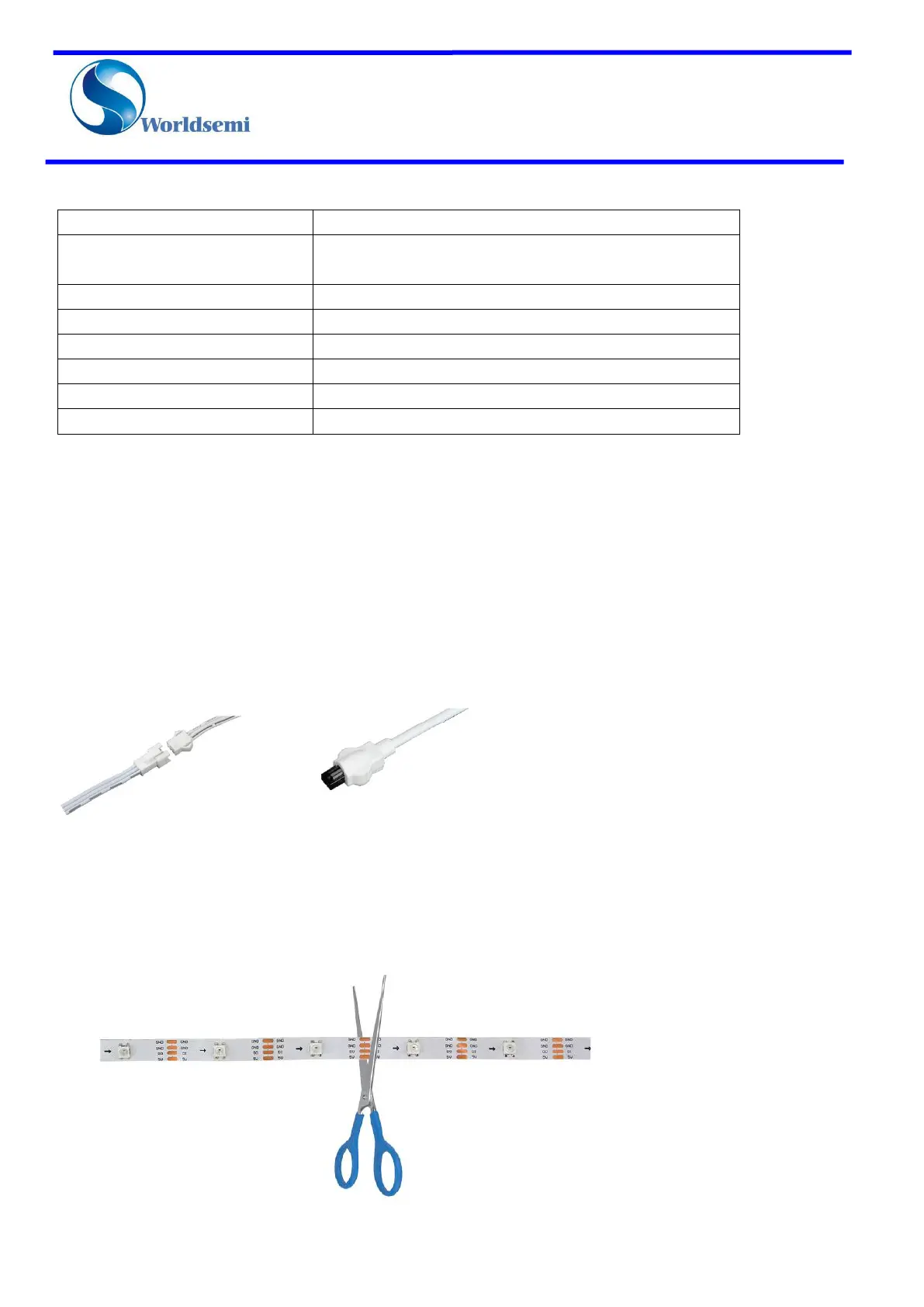
Easy to DIY:
You can cut the led strip lights to the length as you like, please cut the LED strip from the marked line.



 To Next Page